A friend lost their phone at my place and nobody can find it
Eight people, one silent phone, and a couch that has apparently swallowed it whole.
A phone on silent still rings when pinged through Find My (iPhone) or Find My Device (Android), so the fastest fix is opening the right app on any other device and playing a sound. If nobody finds it tonight, check rideshare apps and the lost-and-found of the last venue tomorrow, because party phones almost always surface in couches, jacket pockets, or the taxi.
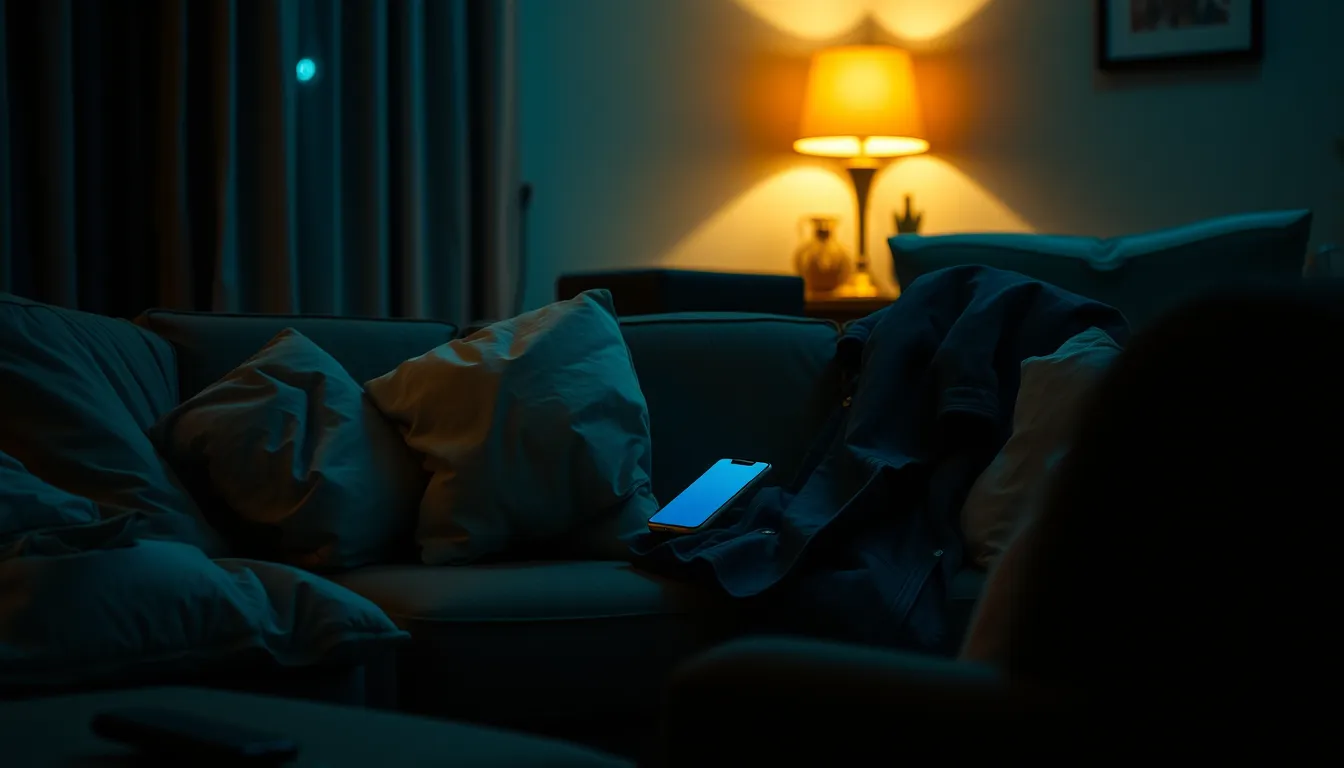
The last guest left twenty minutes ago and the phone is nowhere. It was here at midnight and now it is gone. The ringer was off, obviously, so calling it does nothing except confirm that the vibration, if the battery even has enough left, is buried under music you already turned off. The friend is checking their pockets again, as if a phone could materialise there on the fourth attempt.
This is one of the most recoverable lost-phone scenarios there is, which is worth saying out loud, because the mood in the room says otherwise. The phone is almost certainly inside your flat or in someone’s jacket. It is on silent, it is hiding, and there is a reliable way to make it scream.
Why silent phones are hard
The problem is not that the phone is lost; it is that every trick that works outdoors fails indoors on silent.
Calling it is the first instinct and it is nearly useless. A phone on silent does not ring, and vibration against a couch cushion is quieter than a conversation. With eight people and music playing, you had maybe a ten percent chance of hearing it even in the first minute.
There is also no signal gradient to follow. Outside, Find My gives you a pin and you walk toward it. Inside a flat, a pin that says “here” tells you the phone is in the building you are standing in, not which cushion. That last metre is human work, so use the app for what it is good at: making the phone announce itself.
One more distinction matters: a sleeping phone is not a dead phone. Sleeping phones still answer a ping; phones with flat batteries do not, and that decides whether tonight ends with a ring or with a plan for tomorrow.
First steps tonight
Get any other device in front of you before anyone starts lifting cushions, because a two-minute app check can replace an hour of blind searching.
- Open the tracking app and play a sound. On iPhone, use the Find My app on any nearby Apple device, or icloud.com/find in a browser. On Android, use Find My Device or google.com/android/find. Sign in with the owner’s account, select the phone, and hit Play Sound. It rings at full volume regardless of the silent switch, and the owner has to type their credentials. The iPhone steps are in the Find My iPhone complete guide.
- Read the pin before the ring. If Play Sound fails because the phone is offline or the battery died, the last known location is your search perimeter. Indoors that usually means the flat and the street out front, which still rules out “left at the bar.”
- Silence the room, then ping again. Pause the music, the dishwasher, the TV; a ping you could not hear over Spotify is a ping wasted. Then play the sound and have two people listen from different rooms, because sound direction in a flat is deceptive.
- Text the phone from someone else’s number. If the ping does not land, a message like “call Martin, urgent” sometimes triggers muscle memory, if only vibrate is on.
- Check the rideshare question early. Ask the last guests who left by taxi whether the phone went with them. Rideshare apps show ride history and a lost item flow, and a driver who finds a phone on the back seat is easy to reach the same night.
If Play Sound works and nobody finds it, do not keep re-pinging at random. Move to the hiding spots below and ping again from the room where the signal seems strongest.
Where phones actually hide at parties
After enough of these evenings, the list of hiding places is almost comically consistent. A lost phone in couch territory is the statistical favourite, but work the whole list.
The couch, in three layers. Between the cushions, under the cushions, and the frame gap underneath, where phones slide through the back and sit on the floor behind. Run a hand along the bottom edge; the gap between an armrest and the seat is a phone trap. Check under the couch too, because anything dropped while sitting tends to roll.
Coats and bags. Every jacket on a bed, a chair, or hooks, every tote bag, every hoodie pocket, and the pockets of guests who already left, which makes a quick group text tonight cheaper than a morning panic. The inside breast pocket is a hiding place nobody thinks to check.
The bathroom. Behind the tap, on the windowsill, on the towel rail, or wedged between the sink and the wall. People forget they carried a phone in to check the time.
Blankets and laundry piles. A phone set down on a duvet ends up inside the fold within minutes. Check every blanket on the couch, the bed the coats were on, and any laundry pile in the hallway.
Kitchen and table clutter. Behind the fruit bowl, under a tea towel, in a drawer opened for a bottle opener and never fully closed, next to the snack bowls where people put the phone down to grab food.
Cars and earlier venues. If anyone drove home, the phone may be between the car seats or under the driver’s mat. If the last venue before your place was a bar, its lost-and-found box is a likely destination too.
Search with your hands, not your eyes. A phone face down, screen dark, looks exactly like the table it is on. Sweep surfaces with your palm, lift everything, and look under everything once.
Next-day recovery path
Nobody found it and the morning is here. This is the recovery sequence, in order of how often it ends the case.
Re-ping first, before anything else. The phone that was offline at 2 a.m. may be charging by now; somebody plugged it in without noticing whose it was. Open Find My or Find My Device first thing and try Play Sound again before you assume the worst. This alone closes a large share of party phone cases.
Work the digital trail. If the phone was on, its last known location plus your memory of the evening points somewhere. On Android, the steps and the timeline view are laid out in the first 30 minutes after losing an Android phone. Check ride history in every rideshare app involved, then message the venues’ lost-and-found; most phones found at bars are claimed within a day.
Mark it lost if you have not yet. Lost Mode on iPhone and Secure Device on Android lock the screen, show a contact number, and suspend the payment cards. If a stranger ends up holding the phone, the lock screen does the negotiating.
Freeze the SIM and the accounts if the trail goes cold. If 24 hours pass with no location and no claimed find, treat it as properly lost: change the primary email password, then the Apple ID or Google password, and ask the carrier to suspend the SIM. That stops the worst outcomes even if the hardware never comes home.
The good news about odds. Party phones recovered from couches and coat pockets vastly outnumber the ones that vanish for good. The most common ending is a housemate finding the phone on Tuesday, under the couch, when a smartwatch finally buzzes nearby. The general-purpose version of the ping trick, for silent phones in any situation, is covered in how to find a phone on silent mode.
Hosting tips for next time
You cannot stop guests losing phones, but you can make the next loss a ninety-second event.
- Designate the landing zone. A tray by the door sounds like a recipe for confusion and is the opposite: when phones have one home, “check the tray” is step one.
- Get the party playlist off guests’ phones early. Half of lost-party phones were in use as the DJ device, passed hand to hand on the couch. A dedicated speaker or an old device running the queue means the phone stays in pockets.
- Do a lights-on sweep at the end. Before the last guests leave, turn the main lights up and sweep the couch, the coat pile, and the bathroom. Phones found under bright light are found before they are forgotten.
- Know your guests’ platforms in advance. Knowing who is on Android and who has Family Sharing means you can hand over the right browser tab at midnight instead of troubleshooting it. The Apple side is in the Find My iPhone complete guide.
- Keep a charging cable reachable. A phone that died at the party is a phone nobody can ping. A guest who borrows a cable at 11 p.m. still has 20 percent at 2 a.m., enough for Play Sound to reach it.
The pattern repeats until the infrastructure exists: phones on silent, flat surfaces that swallow them, and one app that can shout over it all. Set the tray, know the app, and the next lost phone is a thirty-second story.
Questions & answers