My ex still seems to know where I am every night
They have not had a key for months. Yet somehow they always seem to know which bar you are in.
If an ex keeps knowing where you are, the cause is almost always a leftover digital thread: family sharing, a location sharing app, a check-in service, or a device still signed into your accounts. A systematic one hour audit of your phone closes nearly every channel, and doing it deliberately matters because cutting access is the moment a controlling ex is most likely to react.
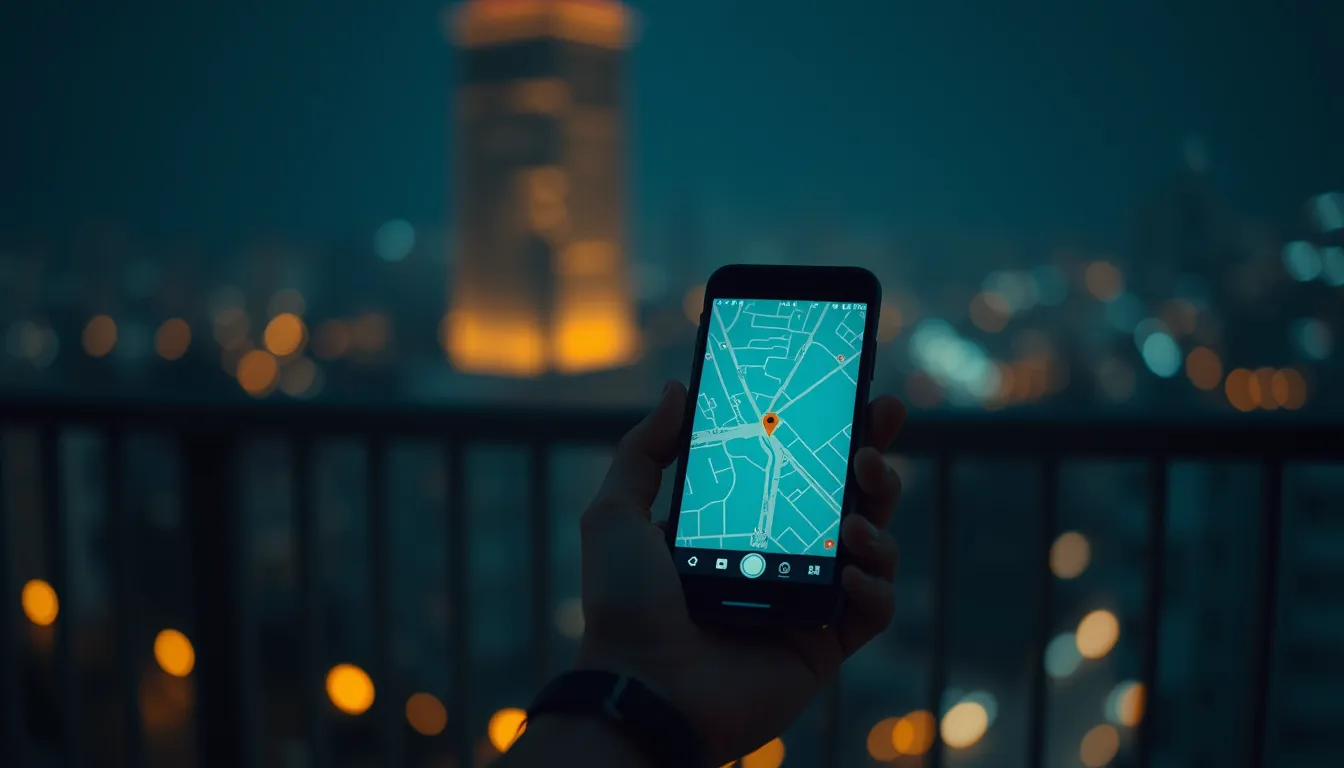
It is small at first. A “fancy seeing you here” at a café across town. A message asking why you were at the gym so late. A comment about a place you went once, at night, and told nobody. Alone each one could be coincidence. Together they form a pattern with one explanation you keep resisting: your ex knows where you are, months after the relationship ended, and you never told them anything.
Trust that instinct enough to check it. Post breakup location awareness is overwhelmingly caused by mundane leftover access, and almost all of it is findable and closable in a single evening. What makes this scenario delicate is not the technology. It is that the person on the other end may react badly to losing access, so the order of operations matters: audit first, cut deliberately, document everything.
How they might be seeing your location
Work through these channels from most to least likely. In most cases you will find one of the first three.
Shared family or account linking. If you ever shared a family group, a streaming household, or linked accounts for convenience, location features often ride along. Family sharing services can expose location between members, and people routinely forget these groups exist until they audit; the guide to location still visible through family sharing covers the places these links hide. Check whether the group still has both of you in it.
Find My and find-a-friend apps. On iPhone, Find My can still list your ex if sharing was set up during the relationship, and it survives breakups indefinitely until one of you removes it. On Android, location sharing inside a maps app does the same job: a toggle switched on during a good month, silently reporting ever since. These are the single most common answers to the mystery, and both are checkable in under two minutes. If you find one, the exact removal steps are in the guide to stopping location sharing without them knowing.
Google Maps location sharing. A shared map with a live dot, set up “so we could find each other at the station”, does not expire when feelings do. Open the app, check the sharing screen, and see whose name is on the list. The dot updates only when your phone is on and connected, which is why their knowledge sometimes lags a few hours and feels eerie rather than exact.
Check-in and social apps. Some social platforms broadcast your presence: a tagged location, a music app showing what you are playing, a dating app that reveals distance. If your ex still follows your accounts or views them through a friend’s login, they may be reconstructing your movements from posts rather than tracking a device. Close the loop by tightening who can see stories and tagged locations.
Stalkerware. The rare and serious case. Commercial spy apps installed on your phone, usually during the relationship when they had physical access, report location, messages, and more to a dashboard. Signs: battery draining while idle, the phone running hot in your bag, unexplained reboots, apps with generic names you never installed, and accessibility permissions granted to odd software. If several of these apply, go straight to the guide to detecting whether your phone is being tracked and treat the situation as a security incident, not a settings clean-up.
Audit your phone today
Set aside an hour, somewhere you will not be interrupted, and work this list. Take notes as you go; you are building a record.
- List every location sharing channel. Find My or its Android equivalent, maps sharing, family groups, any find-a-friend app installed during the relationship. Note for each: is it on, who can see you, since when.
- Review installed apps. Scroll the full app list and question anything you do not remember installing, anything with a generic name, and anything with a VPN-like or “device manager” label. Check the date each app was installed against the relationship timeline.
- Check permissions. In settings, review which apps hold location permission, and specifically which hold accessibility or device admin rights, the two permissions stalkerware needs to hide and read. Remove anything that cannot justify itself.
- Secure the accounts. On your main email, cloud, and Apple or Google account pages, review signed-in devices and active sessions. An ex who knows a password may be reading your life through a browser login rather than a device. Sign out everything you do not recognise, change the password, and turn on app based two factor authentication rather than SMS codes tied to a number they might know.
- Check the hardware layer. Paired trackers, smart watches, car profiles, smart home access, shared calendars. A phone is the main leak, but shared infrastructure leaks too.
If this audit finds nothing and the knowledge keeps arriving, widen the net: a friend’s phone with your location shared, a shared device still at their place, or your accounts viewed from their machines. The pattern has a source, and patience finds it.
Cutting access cleanly
Remove everything in one deliberate pass rather than piecemeal, for two reasons. First, a single clean cut is easier to document: a date, a list, done. Second, drip-fed removal gives a watchful ex weeks of signals instead of one.
The mechanics are simple. Remove them from family groups, turn off every sharing toggle you found, remove their access from shared services, rotate passwords, and revoke sessions. Do not delete evidence of the old access before capturing it: screenshots of sharing screens showing their account, dates, and the app names. That record matters later.
One practical trap: the shared phone plan or a device still in their name. If any hardware or contract is jointly owned, separating that is a bigger job involving the carrier, and it is worth doing properly rather than leaving a dangling thread.
When cutting access tips them off
Some services notify the other party, and a controlling person notices the location dot going grey even without a notification. Assume the cut is visible. Plan the week around it.
Before you cut access, tell one or two people you trust what is happening and when. If you have any history of intimidation, or any gut feeling of it, contact a local support service or the police beforehand and ask what to document; laws on harassment and stalking exist in most countries and early reports with a paper trail carry weight. Keep records of everything that happens after the cut: messages, missed calls at 3am, appearances near your home or workplace, each with a date and screenshot.
The boundary message, if you send one, should be short and factual: location sharing has been removed, do not contact me about this. No justification, no argument, no door left open. Then disengage. Any response, warm or threatening, goes in the record and gets no reply. A documented pattern of unwanted contact after a clear boundary is exactly what turns a police conversation into action, and the line between an uneasy feeling and a reportable case is crossed where showing up becomes a pattern.
After: a fresh start setup
Once the channels are closed, spend one evening making the default state safe.
- Full account hygiene. New passwords on the core three: email, cloud, phone account. App based two factor authentication everywhere important. Review security questions and recovery emails, because “what street did you grow up on” is not a secret to someone who dated you.
- A phone you can vouch for. If the audit left any doubt, back up photos and contacts and do a factory reset, then restore selectively and reinstall only trusted apps. It is the one step that removes all software doubt at once.
- Sharing on your terms. If you want location sharing in your life going forward, set it up deliberately, two way, with people you chose, and leave yourself a note of exactly who can see you. The problem was never sharing; it was sharing you forgot about.
- Tighten the social surface. Restrict who sees stories, tagged locations, and live activity. Most casual reconstruction of your movements happens through posts, and closing that surface costs nothing.
The unease you feel now is information, and you have already acted on it. Within a week you can be in a position most people never reach: knowing exactly who can see your location, with the settings to prove it, and a paper trail if anyone pushes back. That is not paranoia. That is the normal state of a private life, and it is yours to keep.
Questions & answers