Note: This article covers a topic where laws vary significantly by country and state, and where consent issues matter. Always check local law and never track anyone without their informed consent except in the specific exempted situations this guide covers.
First things first: Start with your accounts, not your apps: remove unknown devices from your Apple ID or Google account, stop location sharing you did not approve, and reset the cloud password with two-factor authentication. Most phone tracking runs through legitimate sharing or stolen credentials. Only then hunt for hidden apps or profiles on the device itself.
Table of contents
If a current or former partner may be monitoring you, read this paragraph first. Removing tracking can alert the person watching, and that alert can escalate abusive behavior. Before you change anything on your phone, contact the National Domestic Violence Hotline at 1-800-799-7233 (US, free, 24/7) or visit stopstalkerware.org for international resources. A trained advocate can help you preserve evidence and plan safe next steps. The technical steps below follow the Coalition Against Stalkerware survivor framework and published Apple and Google platform documentation.
Start with your accounts, not your apps
Most phone tracking involves no spyware at all. As Bitdefender notes in its guide to tracking without spy apps, the common channels are shared accounts, location services left on, and old devices still signed into your Google or Apple account. Someone with your cloud password, or with an old tablet of yours in a drawer, can watch your location history and synced activity without ever touching your phone. None of that drains the battery or installs a strange app, so every technical sign stays silent while someone watches.
Run this quick audit from a computer you trust, before you touch the phone:
- List every signed-in device. On the Apple ID account page, open Devices. In your Google account, open Security, then Your devices. Remove anything you do not recognize and sign out unfamiliar sessions.
- Check live location sharing. iPhone: open the Find My app, People tab. Android: open Google Maps, tap your profile picture, then Location sharing. Stop anything you did not approve yourself. If sharing with an ex survived a breakup, our guide on an ex who still sees your location walks through every place it hides.
- Reset the cloud password first. Change the Apple ID or Google password from the trusted computer and turn on two-factor authentication. If you clean the phone but not the account, the watcher signs straight back in.
The platform steps below assume the accounts are yours again. They cover the on-device half: profiles, Accessibility services, and hidden apps.
Technical signs your phone might be tracked
Monitoring software leaves fingerprints. No single sign proves tracking, but a cluster of them is a real warning.
- Status icons appear for no reason. On iPhone, an orange dot means the microphone is in use and a green dot means the camera is active; an arrow near the clock means an app is using location. On Android, a green or blue indicator shows camera, microphone, or location use, and tapping it names the app. Icons that light up while the phone sits idle deserve investigation.
- The battery drains much faster than before. Continuous GPS polling and background uploads use measurable power. A phone that comfortably lasted the day and now dies before evening, with no new heavy apps installed, is suspicious.
- The phone runs warm when idle. A device that feels warm sitting untouched on a table, screen off, suggests something working in the background.
- Mobile data use jumps. Monitoring tools upload logs, screenshots, and location pings. Check per-app data usage for the last 30 days and question unfamiliar apps or vague system entries moving large volumes.
- The screen wakes at odd times with no notification visible afterward. Some tools wake the device to capture screen state.
- Strange texts arrive containing odd characters or codes. Some older monitoring tools use SMS commands, and fragments occasionally slip through to the inbox.
- Performance degrades. New lag, slow keyboard response, or unexpected reboots can mean background processes competing for resources.
- Your bill shows calls or data you do not recognize. Premium SMS or unexplained data sessions sometimes trace back to abusive apps.
Treat two or three matching signs as a reason to run the full check below, not as proof on their own. Aging batteries and buggy updates cause similar symptoms.
Behavioral signs that often matter more
Technical signs can be ambiguous. What the other person knows often tells you more.
- They know things you only said in private messages or emails.
- They show up at places you visited without telling them.
- They reference conversations from apps they should not reach.
- They comment on people you have been texting or calling.
- They seem to know when you are about to arrive or leave.
- They push you to stay signed into shared accounts or to share passwords.
TL;DR
If someone consistently knows things they should have no way of knowing, the source is almost always one of three things: stalkerware on your phone, access to your cloud account, or a hidden physical tracker such as an unknown AirTag in your bag or car.
How to check an iPhone for tracking
Apple sandboxing and App Store review make iOS harder to compromise than Android. iPhone monitoring almost always relies on one of three vectors: a configuration profile, a jailbroken device, or stolen iCloud credentials. Check each.
Step 1: Look for configuration profiles. Open Settings, General, then VPN and Device Management. On most personal phones this screen is empty. If you see a profile you did not install, or a leftover work profile from a job you left, it can route traffic and read data. Apple documents removal in its support guide for configuration profiles. Tap the profile and choose Remove Profile.
Step 2: Audit Location Services per app. Go to Settings, Privacy and Security, Location Services. Scroll the entire list. Look for apps you do not recognize, or for simple utilities such as a calculator with Always access. Set unfamiliar apps to Never.
Step 3: Check battery use by app. Settings, Battery shows the last 24 hours and 10 days. A process you do not recognize consuming a large share in the background is a flag.
Step 4: Review Find My sharing. Open the Find My app, tap the People tab, and read the full list. Anyone listed sees your live location. Tap an entry and choose Stop Sharing My Location. Our Find My iPhone guide covers the sharing screens in detail.
Step 5: Audit Apple ID devices. From a separate computer, sign in to your Apple ID account page and review Devices. Every device listed can pull your iCloud data, including location through Find My. Remove unfamiliar devices and change the password immediately.
Step 6: Check for jailbreak signs. Look for apps named Cydia, Sileo, Zebra, or Checkra1n on the home screen or in App Library. Their presence means the phone was jailbroken at some point, which opens wide room for monitoring tools.
How to check an Android phone for tracking
Android monitoring tools are more common than iOS ones because the platform allows sideloading and powerful Accessibility permissions. The Coalition Against Stalkerware tracks dozens of active commercial brands aimed at Android.
Step 1: Review every installed app. Open Settings, Apps, See all apps. Sort by size or by last opened. Tap anything unfamiliar and read the package name. Monitoring tools often hide behind names like System Service, Wi-Fi, or Sync Services with a generic gear icon. Search an unclear package name from your computer before deciding.
Step 2: Check Accessibility services. Open Settings, Accessibility. Android monitoring tools commonly abuse Accessibility because it lets an app read screen content and capture messages from other apps. Disable any enabled service you did not turn on yourself.
Step 3: Check device admin apps. Open Settings, Security, Device admin apps (on Samsung: Biometrics and security, Other security settings, Device admin apps). Monitoring tools use this status to block uninstallation. Revoke device admin from anything suspicious before trying to remove it.
Step 4: Run Google Play Protect. Open the Play Store, tap your profile picture, choose Play Protect, then Scan. Play Protect misses some commercial stalkerware brands, but it catches many, and the scan costs nothing.
Step 5: Check battery and data by app. Open Settings, Battery, Battery usage, and Settings, Network and internet, mobile data usage. Background processes running constantly without an obvious reason deserve a closer look.
Step 6: Check notification history. Many Android versions keep a 24-hour log at Settings, Notifications, Notification history. Monitoring tools sometimes leak notifications during installation or updates.
How to remove monitoring from iPhone
Once you have decided removal is safe, work in this order. Each step closes a possible re-entry path.
- Update iOS to the latest version. Open Settings, General, Software Update. Current releases patch exploits that older monitoring tools relied on.
- Remove unknown configuration profiles. Settings, General, VPN and Device Management.
- Reset all settings. Settings, General, Transfer or Reset iPhone, Reset, Reset All Settings. This clears VPN setups, profiles, and many privacy settings without erasing your data.
- If concerns remain, erase the phone. Back up only your data, not apps, to a clean computer first. Then set up the iPhone as new instead of restoring a backup that might carry the original problem.
- Change your Apple ID password from a different device. Use a long unique password and turn on two-factor authentication.
- Sign out every device on your Apple ID account page that you do not currently control.
- Review the Find My sharing list and stop sharing with anyone you do not actively trust.
How to remove monitoring from Android
- Boot into Safe Mode. On most phones, hold the power button, then long-press Power Off until Reboot to safe mode appears. Safe Mode disables third-party apps, so a monitoring tool cannot block its own removal.
- Revoke device admin from suspicious apps first. Skip this and the uninstall button stays greyed out.
- Uninstall the suspicious apps. Settings, Apps, select the app, Uninstall.
- Run a full Play Protect scan plus one reputable second scanner from the section below.
- If you are unsure you caught everything, factory reset. Settings, System, Reset options, Erase all data. Set up the phone as new and reinstall apps one at a time from the Play Store.
- Change your Google password from a different device, review Security, Your devices to revoke unknown sessions, and turn on 2-Step Verification.
Check for a physical tracker too
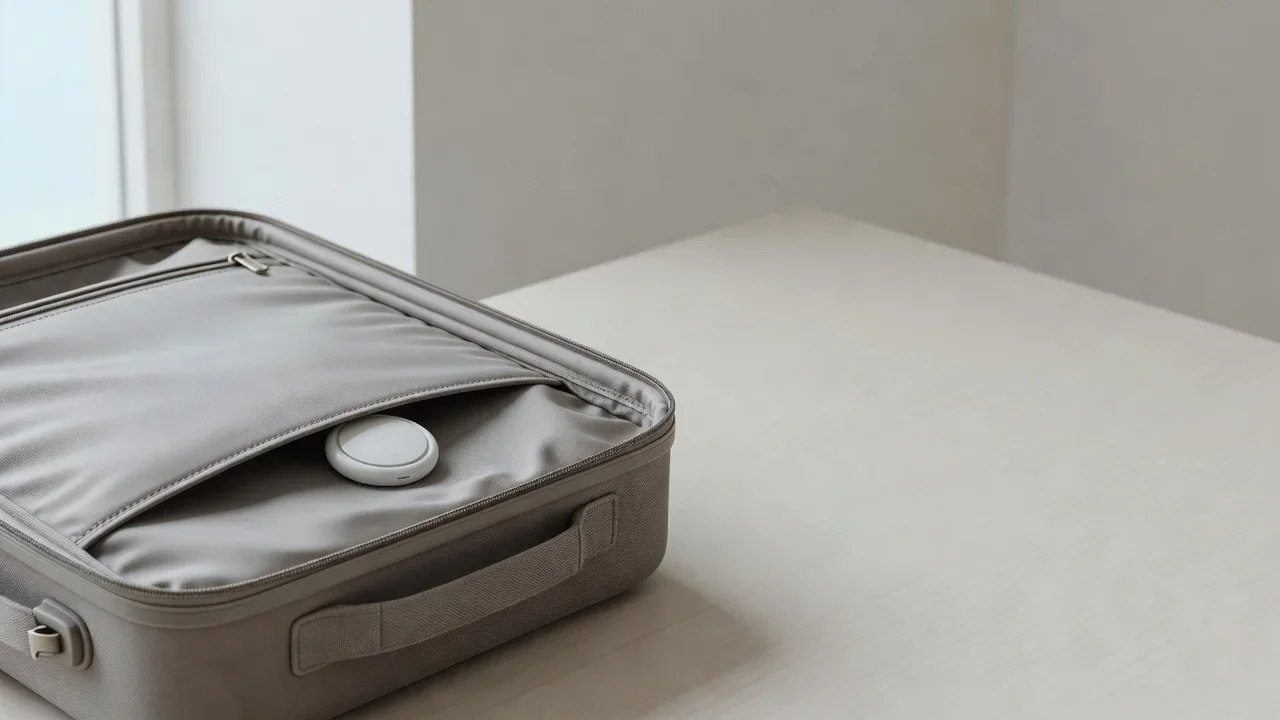
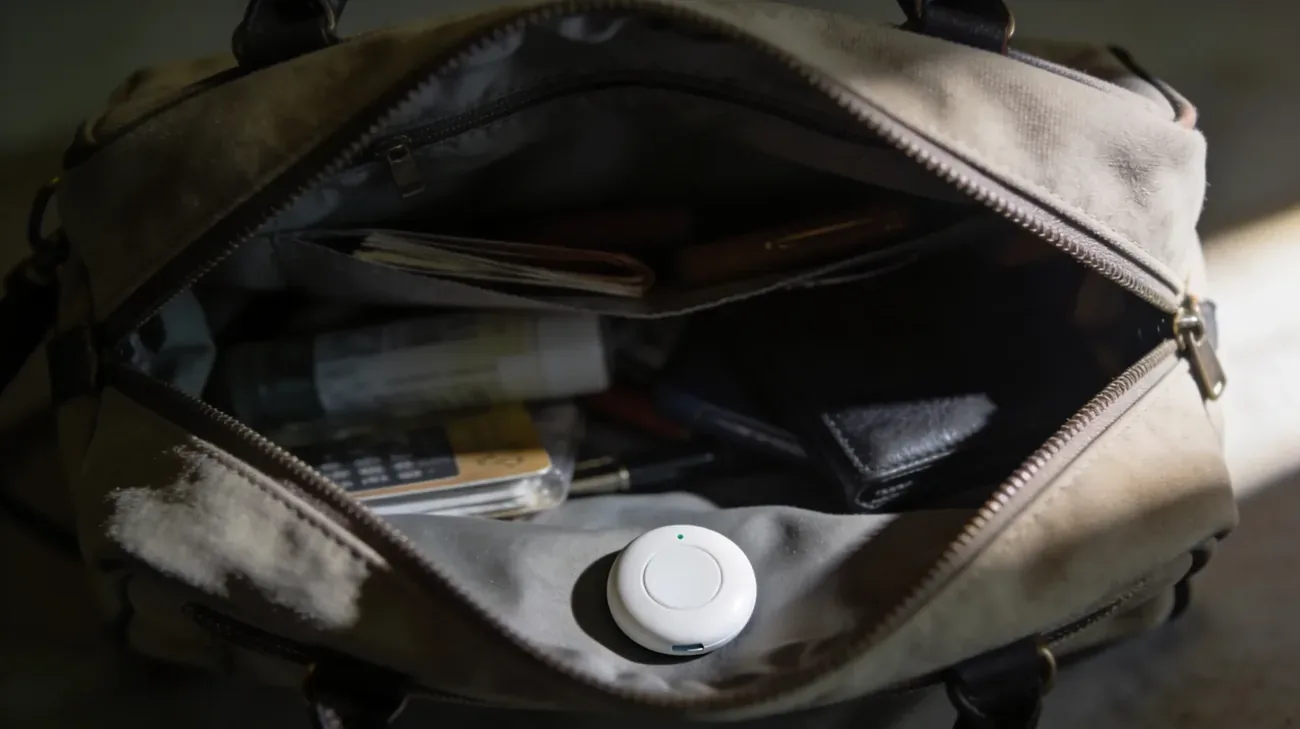
Software is only half the picture. A coin-sized Bluetooth tracker slipped into a bag, coat, or car reports location for months on one battery. Apple alerts iPhone owners about unknown AirTags traveling with them, and Android owners can scan with Tracker Detect from Google or AirGuard. Read our guides on unknown AirTag alerts and Android unknown tracker alerts for the exact screens, sounds, and next steps, including how to preserve the tracker as evidence.
Scanners that help find stalkerware
No scanner catches everything, but a focused tool beats guessing.
| Tool | Platform | Best for |
|---|---|---|
| Certo Mobile Security | iOS, Android | Scans aimed specifically at stalkerware behavior |
| Kaspersky | Android | General malware scanning with stalkerware detection |
| Lookout | iOS, Android | Device checks plus identity monitoring |
| Tracker Detect | Android | Finding nearby AirTags and Find My trackers |
| AirGuard | Android | Open-source nearby tracker detection |
Treat scanner results as one input, not a verdict. A clean scan never rules out cloud-account access, which no on-device tool can see.
If you are experiencing abuse, plan safety before removal
Removing monitoring can be the safest move or the most dangerous one, depending on the situation. The Coalition Against Stalkerware and the National Network to End Domestic Violence Safety Net project both warn that a sudden loss of surveillance can trigger escalation. Work through this checklist first.
- Reach out for support first. Call the National Domestic Violence Hotline at 1-800-799-7233 (US) or chat at thehotline.org. In Europe, the Women Against Violence Europe network lists national helplines.
- Use a different device for the call. If your phone is compromised, the other person may hear or read what you do on it.
- Document evidence before deleting anything. Photograph suspicious app names, settings screens, and trackers with your advocate’s agreement. This material can support a protective order.
- Make a safety plan. Decide where you will be when the monitoring person notices the change. Pick a safe location, a trusted contact, and a way to get there.
- Consider a separate phone. A clean prepaid phone, kept private, preserves emergency communication even if the original phone stays compromised for now.
- Know the law where you live. In the US, federal wiretapping law and state stalking statutes criminalize this behavior, and the EU and UK have parallel computer-misuse and privacy protections. A local advocate can connect you to legal aid for your jurisdiction.
You do not have to figure this out alone, and you do not have to act today. The right sequence depends on your situation, and the hotline exists to help you decide in private what comes next.
Frequently asked questions
Can someone track my phone just by knowing my number?
No. A phone number alone does not reveal GPS coordinates. Real tracking needs one of three things: software installed on your phone, access to your Apple or Google account, or a physical tracker planted in your belongings. Carrier location lookups exist but are restricted to law enforcement with legal process. If someone knows your movements, check cloud sharing and account access first.
Will a factory reset remove all tracking?
It removes app-based stalkerware from the phone, but it does not fix a compromised cloud account. If someone knows your Apple ID or Google password, they can see your location again the moment you sign back in after the reset. Always change the cloud password from a different device, turn on two-factor authentication, and revoke unknown devices before you restore anything.
What is the difference between Find My sharing and stalkerware?
Find My and Google Maps location sharing are visible and revocable: you open the People tab or Location sharing screen, see every person with access, and stop sharing with one tap. Stalkerware hides itself, shows no icon, and never appears in your sharing list. If nobody is listed in your sharing screens yet someone still knows your movements, suspect account access or a hidden app.
Can tracking software be installed without touching my phone?
On Android, almost never. Stalkerware needs physical access to install and to grant Accessibility permissions. On iPhone, no physical access is needed if someone has your Apple ID password and can receive your two-factor codes: they can open your location, photos, and messages from any browser through iCloud. That is why the password reset matters more than any on-device scan.
My partner knows things I never told them. Does that prove spyware?
Not by itself. In most cases the explanation is simpler: an old device still signed into your account, location sharing approved long ago and forgotten, a shared cloud password, or a hidden physical tracker in a bag or car. Work through the account audit in this guide before concluding spyware is installed. Behavioral clues tell you something leaks, not which channel leaks it.
I found an unknown tracker in my bag or car. What should I do?
Do not destroy it immediately if you may need evidence. On iPhone, an unknown AirTag triggers an alert with steps to identify it; on Android, scan with Tracker Detect or AirGuard. Read our guide on [unknown AirTag alerts](/guides/unknown-airtag-alert-what-it-means/) for the exact screens. Photograph the tracker, note where and when you found it, and contact local law enforcement or a victim advocate before confronting anyone.