Note: This article covers a topic where laws vary significantly by country and state, and where consent issues matter. Always check local law and never track anyone without their informed consent except in the specific exempted situations this guide covers.
Before you act: If an ex can still see your location, the access usually comes from Find My sharing, a signed-in account or device, Google Maps Location sharing, or another app you connected earlier. Review each source separately, starting with a safety plan, because stopping one share does not close the others.
Table of contents
An ex who knows where you are may have more than one route to that information: an active location share, a signed-in session on your account, a shared link, a connected device, or details passed on by someone else. Each route closes in a different place, so turning off a single map rarely settles the whole question.
Write down what actually happened
Record the specific incident: what the person said, when they said it, and which location they appeared to know. Separate direct evidence from suspicion. “They named the cafe I was sitting in” is more precise than “they can see everything,” and precision helps both support workers and any later report.
The Safety Net Project, which works on technology safety in the context of intimate partner violence, recommends documenting a series of incidents because a pattern can show police or a court behavior that fits a legal definition of stalking or harassment. Their technology safety plan also advises considering a safer device, such as a library computer or a friend’s phone, when you believe your own device may be monitored.
Keep the record somewhere appropriate for your situation. A notes app, photo library, or email account may sync to another device the other person can still reach. If you are uncertain about account access, do not assume that a new note on the same phone is private.
Tell a location share apart from account access
A person listed as a location recipient is one kind of access. Someone signed in to your account is another, and it can survive every change you make to sharing lists. Review both instead of treating the People tab as a complete security audit.
On Apple devices, open Settings, tap your name, and review the devices signed in to your Apple Account. Apple’s account security guide explains how to check this list and keep the account itself secure. An unfamiliar name deserves investigation, but check its details first: it may be an old device you recognize once you see the model.
If you decide to secure the account, treat the password, verification phone numbers, and signed-in devices as one task. Changing a password without reviewing recovery access can leave the situation unresolved or lock you out. The Safety Net Project further advises making password changes from a safer device and avoiding the monitored device for those accounts afterward. Never share passwords or verification codes with a third-party “tracking removal” service; legitimate help can explain what access it needs and why.
Review Apple sharing, starting with Safety Check
On an iPhone with iOS 16 or later and an Apple Account that uses two-factor authentication, Apple provides Safety Check at Settings, then Privacy and Security, then Safety Check. Its Safety Check guide describes two options: Emergency Reset, which quickly stops sharing with all people and apps, and Manage Sharing and Access, which reviews sharing person by person and app by app. Emergency Reset also walks through emergency contacts, connected devices, verification numbers, and an account password change.
Read each screen before confirming, and choose based on your situation. A feature that stops sharing is not a promise that the other person cannot notice access ended. Apple states this directly in its Find My and location sharing guide: people you previously shared with may notice, and on earlier operating systems they may receive a notification in Messages.
Three details from that same guide are worth knowing. First, the Hide Location option only pauses sharing with one person, and sharing resumes automatically the next day. Second, you can review arrival and departure alerts other people set about you under the Me tab in Find My, in the Notifications About You section, and delete any you do not want. Third, family members appear in the People tab automatically when Family Sharing is on, but location sharing itself starts only once you share with each other. If the confusion concerns family membership, our Family Sharing location guide separates device visibility from actual location sharing.
Check Google Maps and trip sharing separately
Safety Check does not cover Google services, so open the app where you originally shared and check its own recipient list. In Google Maps, tap your profile picture and open Location sharing. Google’s sharing documentation explains that recipients can see your name and photo, recent device location even when Google apps are not in use, battery state and charging, plus arrival and departure times if they set a notification. To stop sharing with one person, tap their profile and tap Stop.
Watch for two sharing paths people often forget. A location link sent to someone without a Google Account can share your real-time location with anyone holding the link for up to 24 hours. Trip progress sharing during navigation sends your destination, arrival time, and current location, and ends when you arrive or stop navigating. Also note that Location Sharing keeps working even when Timeline is turned off, so a disabled Timeline proves nothing about live sharing. Our arrival alerts guide covers notification-style sharing in both Find My and Google Maps.
Walk through the other apps you actually use
Make a short inventory of the apps where sharing could live: messaging threads with live location, family coordination tools, fitness apps with live tracking, ride and delivery apps, social accounts with location features, and any connected-car service. This is not an instruction to change every setting tonight. It is a way to avoid overlooking a familiar service while concentrating on Find My and Google Maps.
For each app you actually used with the other person, record three answers: who is listed as a recipient, which account sessions are signed in, and what location permission the app holds. Use the provider’s own documentation when a setting’s meaning is unclear, and change settings inside the service itself rather than by deleting old messages. Deleting a conversation is not evidence that the service stopped sharing. If you shared through a couples or family app, our couples sharing comparison explains how these tools differ from system-level sharing.
Look beyond live maps
Photos, posts, shared calendars, and mutual contacts can reveal places without any live tracker. A photo’s location metadata can show where it was taken even after every map share ends, so strip that data before sending pictures outside your trust circle. Our photo metadata tool removes location data from an image before you share it. That possibility never makes unwanted monitoring your fault; it only marks what a settings change can and cannot fix.
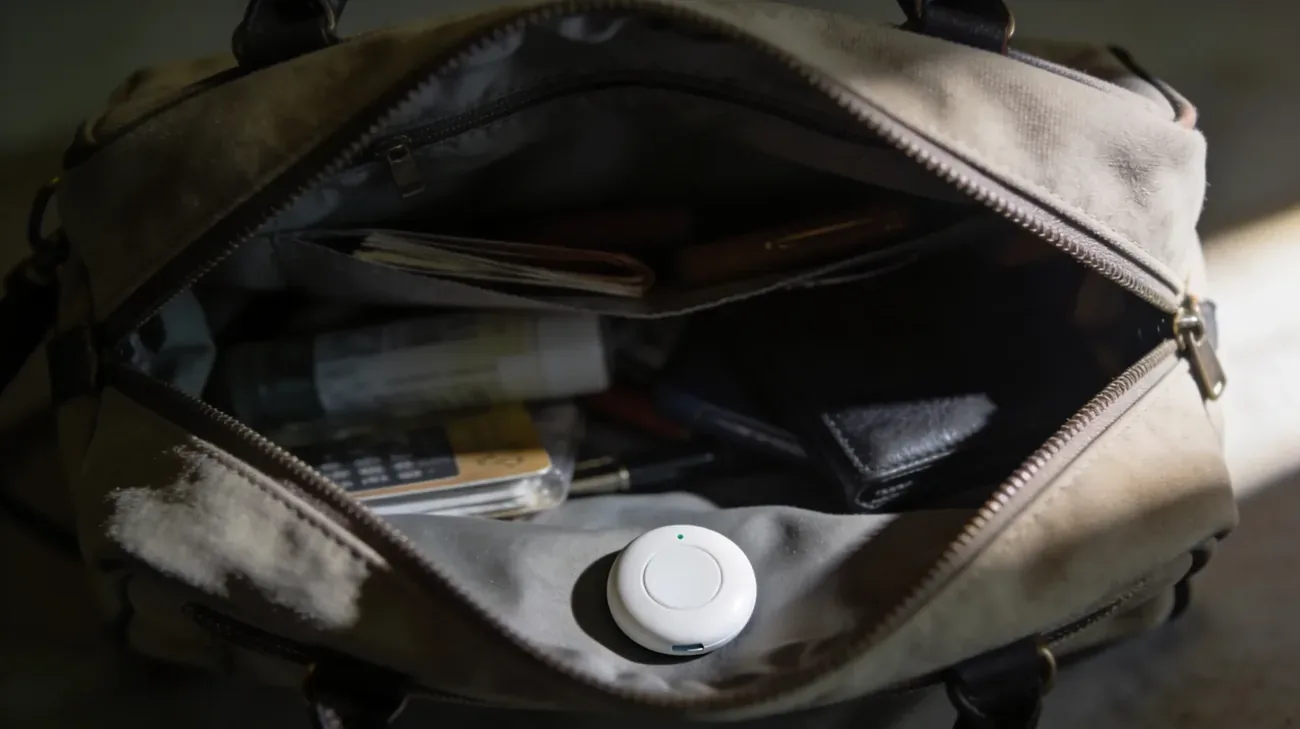
Physical trackers are a separate question from account access. If an Android phone reports an unknown device nearby, follow our unknown-tracker response guide. A tracker scan does not check who is signed in to your accounts, and an account review does not inspect a car or bag. Do not erase your phone merely to test a theory: an erase can destroy useful evidence and carries account and recovery consequences.
Make each change verifiable
After each agreed change, revisit the relevant sharing list or account page and record what it now shows. Keep the claim specific: this recipient is no longer listed in this service. Avoid declaring all access gone based on one screen, and do not contact the ex to ask whether they can still see you. Where verification needs help, use a trusted person or the provider’s own support, without handing over account credentials.
If the person keeps demonstrating knowledge of your location, add the new facts to your record and seek support rather than assuming each incident proves a sophisticated attack. Work through the remaining plausible sources one by one, and keep using a safer device for sensitive steps while the situation is unresolved.
This guide supports an access review and safety planning. It cannot certify that a device is free of monitoring or promise that changes will go unnoticed.
Frequently asked questions
Will my ex get a notification if I stop sharing in Find My?
Apple says people you previously shared with may notice that you stopped, and on earlier operating systems they may receive a notification in Messages. Hiding your location pauses sharing only until the next day, when it resumes automatically. If being noticed could provoke a threat, plan the change with a trusted person or a support service first, as described above.
Does Safety Check stop Google Maps sharing too?
No. Safety Check reviews sharing with people and apps through your Apple Account, plus connected devices and account security. It is not a universal off switch for third-party services. Google Maps Location sharing, shared links, and trip progress sharing must each be reviewed inside Google Maps, using the profile menu and Location sharing controls.
How do I see who can follow my location in Google Maps?
Open Google Maps, tap your profile picture, and open Location sharing to see the recipient list. Recipients can see your name and photo, recent device location even when Google apps are idle, battery state, and arrival or departure times if they set a notification. Tap a profile and tap Stop to end sharing with that person.
Can someone learn where I am from photos I send?
Yes, photos can carry location metadata that reveals where they were taken, separate from any live map. Posts, shared calendars, and mutual contacts can also reveal places. Strip location data before sharing pictures with anyone outside your trust circle, and treat photo metadata as one more source to check alongside live sharing lists.
What should I do first if I feel unsafe about being followed?
Start with safety planning, not settings. The Safety Net Project advises using a safer device you believe is not monitored, documenting specific incidents with dates, and contacting a local advocate or hotline for help building a plan. In the US, the National Domestic Violence Hotline is 800-799-7233. Make account changes from the safer device where possible.