
Find the right tool for the task
Map a place, inspect a file or share your location on your terms. Every tool is free to open, with its data limits explained on the page.
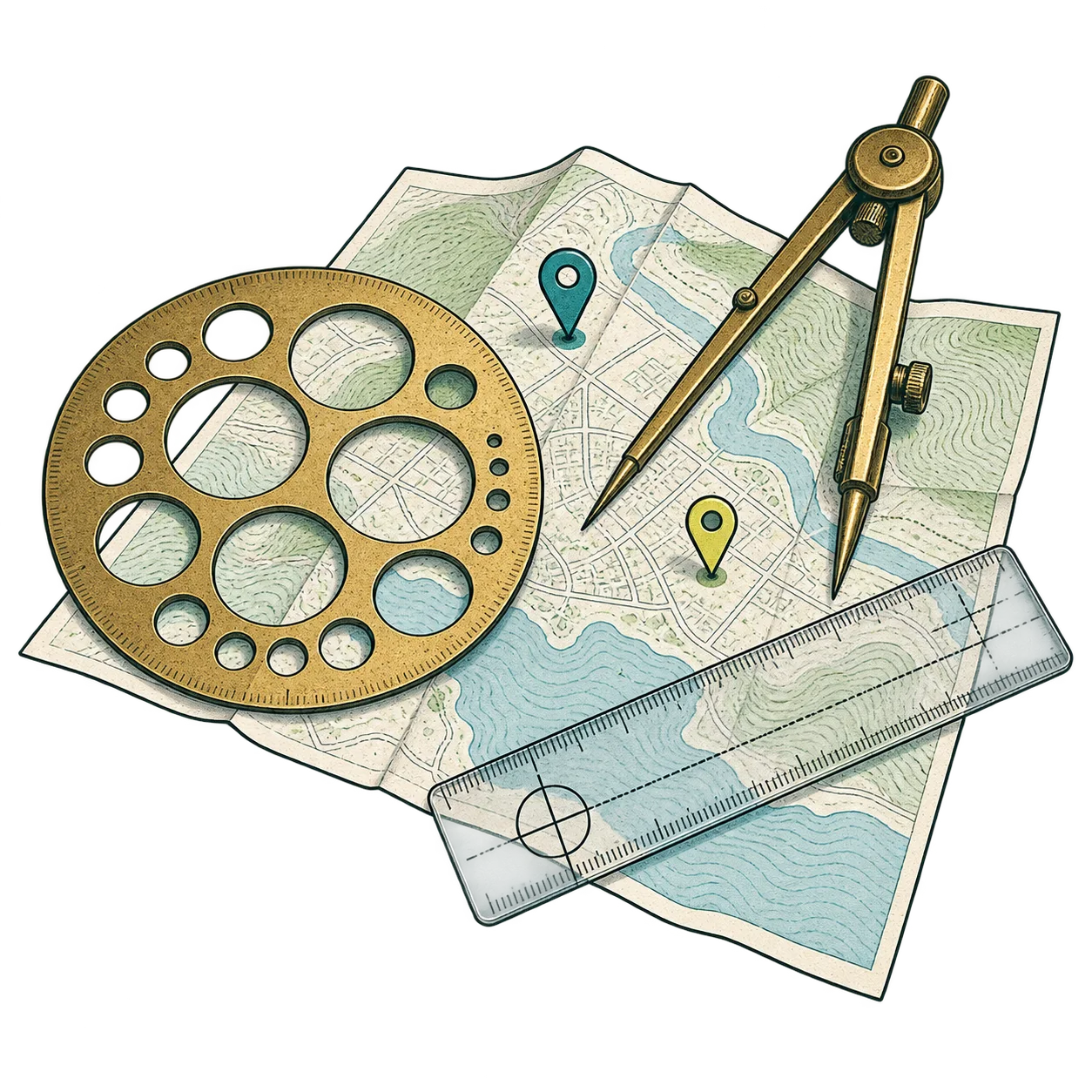
Maps and coordinates
Measure, convert and share places with clear geographic context.

Radius map
Draw a distance around a place and share the map.

My coordinates
Read your current latitude and longitude.

Distance between pins
Measure the straight-line distance between two points.

Coordinates parser
Convert coordinate formats into a usable map location.

Plus code converter
Convert a Plus Code to coordinates and back.

Midpoint finder
Find a fair meeting point between places.
Photo and route privacy
See what location data a file contains before it leaves your device.


Sharing and everyday utilities
Choose what to share and make useful links for others.


