Note: This article covers a topic where laws vary significantly by country and state, and where consent issues matter. Always check local law and never track anyone without their informed consent except in the specific exempted situations this guide covers.
The useful distinction: An unknown tracker alert means your Android phone detected a supported Bluetooth tag, separated from its owner, traveling with you over time. Tap the notification to see the map, play a sound to find the tag, and save its details before deciding what to disable. The alert alone does not identify who placed it or why.
Table of contents
An unknown tracker alert on Android means your phone detected a supported tracking device, separated from its owner, traveling with you over time. It is a reason to check what happened, not proof of who placed the device or why. A borrowed bag with a tag and a deliberately hidden tracker require different explanations, but the notification alone cannot settle that question.
What the alert actually means
Google’s unknown-tracker documentation describes the trigger plainly: someone else’s tracker is separated from its owner and far from their phone, and your Android phone determines it is traveling with you. The notification then tells you how to find the tag and what to do next. The feature is available on devices running Android 6 and up.
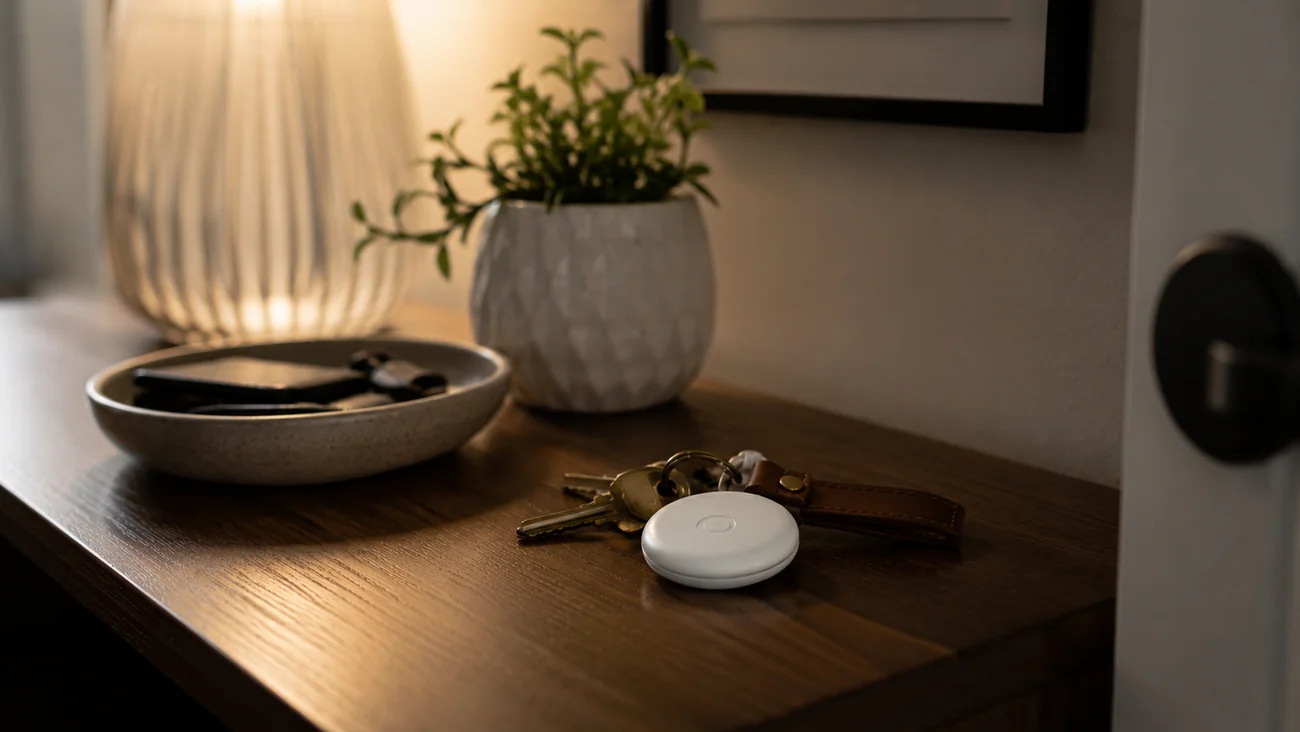
Coverage is broader than one brand. Google says the alerts currently work with Find Hub network compatible tags, headphones with tracking capability, and Apple AirTags. Behind that list sits a joint industry specification from Apple and Google for detecting unwanted location trackers, usually shortened to DULT, which lets both Android and iOS warn their users about the same separated tags. Motorola’s support page for the moto tag confirms the same trigger and the same response steps on its own hardware.
Two limits follow from that design. First, alerts only cover supported trackers, so an unfamiliar device is not automatically an AirTag just because that is the best-known product name. Second, the system detects tags traveling with you, which is why ordinary situations such as borrowing an item or traveling with someone who carries a tag can produce a genuine alert with a boring explanation.
Read the alert before dismissing it
Open the notification and note the tracker type, the times, and the map shown. The map represents where the tracker was detected moving with you. It does not show when its owner opened a map to look at you, and Google says so explicitly. Keep that distinction in mind before showing the map to anyone else.
Record the information somewhere the person you are concerned about cannot access, if it is safe to do so. A screenshot can preserve the wording and route, but a screenshot synced to a shared account may not be private. Think about the storage destination as well as the act of taking it.
Do not post the route publicly to ask strangers what it means. It can reveal home, work, school runs, and other places you would prefer to keep private. A support professional or law enforcement contact can often start with the tracker type and a description that omits addresses.
Check ordinary explanations without dismissing the concern
Were you carrying a borrowed item, traveling with someone else’s luggage, or riding in a vehicle containing a tag? Google lists exactly these situations as common triggers. Those are questions to investigate, not reasons to assume the alert is harmless.
If you can safely ask the item’s owner, confirm the tag and the arrangement. Do not accept a vague explanation as proof that the physical device you found belongs to that person. Conversely, do not treat the lack of an immediate explanation as proof of a particular suspect.
Our AirTag network explanation covers how an item can report while its owner is elsewhere. The owner does not have to be physically following you for a tag to generate useful location information, which is why “nobody followed me” does not rule out a real tag.
Find the device only when it is safe
Android can offer a sound command for a detected tracker. Tap Play sound and follow the noise; Google says playing that sound does not notify the owner. Available nearby-finding controls depend on the tracker, so follow the instructions shown for the actual device rather than a tutorial written for another brand. Our Find Hub guide covers Google’s own tracking network if the tag turns out to be part of that ecosystem.
Search accessible belongings in a safe place. Do not dismantle a vehicle, crawl under it beside traffic, or confront someone as a result of a map. If a device appears attached to a vehicle or is difficult to reach, ask an appropriate professional for help.
Apple’s unwanted-tracking guidance also covers identifying certain Apple-related devices, including compatible Bluetooth trackers beyond Apple’s own, and explains what each alert can show. Match the guide to the item you actually find. An unfamiliar object should not be assumed to be an AirTag merely because that is the product name you recognize.
Save the tracker info before deciding what to disable
If you find the tag, Android offers Next steps, which can include getting and saving the tracker’s information. When you hold some trackers near the back of your phone, they share a serial number or details such as the last digits of the owner’s number. Google suggests taking a screenshot of that information, and some tags also print a serial number on the device itself.
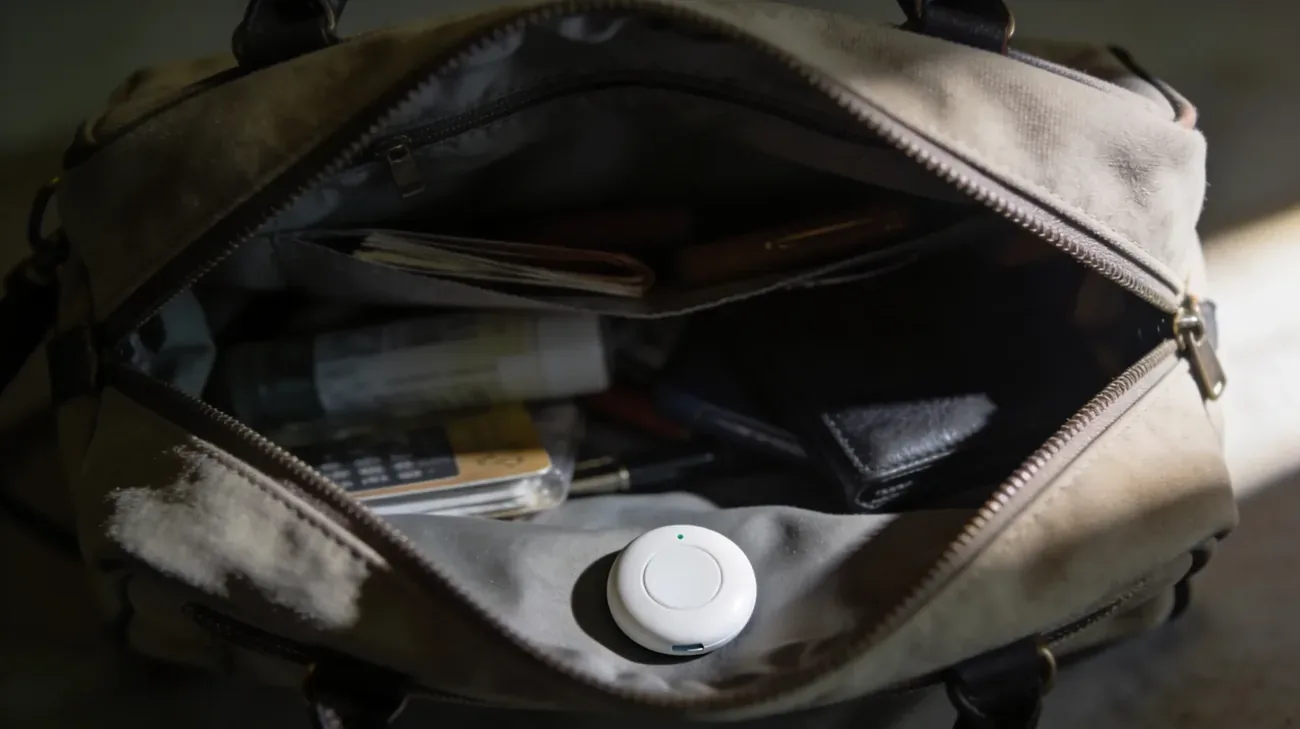
Keep observations separate from conclusions: “inside the outer bag pocket” is an observation, while “placed there by this person” needs additional evidence. If appropriate and safe, photograph the device in place and note where it was found. A concise record, meaning the alert text, approximate time, tracker information, location found, and actions taken, is exactly what support services ask for, and you do not need to establish the owner’s identity yourself before asking for help.
To stop the tag, follow the manufacturer’s instructions for the identified device. Google links disable steps for AirTag, Chipolo, Motorola, and Pebblebee models from the same help page. What you should not do is improvise: putting the device on a bus, handing it to an unsuspecting stranger, or moving it onto someone else’s property can expose another person and complicate your own understanding of what happened.
Your phone settings do not stop the tag
Google warns, twice on the same page, that turning on airplane mode or turning off Bluetooth or location services on your phone does not stop the tracker from sharing its location. Those toggles change what your phone does. The tag is a separate device with its own battery and its own connection to its owner’s account.
This matters most in the first minutes after an alert, when reaching for airplane mode feels like the protective move. It is not. Read the alert, preserve the details, and then decide about the tag itself using the manufacturer’s instructions. The linked Motorola page repeats the same warning for its own tag, so treat it as true across brands.
Understand what a manual scan can and cannot tell you
On supported Android devices, look in Settings → Safety & emergency → Unknown tracker alerts for the scan option (menu wording can vary by manufacturer). Tap Scan now; Google says the check takes about 10 seconds and lists trackers currently near you that are separated from their owners. Google’s announcement post describes this as a way to check your surroundings without waiting for an automatic alert.
Read the result for what it is. A nearby result does not establish that an item traveled with you; a separated tag on a lost bag nearby looks the same at first. A clean scan does not establish that nobody can access your location. These alerts concern supported tracking devices only; they are not a complete inspection of account sharing, apps, vehicles, or every possible tracking technology.
If the concern is an ex-partner knowing places you visit, our location-access review covers accounts and sharing services separately. That review should not be replaced by repeatedly scanning for a physical tag.
If you feel unsafe, plan before you change anything
The Safety Net Project’s location-tracking resource starts from a useful question: is there a pattern to what the other person knows? Real-time knowledge points toward different tools than knowledge of where you have been. Shared phone accounts, apps with location permission, friends reposting your whereabouts, and account access to Find My or Google services can all matter more than a physical tag.
The same resource warns that changing technology access can affect both safety and evidence, which is why advocates recommend building a safety plan with a local support service before disabling things. A national helpline can connect you to local resources if you are unsure where to start.
There is no requirement to continue carrying a device to gather more data. There is also no single response that fits every situation. Your immediate safety, access to support, and the consequences of a change matter more than completing an internet checklist.
This guide uses Google, Apple, Motorola, and survivor-safety resources. It contains no estimate of how many alerts are malicious and no improvised advice for relocating a found tracker.
Frequently asked questions
Does an unknown tracker alert prove someone is stalking me?
No. It indicates that a supported tracker, separated from its owner, was detected moving with you. Borrowed bags, shared cars, and group travel all trigger the same notification. Treat the alert as a reason to check what happened: read the map, find the device if it is safe, and save its details before drawing conclusions about identity or intent.
Does the alert map show when the owner checked my location?
No. Google describes the map as the places where the tracker was detected traveling with you, not a log of when its owner opened an app. That distinction matters because the map reflects your phone's detections over time. Use it to understand the situation, and avoid posting the route publicly since it can reveal home, work, and other private places.
Does turning on airplane mode or Bluetooth off stop the tracker?
No. Google states clearly that turning on airplane mode, or turning off Bluetooth or location on your phone, does not stop the tracker from sharing its location with its owner. Those settings only change what your phone does. To stop the tag itself, follow the manufacturer's disable instructions for the identified device, once you have decided that is the safe step.
Which trackers trigger unknown tracker alerts on Android?
Google says the alerts work with Find Hub network compatible tags, headphones with tracking capability, and Apple AirTags, on phones running Android 6 and up. Coverage comes from a joint Apple and Google industry specification for detecting unwanted location trackers. A tag from an unknown brand may or may not be covered, so match any device you find to its actual maker's instructions.
I ran a manual scan and found nothing. Am I in the clear?
Not necessarily. A manual scan takes about 10 seconds and only lists supported trackers currently near you and separated from their owners. It says nothing about account sharing, apps, or trackers outside that narrow check. If your concern is someone knowing where you go, review location sharing in your accounts separately instead of rescanning for a physical tag.