First things first: An AirTag works without your iPhone nearby because any passing Apple device can relay its encrypted Bluetooth signal to the Find My network. Your phone can be in another city while the tag still updates. What matters is whether some Apple device passes near the tag, not how close you are to it.
Table of contents
Yes, an AirTag works without your iPhone nearby. The tag broadcasts a short-range Bluetooth signal, and any passing Apple device in the Find My network can detect it and relay an encrypted report to iCloud. You then see that report in the Find My app, even if your own phone is in another city or another country.
The important condition is not your distance from the tag. It is whether some Apple device passes close enough to the tag to hear it. Your distance from the item and the tag’s distance from a relay device are two completely different things, and most confusion about AirTag range comes from mixing them up.
Your iPhone does not have to be the relay
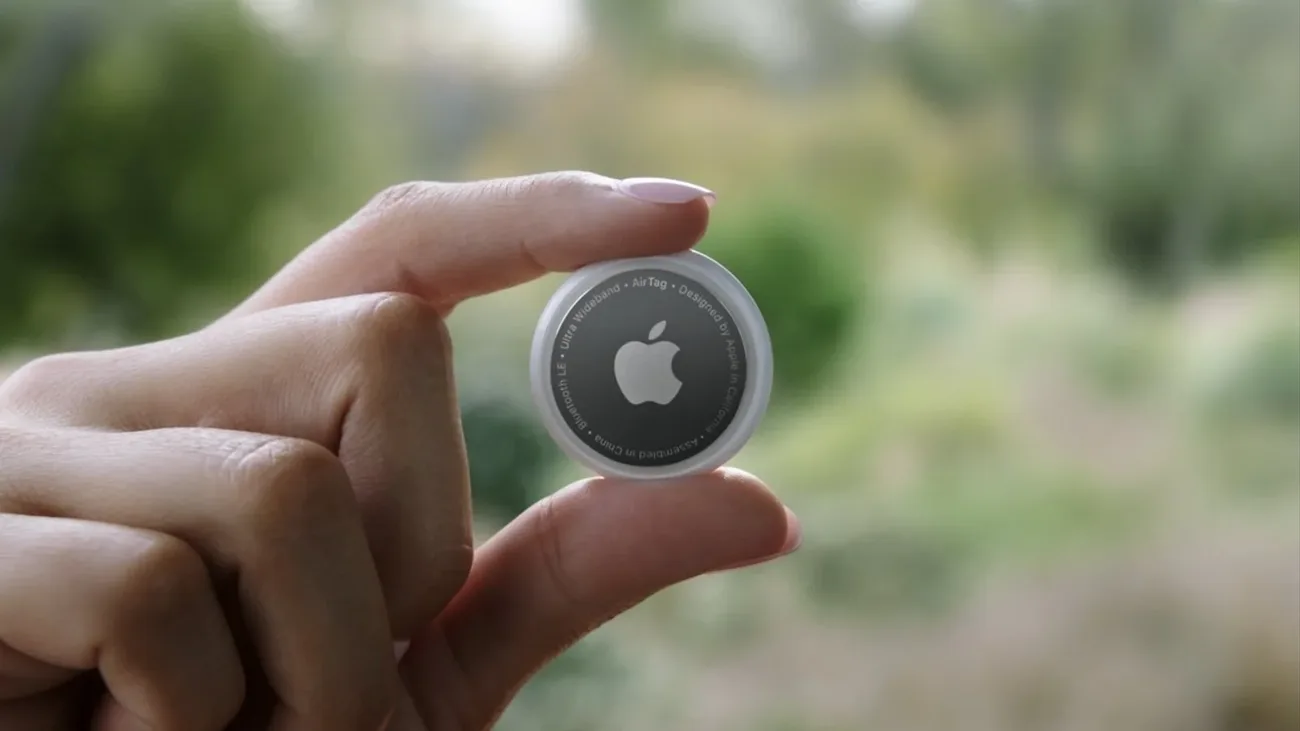
Apple’s own explanation is short: your AirTag sends out a secure Bluetooth signal that nearby devices in the Find My network can detect, and those devices send the tag’s location to iCloud so you can see it on a map. The whole process is anonymous and encrypted, and the relaying devices stay anonymous too. Apple describes this on its AirTag page, which puts the network at more than a billion iPhones, iPads, and Macs.
That is why an item can appear on your map while you are far away. Your phone never needs to stay within Bluetooth range during the journey. A stranger’s iPhone walking past your lost bag at an airport does the relay without either of you knowing, and your phone simply displays the result.
Think of two separate questions: “Can I view my item from here?” and “Has anything near the item reported it recently?” Viewing the map more often does not create a nearby relay. Moving your own phone closer only matters for the final stage, when you are near enough to find the item yourself.
Two different ranges people constantly confuse
“AirTag range” means two different things, and articles that quote one number hide that split. The first is the direct Bluetooth link between the tag and a phone, which only matters when you are close. The second is the Find My network relay, which has no distance limit for viewing.
Apple publishes no official Bluetooth distance for the tag, so treat any single number as an estimate. Independent guides converge on roughly the same typical figures:
| Link | Typical figure | What it decides |
|---|---|---|
| Direct Bluetooth, open air | Around 30 to 100 feet | Whether your own phone sees the tag directly |
| Direct Bluetooth, indoors | Around 30 to 50 feet | Room-to-room finding without the network |
| Through interior walls | Around 10 to 15 feet | Whether a relay device behind a wall hears it |
| Find My network relay | No viewing distance limit | Whether you can see the tag from far away |
| Precision Finding arrow | Tens of feet on supported iPhones | The final walk to the item |
The indoor and through-wall rows come from third-party range guides such as TagLogger’s range breakdown and Airpinpoint’s 2026 range guide, not from Apple specifications. Walls, metal enclosures, and interference shrink every one of these numbers. A tag sealed deep inside a metal toolbox may only be detectable when a relay device is very close, which is why placement matters: a tag near a bag’s outer pocket reports more often than one buried inside.
Apple did change the hardware side recently. The company introduced a second-generation AirTag in January 2026 with a speaker Apple describes as 50 percent louder, audible from up to twice as far away, and up to 1.5 times greater Precision Finding range. Those are Apple’s figures for the new generation, not a promise about how often a distant tag will update over the network.
A report is an observation with a time attached
Every location you see is a report with a timestamp, not a live feed. When checking Find My, read the item name and the report time together. If you have several similar tags, confirm that you selected the right one. A label such as “Keys” is not useful if you reassigned that tag to luggage and never renamed it.
Keep an old location as a lead, not a conclusion. If a suitcase was reported at a terminal before departure, ask the airline about the bag using its baggage reference. The AirTag point is additional information; it does not replace the airline’s own handling records. Apple also lets you temporarily share an item’s location with helpers including more than 50 airlines, and that sharing ends automatically when you are reunited with the item or after seven days.
Lost Mode fits this picture. When enabled, you get a notification automatically once a device in the network detects the tag. You can also let someone who finds the item read your contact details by tapping the tag with an NFC-capable phone. Neither feature makes reports arrive faster; they make the next report more useful when it comes.
Nearby finding is a different stage
Once you are near the item, Find My may offer directions, a sound, or supported precision-finding controls. Apple’s current finding instructions describe the Items screen and Find Nearby behavior: open Find My, tap Items, tap the item, then tap Find and follow the distance and direction on screen while your iPhone vibrates as you approach.
Requirements matter here more than anywhere else. Apple ties Find Nearby to iPhone 15 and later with Ultra Wideband support, Location Services on, and Bluetooth on, and notes that wall materials and objects between the phone and the tag can degrade performance. The second-generation AirTag additionally needs a recent iOS version. If the Find button does not appear, Apple points you back to the map view, directions, or playing a sound until you are within range, so do not rely on an old article’s blanket statement about which phones support the arrow.
A map report and a nearby direction arrow are not interchangeable evidence. The first can guide you toward an area; the second is a local finding aid on supported hardware. Neither tells you that entering private property or an unsafe space is appropriate.
When the item does not update
Check the item identity and timestamp first. Then consider what you can verify: was the AirTag working before the item left, was there a low-battery warning, and is the item somewhere a network encounter is plausible?
A missing update in a quiet area most often reflects the lack of a useful network encounter. It does not, by itself, prove the tag was destroyed, its battery died, or someone disabled it. Rural roads, storage units, and metal shipping containers are exactly the places where hours or days can pass between reports.
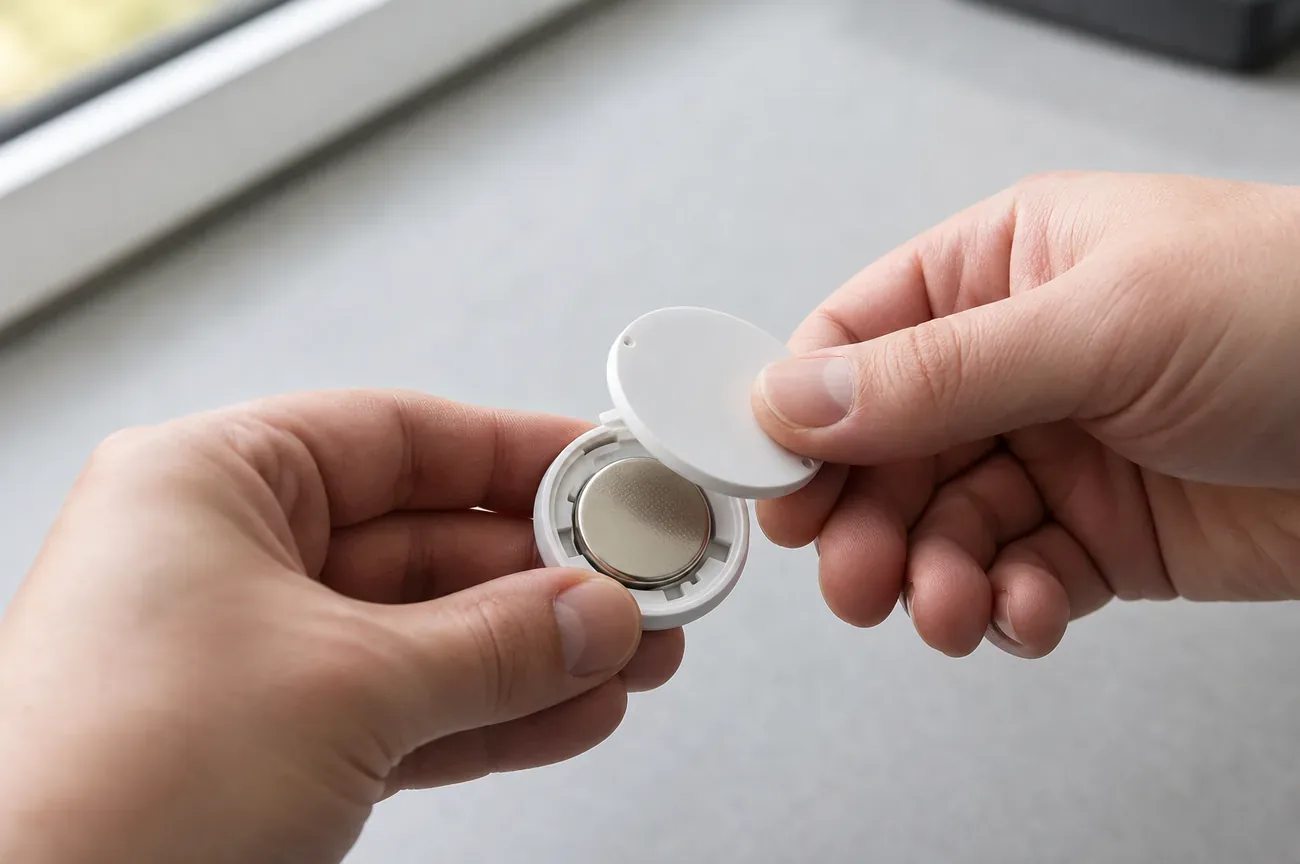
If the tag is physically with you, check it through Find My and review any battery warning. Our AirTag battery guide explains choosing a compatible cell and checking operation after replacement. If it is missing, you cannot confirm a battery fault just by looking at a stale point.
Do not reset or remove a missing item as an experiment without reading Apple’s instructions and consequences. Preserve the existing record while you work out what the app is showing. If the item is at a staffed venue, give staff an ordinary description and ask about lost property. Do not expect them to accept a map screenshot as proof that a particular employee has it.
Use it for an item, with the people involved informed
A tag attached to a borrowed bag can travel with someone other than its owner. Discuss that before lending the item. Apple lets you share an AirTag with up to five people, so a borrower can use Find My and Precision Finding to locate the shared item without receiving tracking notifications. Review those controls rather than asking someone to ignore an unexpected warning.
An unknown-tracker alert on Android needs its own assessment. It is not a maintenance notification from the owner’s AirTag app, and dismissing it without checking can miss relevant information.
If your real need is to coordinate with a person, agree on a location-sharing service and an end to the arrangement. An item tag should not become a hidden substitute for that conversation.
This explanation is based on Apple documentation and independent range guides, not an independent range test. It makes no promise about how often a distant item will update.
Frequently asked questions
Does my iPhone have to be near the AirTag for it to update?
No. Any nearby Apple device in the Find My network can detect the tag's Bluetooth signal and relay an encrypted report to iCloud, which you then see in the Find My app. Your own iPhone can be in another city. The limiting factor is whether some Apple device passes within Bluetooth range of the tag, so updates are frequent in busy places and rare in remote ones.
How far away can I track an AirTag?
There is no fixed maximum viewing distance. Once a passing Apple device relays a report, you can see it from anywhere with an internet connection, including another country. The short-range part is only the tag's own Bluetooth radio, which independent guides typically describe as tens of feet. Distance from you is not the constraint; a nearby relay device is.
Why does my AirTag show an old location?
Each map pin carries the time of its last report, and a stale pin usually means no Apple device has passed near the tag since then. Rural areas, metal containers, and places with little foot traffic all slow down reports. Read the timestamp before acting on a pin, and use Lost Mode so Apple notifies you when a fresh report arrives.
Does an AirTag need Wi-Fi, cellular data, or GPS?
No. The tag itself has none of those. It only broadcasts a short-range Bluetooth beacon, and nearby Apple devices supply the internet connection and the position fix. That is why an AirTag keeps working far from your phone but also why it cannot report from a place no Apple device visits.
Can I use Precision Finding on any iPhone?
No. Precision Finding needs an iPhone with Ultra Wideband support, and Apple's current finding instructions describe the Find Nearby controls on iPhone 15 and later, with Location Services and Bluetooth on. On unsupported phones you can still see the map, get directions, and play a sound. Check the requirements for your exact iPhone and AirTag generation before relying on the direction arrow.