Start here: The 2026 second-generation AirTag keeps the $29 price and adds longer Precision Finding range, a louder chime, and Apple Watch support. It is an excellent finder for keys and luggage if you use an iPhone, but it has no GPS, no Android setup, and no real-time tracking.
Table of contents
The AirTag remains the cleanest answer to a very narrow problem: an iPhone owner has misplaced keys, a bag, or a suitcase and wants a map pin without adding another subscription. The second-generation model, reviewed by CNET in January 2026, keeps the $29 starting price and adds longer finding range, a louder chime, and Apple Watch support. It is better at finding objects nearby, not at turning into a live GPS tracker.
This review weighs the independent verdicts against each other: PCMag gives the AirTag an Editors Choice award, WhistleOut scores it 80 out of 100, TechGearLab ranks it first of 13 Bluetooth trackers tested, and CNET confirms the new model more than doubled finding distance in its outdoor test.
Short verdict. Buy an AirTag for everyday belongings if you use an iPhone or iPad. It is especially good for keys and checked luggage because the Find My network is dense in populated places. Skip it if you use Android, need guaranteed real-time updates, or need to track a living being. Those are different jobs and need different tools.
What an AirTag actually does
An AirTag has no GPS receiver, no cellular radio, and no SIM card. It sends a low-energy Bluetooth signal, and when a nearby Apple device detects that signal, it relays an encrypted location to the Find My network. Only the owner can see the item position in Find My.
That distinction sets the expectation. An AirTag works well after a bag is left in a taxi or a suitcase misses a connection, because a passing iPhone near the item can refresh its location. It cannot promise an update every minute on a quiet road, in a forest, or inside a storage yard with nobody nearby. Read how an AirTag works without an iPhone nearby before relying on one for a trip.
CNET describes the Find My network as the real product: an encrypted service connecting over one billion Apple devices. The tag is simply your key to it. TechGearLab makes the same point from testing, noting hundreds of millions of devices refreshing last-seen locations.
What changed in the second generation
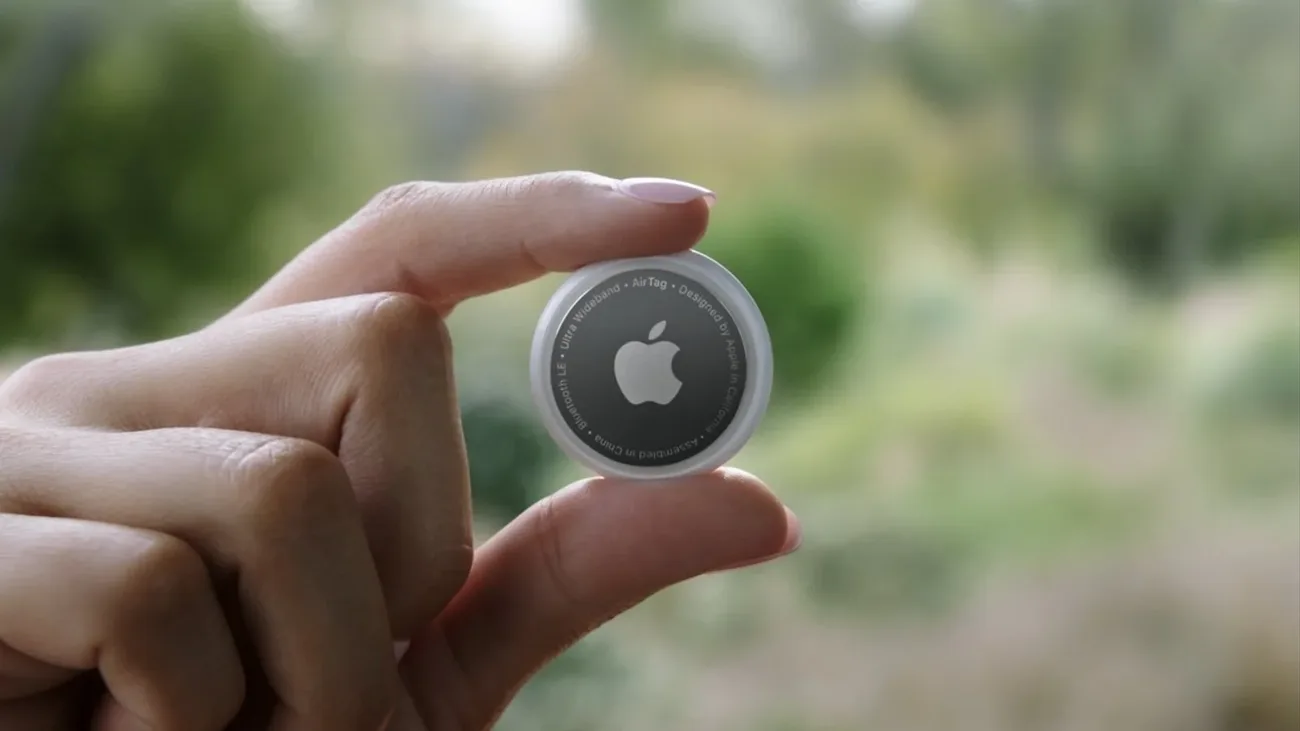
Apple kept the familiar white and chrome disc and upgraded the insides. The facts below come from CNET’s hands-on review of the new model, published January 2026.
Longer Precision Finding range. A second-generation Ultra Wideband chip extends the distance at which an iPhone can lock on with direction and distance guidance. In CNET’s outdoor test, the new tag’s guidance screen appeared at 85 feet while the original managed 37 feet, more than double the distance. Apple advertises a 50 percent range improvement; real conditions vary with walls, crowds, and interference.
A louder, higher-pitched chime. The Play Sound tune is the same melody but easier to hear. CNET measured the original at 67.3 dBA and the new model at 77.5 dBA with a phone audio meter app, a clearly audible step up when keys hide behind a sofa.
Precision Finding on Apple Watch. For the first time, certain Apple Watch models running watchOS 26.2.1 or later can guide you to a second-generation tag. Setup runs through a Find Items button added to the watch Control Center. CNET found its tag from 65 feet away indoors before running out of office.
Same design, same price, greener shell. The disc looks identical, so existing holders and accessories still fit. The white shell resin is now 85 percent recycled plastic. Pricing is unchanged at $29 for one or $99 for a four-pack, with free engraving when ordered from Apple.
Should original owners upgrade? CNET says no for most items. The first-generation tag does nearly everything the new one does. An upgrade makes sense only for items you locate with Precision Finding constantly, or if you want the watch feature.
The jobs an AirTag does well
Keys, bags, and items left nearby
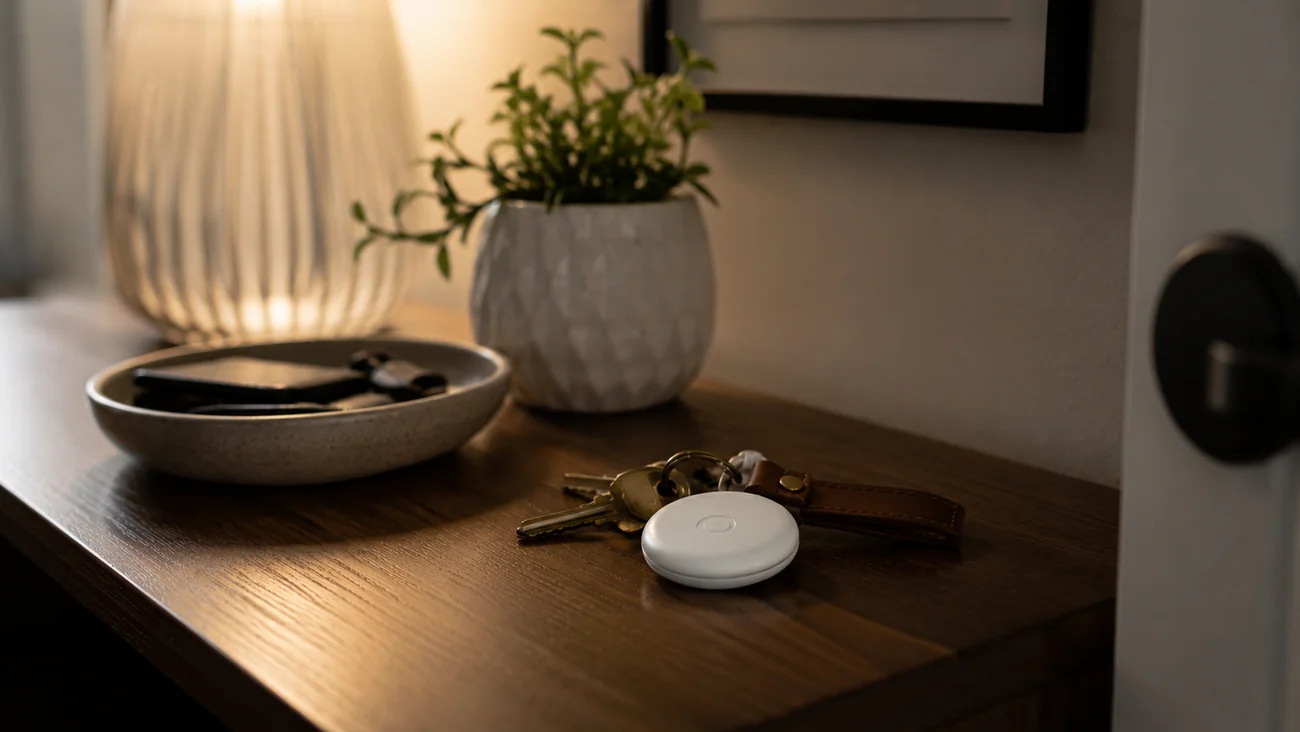
This is the ideal use. Put the tag in a holder on a keyring or leave it inside a backpack. The Find My app can play a sound, compatible iPhones can use Precision Finding for the final meters, and left-behind notifications warn you before you get too far. TechGearLab praises exactly this combination from testing, while noting the Bluetooth range itself is modest and the compass guidance does the heavy lifting.
The annoyance every reviewer names is the missing attachment point. The AirTag has no keyring hole, unlike Tile or Samsung trackers, so keys need a case or loop. See the cost math in the FAQ above.
Checked luggage
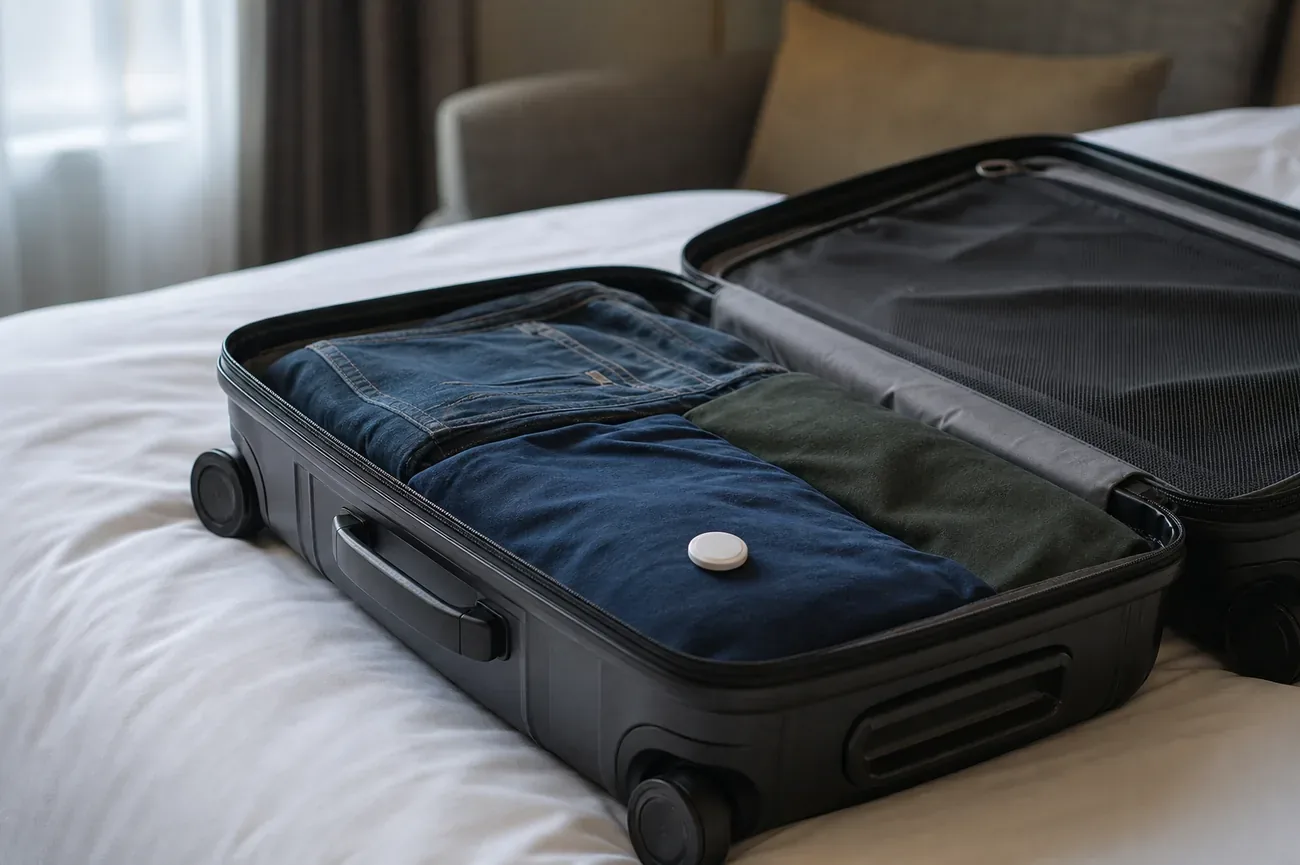
For an iPhone owner who flies, an AirTag in a checked bag is useful evidence when a bag is delayed. You may see the suitcase still at the departure airport, near a different carousel, or already at the arrival airport. That detail makes the airline conversation more concrete, but it is not a recovery service and does not override airline processes. TechGearLab adds a practical note: at 11 grams the tag is irrelevant to weight allowances, and airports full of iPhones keep its location fresh. See our AirTag checked luggage guide for carrier rules and practical limits.
A parked car or bicycle as a recovery aid
An AirTag can record a last-seen location for an object that moves through populated areas. It works as a reminder of where you parked and as one layer in a broader recovery plan for a bicycle. It should never be the only theft protection. A phone traveling with a moved item can receive an unwanted tracker alert, and the tag transmits no continuous route. Locks, registration details, and a purpose-built tracker where appropriate still do the real security work.
What it does badly
Live tracking. An AirTag is not a GPS tracker. Its map position is only as current as the last Apple device that encountered it, which makes it unsuitable for a dog that runs far from people, a vehicle that needs a reliable location feed, or a person who needs safety monitoring. For pets specifically, read AirTag on a dog collar and our AirTag versus GPS dog tracker comparison.
Secret tracking. It is intentionally poor at following people. iPhones and Android phones warn about an unknown compatible tag that appears to be moving with someone, and the person can then locate and disable it. This is a safety feature, not a limitation to work around. If you receive such a warning, start with what an unknown AirTag alert means.
Android ownership. Setup and management require an iPhone or iPad with an Apple Account. A Mac can view tags in Find My but cannot set one up, and an Android phone cannot become the tag owner’s finder app. Android households should choose a tracker built for their own ecosystem instead.
Specs that matter
| Detail | What it means in practice |
|---|---|
| Price | $29 for one, $99 for a four-pack |
| Finder network | Apple Find My, relayed by nearby participating Apple devices |
| Close-range finding | Precision Finding with direction, distance, haptics, and sound on compatible hardware |
| Chime | Louder and higher-pitched on the second generation |
| Battery | User-replaceable CR2032 coin cell, rated for about a year |
| Water and dust | IP67 rating, resistant to short accidental immersion |
| Weight | 11 grams, negligible in luggage |
| Setup | iPhone or iPad with an Apple Account required |
| Subscription | None |
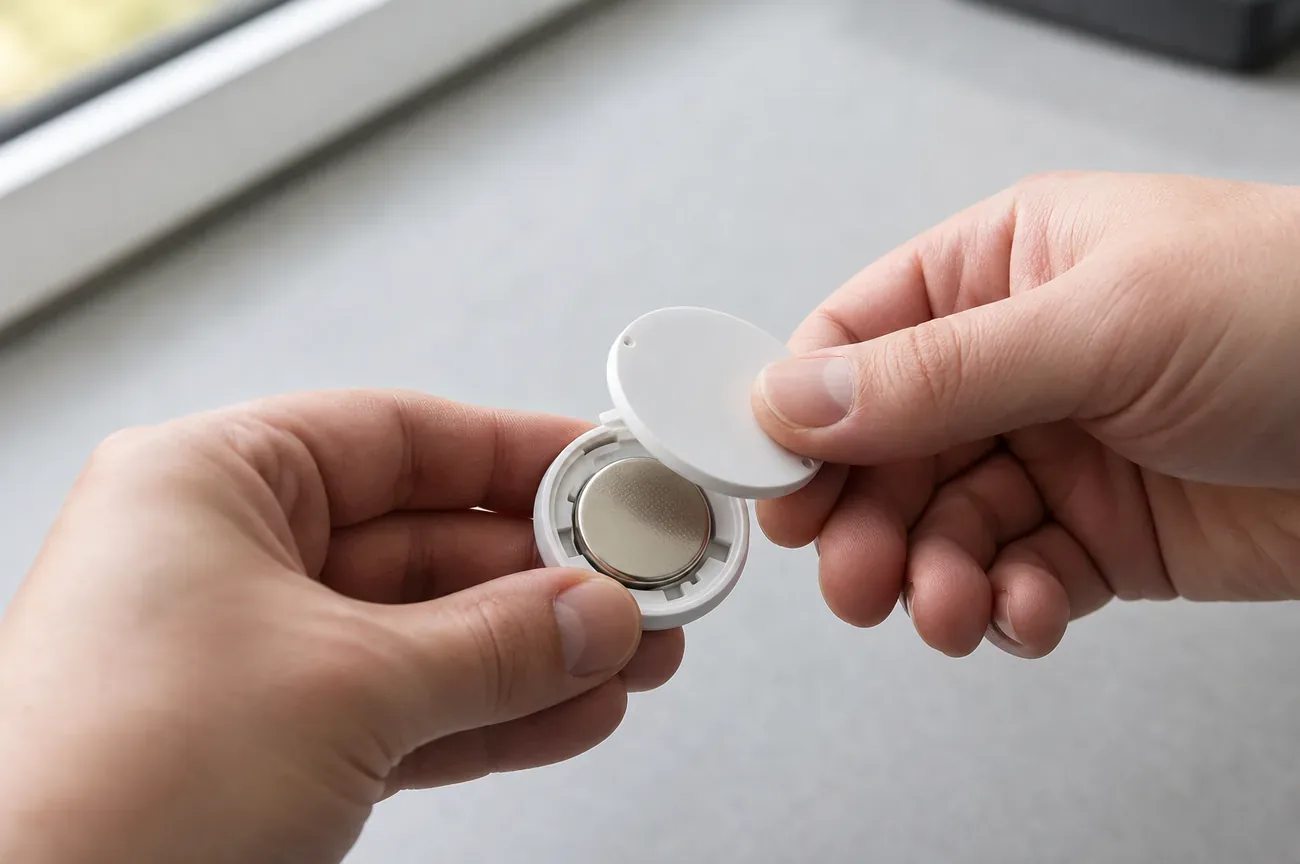
The battery deserves its reputation. There is no charging cable, account tier, or service fee, and PCMag confirms the one-year rating held up in long-term testing. When Find My reports a low battery, twist open the steel cover and insert a fresh CR2032. One caution carries over from Apple: some bitterant-coated coin cells can prevent good contact, so check the packaging for AirTag compatibility. Our AirTag battery guide has the safe replacement sequence.
Setup takes minutes, but ownership details matter
Set up the tag next to an unlocked iPhone or iPad signed in to the Apple Account that will own it. Pull the battery tab, hold the tag near the device, and follow the pairing prompt. Give it a specific name such as “Blue carry-on” rather than “AirTag”. A useful name keeps the Items list readable when you own several tags.
Before relying on it, open Find My and test three things: the item appears in the Items tab, the speaker plays when requested, and left-behind notifications behave as you expect. An AirTag cannot be casually transferred between owners: remove it from the old owner’s Find My account before a new person pairs it. If you lose a tag, Lost Mode lets anyone who taps it with an NFC phone see your phone number and message.
For luggage, place the tag inside the bag rather than on an exposed outer loop. For keys, use a holder that covers the tag without muffling the speaker. For anything valuable, record the serial number and keep ordinary security measures in place. An AirTag helps you find an item; it does not replace a lock, insurance, or a police report.
AirTag versus a GPS tracker
The products are often grouped together, but their economics are opposite. An AirTag is a low-cost Bluetooth beacon that borrows coverage from nearby devices. A GPS tracker determines its own position and usually sends it through a cellular connection, which means a larger battery and an ongoing plan.
Choose an AirTag when the question is “Where did I leave this object?” Choose a GPS device when the question is “Where is this moving asset right now?” The first works well for keys and luggage. The second is the only credible choice for frequent location updates, and consent must be part of any person-tracking use. Our AirTag versus GPS comparison walks through the pet case in detail.
Who should buy one
The recommendation is straightforward. An iPhone household that loses keys, checks bags, or wants a simple finder for a backpack should buy an AirTag. It is inexpensive, maintenance is minor, and the close-range experience leads its category.
The ecosystem match matters more than the spec sheet. If every phone in the household is a Samsung Galaxy, compare our AirTag versus SmartTag 2 breakdown. If you use a Pixel or another Android phone, read the AirTag versus Pixel Tag comparison. For the full four-way picture, see AirTag versus Tile, SmartTag, and Chipolo. If phones are mixed across iPhone and Android, choose the tracker based on the person who will own and manage it, not on the shared item nobody can access.
The AirTag is still a great object finder. Its value comes from accepting that narrow role instead of asking it to do the work of a GPS tracker.
Frequently asked questions
Is an AirTag worth buying in 2026?
Yes, for an iPhone owner who wants to find keys, a bag, or checked luggage without a subscription. The second-generation AirTag keeps the $29 price, uses the large Find My network, and has a replaceable CR2032 battery. It is not a GPS tracker, so it stays a poor fit for live tracking of a person, pet, or vehicle.
What changed in the second-generation AirTag?
Three practical upgrades: longer Precision Finding range from a second-generation Ultra Wideband chip, a louder and higher-pitched chime, and Precision Finding support on recent Apple Watch models. The design, price, battery type, and one-year battery rating are unchanged, and old accessories still fit. CNET measured more than double the finding distance outdoors.
Does an AirTag have GPS or a SIM card?
No. An AirTag broadcasts Bluetooth and nearby Apple devices relay an encrypted location through the Find My network. It has no GPS receiver, cellular modem, or monthly data plan. That keeps it small and inexpensive, but location updates depend entirely on nearby participating devices. Read how it behaves with no iPhone nearby.
Can Android users set up and use an AirTag?
No. Setup and ownership require an iPhone or iPad signed in to an Apple Account, and a Mac cannot set one up either. Android phones can receive unwanted tracker alerts about an unknown AirTag traveling with them, but cannot manage a tag. Android owners should pick a tracker built for Google Find Hub or Samsung SmartThings instead.
Can I put an AirTag in checked luggage?
Usually, yes. AirTags use a small CR2032 coin cell and many airlines accept them in checked bags, but carrier policies differ, so check before flying. The tag shows where a delayed bag was last detected, which can make the airline conversation more concrete, but it cannot force retrieval or delivery. Our checked luggage guide covers the rules.
Why does an AirTag cost more than $29 in practice?
Because it has no keyring hole. The tag itself is $29 for one or $99 for four, but keys and collars need a holder. PCMag lists Apple's key ring at $35 and the leather loop at $39, which doubles the real cost per key set. Third party holders from makers such as Belkin start near $13 and fix the math.