Note: This article covers a topic where laws vary significantly by country and state, and where consent issues matter. Always check local law and never track anyone without their informed consent except in the specific exempted situations this guide covers.
What matters here: An unknown AirTag alert means an AirTag that is not paired with your phone has been traveling with you. Open the alert, use Play Sound and Precision Finding to locate the tag, then twist off the back and remove the battery to disable it. Save the serial number and screenshots first, and contact police if you suspect deliberate tracking.
Table of contents
Your iPhone just buzzed with “AirTag Found Moving With You”, or your Android phone flashed an unknown tracker warning. Stay calm and do not ignore it. Most of these alerts turn out to be harmless: a borrowed jacket, a shared family tag, a rental car, or someone’s keys riding along in your bag. A minority are serious. This guide covers both outcomes, so you can rule out the harmless case in minutes and handle the real one correctly.
The steps below follow Apple’s published unwanted tracking guidance, WIRED’s tested walkthrough of the alert system, Asurion’s setup checklist, Airalo’s troubleshooting notes, and the UC Irvine Police Department’s AirTag safety page.
TL;DR
- The alert means an AirTag not paired with your phone has been traveling with you.
- Tap the notification, then use Play Sound and Precision Finding to locate the tag.
- Twist the back counterclockwise and remove the battery to disable it.
- Save the serial number and screenshots before you disable anything.
- Contact police if the tag is not yours and not a borrowed item.
What the alert actually means
Apple introduced unknown tracker alerts alongside iOS 14.5. When your iPhone notices an AirTag that is separated from its owner and moving with you over time, it sends a push notification. Apple has never published the exact time threshold, as WIRED notes, so treat any alert as genuine regardless of how quickly it appeared.
The alert is generated locally by your phone, not by the tag and not by the tag owner. The owner cannot see that you received it and cannot suppress it. That design is deliberate: the notification exists so a person being followed gets a fair warning.
Android has an equivalent system. Google rolled out automatic unknown tracker alerts for Android phones, and Apple’s free Tracker Detect app covers older devices with manual scans. See our Android unknown tracker alert guide for the full Android side.
The exact alert wordings you might see
The notification text depends on what your phone detected. Asurion documents the four main variants:
- AirTag Found Moving With You. An unpaired AirTag is at your location or traveling with you.
- AirPods Detected, AirPods Pro Detected, or AirPods Max Detected. Someone else’s AirPods are moving with you. Newer AirPods have similar Find My tracking ability to an AirTag.
- “Product Name” Detected. A third party Find My network accessory is moving with you, with the product name shown.
- Unknown Accessory Detected. Your phone found AirPods or another accessory but is having trouble connecting to it or to the server.
All four deserve the same response: check for a harmless explanation first, then locate the device.
First check: could this be a false positive
Before you worry, run through the everyday explanations. Airalo and Asurion both list the same usual suspects:
- A shared household tag. A family member tagged the dog leash, a kid’s school bag, or a key ring you sometimes carry.
- A borrowed item. A jacket, backpack, suitcase, or gym bag from a friend can easily hide their own AirTag in a pocket.
- A rental or shared car. Fleet operators sometimes place trackers in vehicles. Check the rental agreement.
- A neighbor’s tag. In an apartment building, a nearby tag can linger long enough to look suspicious.
- A coworker’s belongings. Keys or a laptop bag that rode home with you after a meeting.
Ask around before you escalate. A quick message to family, friends, or roommates resolves most alerts: someone lost a tag, or attached one to something you borrowed. If the alert clears within a day and never returns, the tag went home with its owner and no further action is needed.
If the alert follows you across two or more locations, repeats on separate days, or matches your real routine of home, work, and gym, treat it as a real signal and continue below.
How to find the AirTag on your iPhone
Tapping the notification opens the tracking alert screen with tools to locate the tag. Work through them in order.
Play Sound. Tap the alert, then Continue, then Play Sound. The tag plays its chime so you can hunt it by ear. Stand still, listen, move to the next room, and repeat. Note that a missing speaker is possible: WIRED reports that modified noiseless tags briefly appeared for sale, and a tag wrapped in fabric is hard to hear. If there is no sound, move to the next tool.
Precision Finding. On iPhones with an Ultra Wideband chip, the alert offers a Find Nearby option that shows live distance and direction to the tag. Hold the phone at chest height, move slowly, and follow the arrow. Pair it with Play Sound for the best results, as Airalo recommends.
The detection map. The Find My app shows where the tag was detected with you, with markers for detection points. Screenshot this map before you do anything physical. It is evidence.
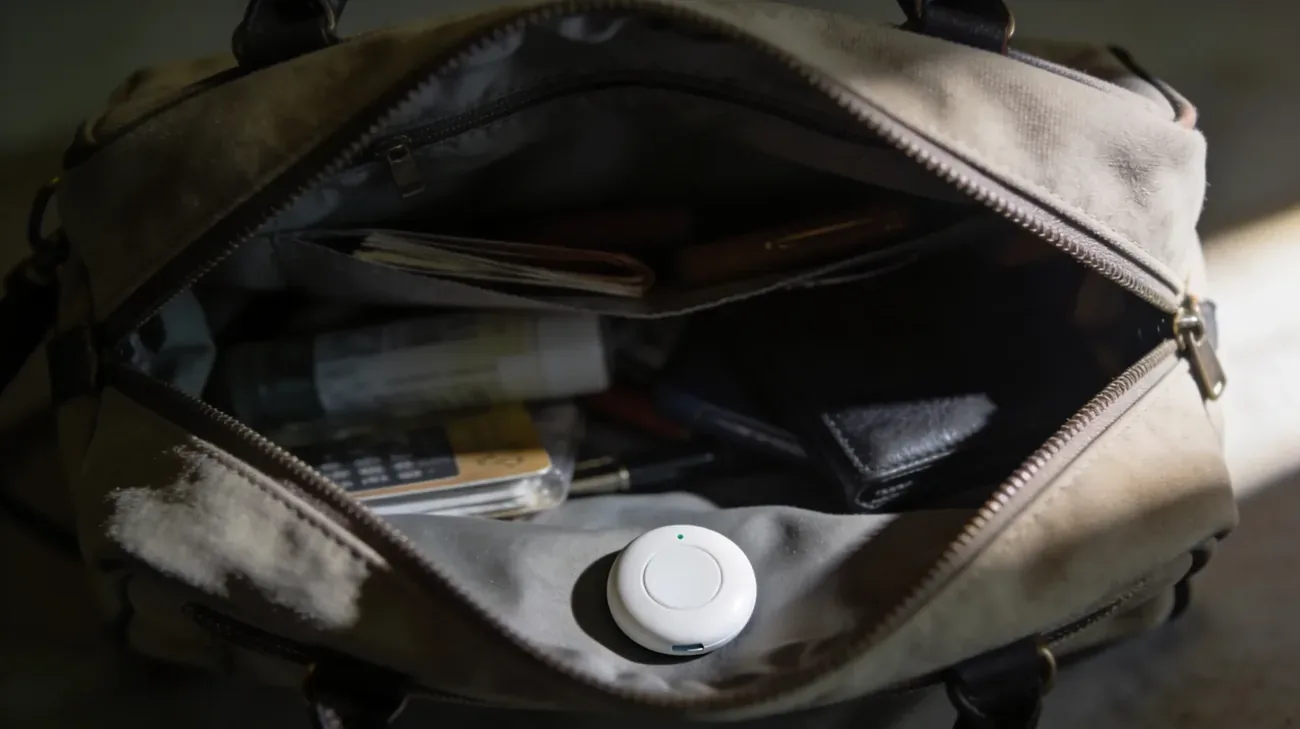
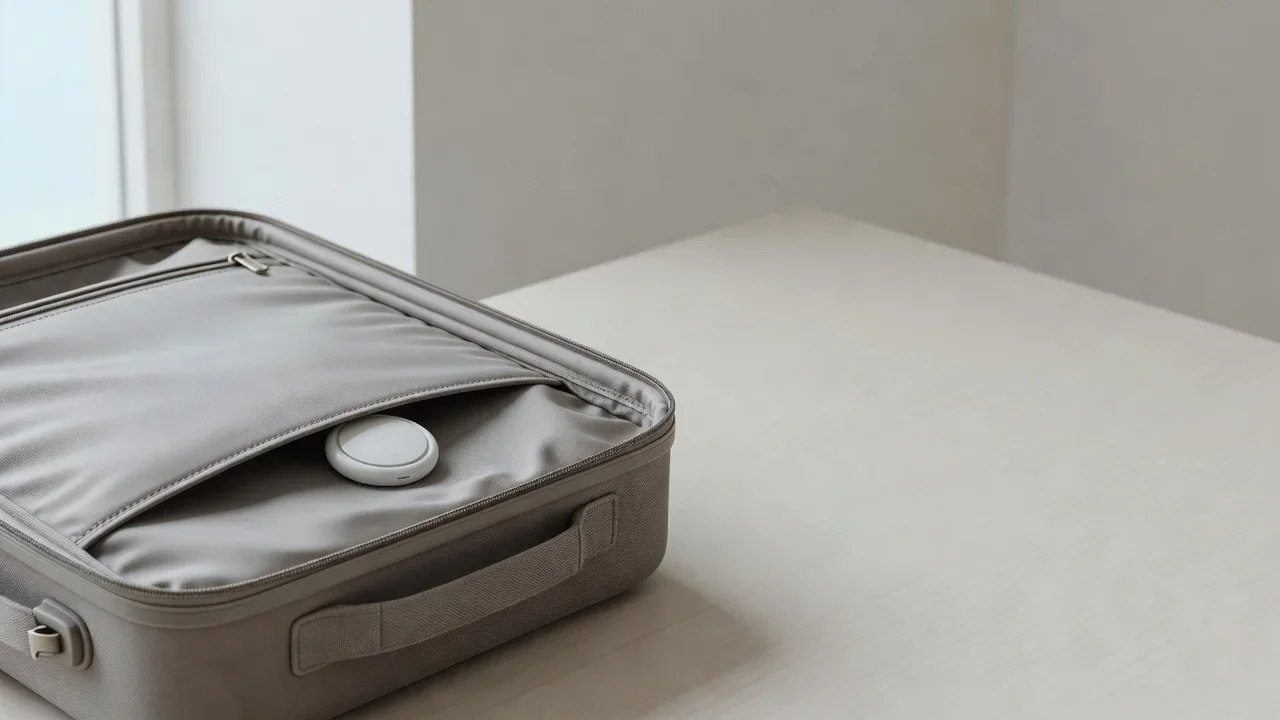
A physical search. If the electronic tools fail, search by hand in this order: handbag side pockets, jacket linings, backpack bottoms, stroller frames, then the car. For a vehicle, check wheel wells, under bumpers, license plate frames, the gas cap area, and trunk storage. Tags hidden in magnetic cases feel like unexpected metal lumps, so run your hand along the surfaces.
If you cannot use these tools at all, the fallback is a manual search of yourself, your bags, and your car. The UC Irvine police safety page recommends exactly this as the most basic form of protection.
Make sure your iPhone is set to receive alerts
Alerts only arrive if your settings allow them. Both WIRED and Asurion publish the same checklist, and it is worth verifying now rather than during a scare:
- Go to Settings, then Privacy and Security, and turn Location Services on.
- Scroll to System Services and turn Find My iPhone on.
- Go to Settings, then Bluetooth, and turn Bluetooth on.
- Open the Find My app, tap Me, and confirm tracking notifications are on.
- Turn Airplane mode off. In Airplane mode, no tracking notifications arrive.
If you suspect your phone itself is compromised beyond a single tag, read how to detect if your phone is being tracked.
Android: built-in alerts and Tracker Detect
Android coverage comes in two layers. Recent Android phones receive automatic unknown tracker alerts in the background through Google Play services, similar to what iPhone owners get. There is nothing to install.
Older Android phones need Apple’s free Tracker Detect app from the Google Play Store. It scans only on demand: open the app, tap scan, and it lists nearby AirTags or Find My compatible trackers that have been separated from their owner. Run a scan after rideshares, hotel stays, or any visit where someone could have slipped a tag into your things.
For setup details and screenshots paths, see our Android unknown tracker alert guide.
How to disable an AirTag you found
Once the tag is in your hand, disabling it takes seconds. Every source agrees on the procedure:
- Hold the AirTag with the stainless steel side facing up.
- Press down firmly and rotate the cover counterclockwise.
- Lift the cover off and remove the CR2032 coin battery.
With the battery out, the tag cannot transmit or report your location. The person on the other end can no longer follow you through it.
Do one thing before you twist: capture the serial number. Hold the top of an NFC capable phone against the white side of the tag and a page with the serial number appears. A serial is also printed on the tag beneath the battery. Asurion warns that you cannot retrieve this information after disabling the tag, so save it first.
If you suspect deliberate tracking, do not throw the tag away. Put it in a metal container or wrap it in aluminum foil to block signals, label it with the date and time, and keep it somewhere safe. The tag plus its serial number is physical evidence.
When to contact police
Most alerts never need police. These situations do:
- The same alert appears across separate days and different locations.
- You found the tag and it belongs to no one you know.
- You have a specific person in mind, such as an ex-partner or someone with prior threatening behavior.
- The detection pattern mirrors your real movements instead of random travel.
Apple’s own support page says that if you feel your safety is at risk, you should contact local law enforcement, which can work with Apple to request information about the item. The UC Irvine police page gives the same advice. Before you call, gather screenshots of every alert with timestamps, the serial number, the detection map, photos of the tag where you found it, and a timeline of who had access to your bag, car, or coat.
For support beyond police, the National Domestic Violence Hotline in the US (1-800-799-7233, or text START to 88788) advises callers on tech enabled abuse. WIRED also notes that victims come in all genders and that anyone affected should seek help without stigma.
What Apple and Google do about misuse
The alert you received is the core protection: neither company lets a tag owner silence warnings on someone else’s phone. Both firms announced joint unwanted tracking alert support in 2024, so iPhones now flag unknown Android compatible trackers and Android phones flag unknown AirTags. Apple also shortened the separated tag beep window from three days to a much shorter period and made the tag beep when moved away from its owner.
For the broader picture of legitimate versus abusive tracker use, see AirTag for tracking people and our comparison of AirTag versus Tile, SmartTag, and Chipolo.
The alert did exactly what it was designed to do: it surfaced an invisible signal so you could decide. Most of the time the answer is a borrowed bag. When it is not, the steps above give you both physical safety and the documentation a police report needs.
Frequently asked questions
Can the AirTag owner turn off the alert on my phone?
No. The alert is generated by your own iPhone when it detects an unpaired tag traveling with you, and the owner has no way to suppress it. Apple documents this behavior in its unwanted tracking support article. The only way the alerts stop is when the tag leaves your vicinity, returns to its owner, or has its battery removed. See the disable steps above.
Will the owner know that I found their AirTag?
Not directly. There is no notification telling the owner you tapped the alert or located the tag. But the Find My network keeps updating the tag location while its battery is inside, so the owner can see where it stopped moving. Removing the battery freezes the last reported position. Save the serial number before you disable it.
I hear an AirTag beeping but I never got an alert. Why?
The beep and the phone alert are two separate safety systems. A tag separated from its owner for an extended time beeps when moved, even if your phone missed the notification. Check that Bluetooth and Location Services are on, that Find My tracking notifications are enabled, and that Airplane mode is off. Then use the sound itself to hunt the tag down.
Does Android warn me about unknown AirTags without any app?
Yes, on recent phones. Google built automatic unknown tracker alerts into Android, so supported devices warn you in the background without extra software. Older Android phones can use Apple's free Tracker Detect app from the Play Store, which scans only when you open it and tap scan. Our Android tracker alert guide has the full setup.
Can I find out who put the AirTag on me?
You cannot identify the owner yourself. Tapping the tag with an NFC phone reveals only its serial number, which means nothing without Apple's records. Police can request the registered owner details from Apple with proper legal process, which is why saving the serial number, screenshots, and the tag itself matters. Bring all of it to your report.
Is it illegal to put an AirTag on someone without consent?
In many places, yes. In the US, covert tracking can violate state stalking and harassment laws and the federal stalking statute, 18 U.S.C. 2261A, when it crosses state lines. The UK covers tracker surveillance under the Protection from Harassment Act 1997. If the tag is not yours and not a borrowed item, treat it as a police matter.