The answer: Buy the tracker your phone can own. AirTag needs an iPhone or iPad with Apple Find My, while SmartTag2 needs a Samsung Galaxy device with SmartThings Find. Both cost about $30, use a replaceable CR2032 battery, and rely on nearby phones to report a location.
Table of contents
Apple AirTag and Samsung Galaxy SmartTag2 answer the same small question: where did I leave my keys, bag, or suitcase? Both are compact Bluetooth finders with a user-replaceable CR2032 battery, IP67 dust and water resistance, and a crowdsourced network that reports the tag’s position to its owner. Neither has GPS, a SIM card, or a subscription, and neither sends continuous live updates.
The buying decision is simpler than the spec sheets suggest. Use an AirTag with an iPhone or iPad. Use a SmartTag2 with a Samsung Galaxy phone or tablet. A SmartTag2 is not a general Android tracker, and an AirTag is not an Android tracker at all. Our AirTag review covers what the Apple tag does well on its own, but in this comparison the phone you own decides first.
The short answer: match the tracker to your phone
| Your phone | Buy | Why |
|---|---|---|
| iPhone or iPad | AirTag | Native setup and management in Apple Find My |
| Samsung Galaxy | SmartTag2 | Native setup and management in SmartThings Find |
| Pixel, OnePlus, Motorola, or another Android brand | Neither by default | Choose a Google Find Hub tracker instead |
| Mixed household | The tag the item owner can manage | Each product lives in a separate app and account |
Stretching either product past this boundary leads to frustration. SmartTag2 needs a Galaxy device with Android 9 or later for normal use. AirTag needs an iPhone or iPad. You can detect an unknown tracker across platforms as a safety measure, but detection is not ownership: you cannot pair, rename, ring, or share a tag from the wrong ecosystem.
Finder networks: Find My vs SmartThings Find
Both tags work the same way at the radio level. They broadcast short-range Bluetooth signals, and when a compatible phone passes nearby, that phone relays an encrypted location report to the owner. The relaying phone learns nothing about the item, and the owner learns nothing about the helper.
AirTag uses Apple’s Find My network, which draws on participating iPhones, iPads, and Macs. Apple has sold more than 55 million AirTags since launch, according to Digital Trends, and Find My is the reason a lost bag in a busy airport usually produces a fresh location. SmartTag2 uses SmartThings Find and the Galaxy Find Network, which relay through nearby Samsung Galaxy devices. Android Authority notes that Samsung has used its large global phone presence to make SmartThings Find dependable in the same way.
For keys lost at home, the network matters less than the built-in speaker and close-range guidance. For a suitcase at an airport, a bag left in a city, or an item traveling abroad, the density of compatible phones around the object becomes the deciding factor. Treat every map pin as a last reported sighting, not a live GPS feed. A quiet rural road or an empty building may produce no update for either tag.
Precision finding needs UWB in both devices
Both products can guide you during the final meters of a search, but only when the phone also supports Ultra Wideband. AirTag uses Apple’s Precision Finding interface with direction, distance, visual feedback, and haptics. The current AirTag carries a second-generation UWB chip, and Apple says it extends Precision Finding range by up to 50 percent over the earlier model.
SmartTag2 answers with Compass View and Search Nearby. Samsung says these UWB features need a UWB-enabled Galaxy smartphone running Android 11 or later. If your Galaxy model lacks UWB, the tag still works for standard Bluetooth finding and ringing, but you do not get the precise on-screen direction overlay.
Check the exact phone model before buying. A box can advertise UWB while your phone lacks the radio, and close-range arrows need the hardware in both the tracker and the phone. Do not assume every Galaxy model includes it.
Design: SmartTag2 wins on keys, AirTag wins in pockets
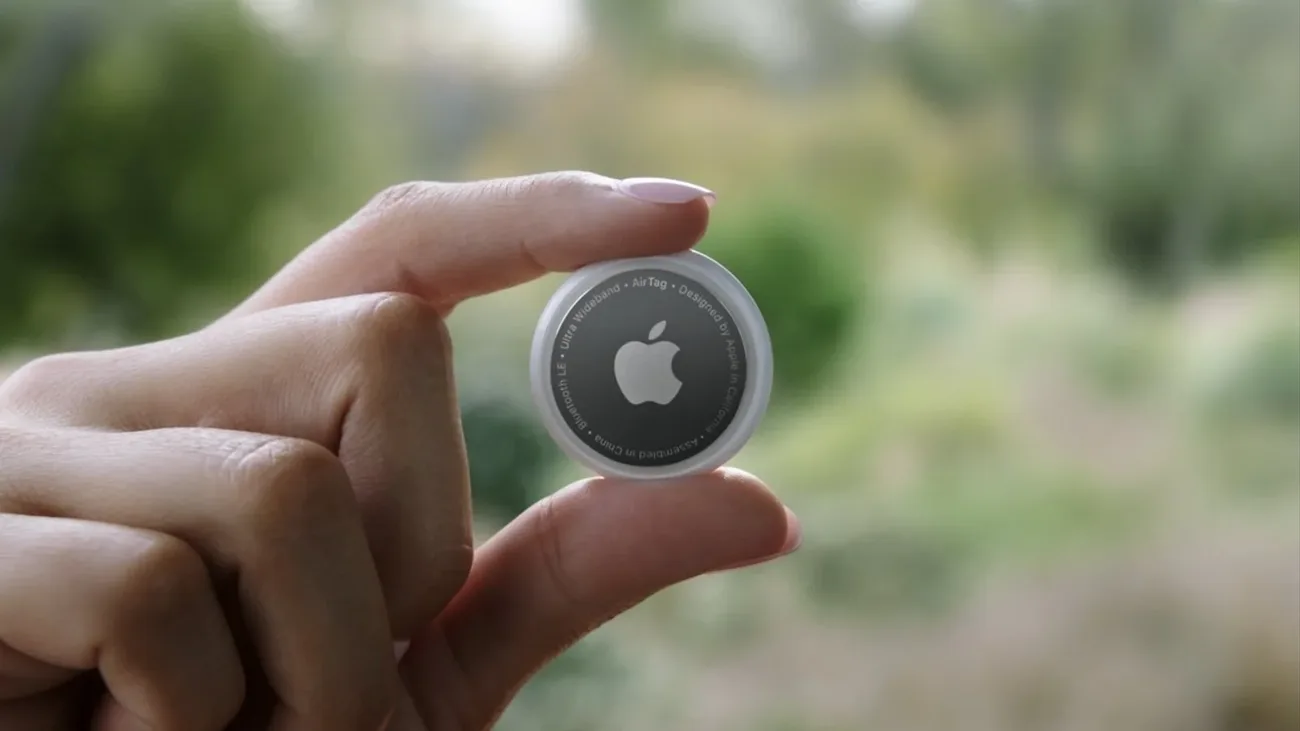
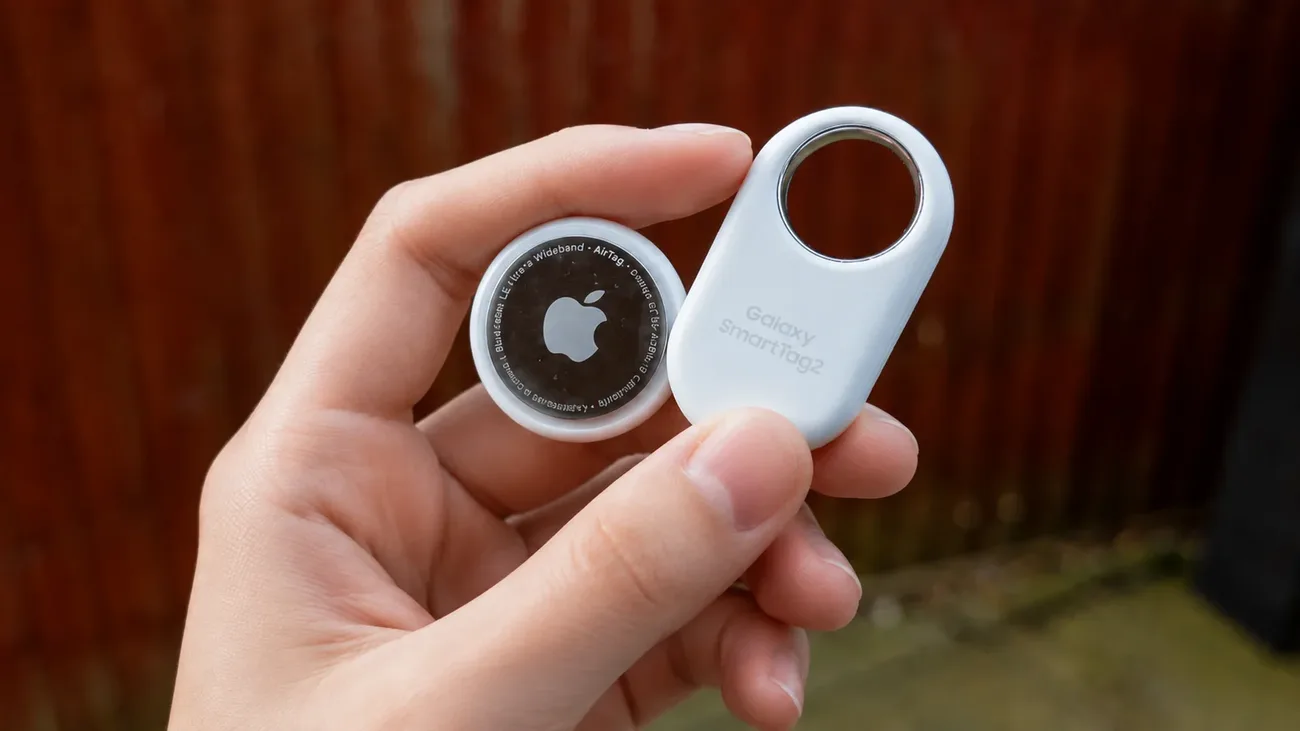
The two products take opposite physical approaches. AirTag is a compact round disc, 31.9 mm across and 8 mm thick, with a polished steel back. It slips easily into a bag pocket, but it has no keyring hole, so keys require a separate holder.
SmartTag2 is a pill-shaped tag with a large integrated metal loop, available in black and white. At 28.8 by 52.44 by 8 mm and 13.75 grams it is bigger than an AirTag, but the loop removes an accessory purchase and clips straight to keys, luggage zippers, or a backpack strap. Afar describes it as a little smaller than a USB drive, which matches how it feels on a keyring: noticeable, but practical.
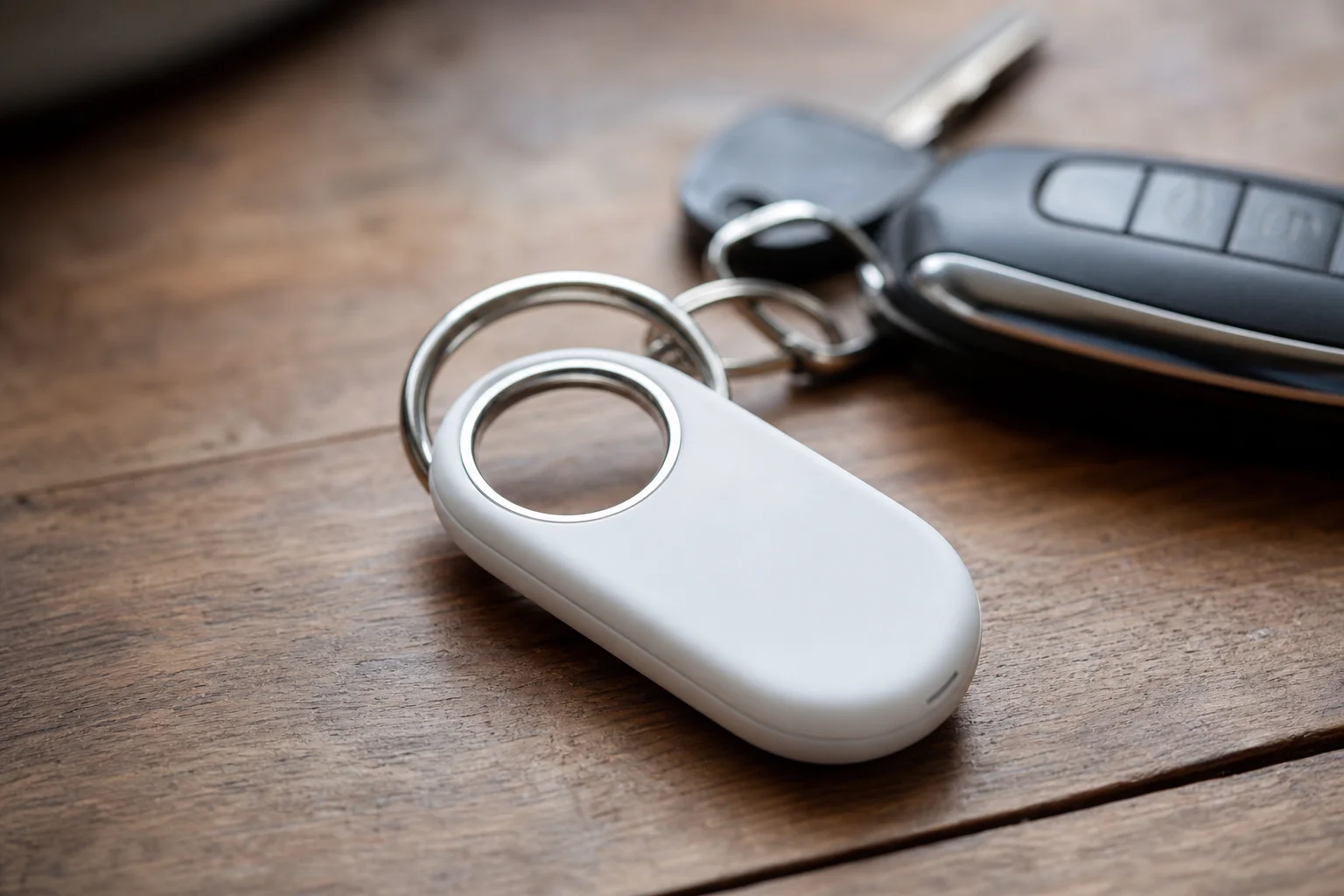
SmartTag2 also has one physical button. It can ring a connected phone when the phone goes missing, and Samsung lets compatible SmartThings setups use it to trigger home automation routines. AirTag has no button and no equivalent remote function. If you already run lights or other devices through SmartThings, this is a genuine Galaxy-specific benefit.
Pairing is painless on both sides. SmartTag2 starts pairing automatically when held near a Galaxy phone, with on-screen prompts completing setup in seconds. AirTag pairs the same way with an iPhone through Find My.
Battery, water resistance, and price
Both tags run on the same readily available CR2032 coin battery, with no subscription for basic finding. Apple rates the current AirTag for more than one year. Samsung rates SmartTag2 for up to 500 days in normal mode, or up to 700 days in Power Saving Mode. Both figures are manufacturer ratings, and heat, cold, and frequent locating shorten real results.
Both carry an IP67 rating. Rain, a wet bag, or a brief accidental drop in water should not end either tag, but neither is a diving device, and a cracked housing can compromise the seal.
Pricing is nearly identical. A single AirTag retails for $29 on Apple’s site, while SmartTag2 lists at $30 on Samsung’s site. Street prices move a few dollars in either direction, so buy from a reputable retailer and ignore short-lived discounts when comparing.
| Feature | AirTag | Galaxy SmartTag2 |
|---|---|---|
| Owner platform | iPhone and iPad | Samsung Galaxy phones and tablets |
| Finder network | Apple Find My | SmartThings Find and Galaxy Find Network |
| Close-range guidance | Precision Finding on compatible Apple hardware | Compass View on compatible UWB Galaxy hardware |
| Battery | CR2032, rated more than one year | CR2032, rated up to 500 days, 700 in Power Saving Mode |
| Keyring attachment | Separate holder needed | Integrated loop |
| Extra control | None | Button rings phone, supports SmartThings routines |
| Size and weight | 31.9 mm disc, 8 mm thick | 28.8 by 52.44 by 8 mm, 13.75 g |
| Water and dust rating | IP67 | IP67 |
| List price | $29 | $30 |
| Subscription | None | None |
Privacy and what these tags cannot do
Neither tag is meant for tracking a person, a pet that roams far, or a vehicle that needs continuous location. Both depend on another compatible phone being nearby, and a reported position may be hours old in an area with few participating devices. For a wider view across tracker networks and form factors, see AirTag vs Tile vs SmartTag vs Chipolo.
Both include anti-stalking protections. Modern iPhones and Android phones can surface alerts when an unknown compatible tracker appears to move with someone. This safety layer makes secret tracking both unreliable and unacceptable. If you receive an alert, follow our unknown AirTag alert guide to preserve the useful details and find the tracker safely.
Which tracker is better for luggage
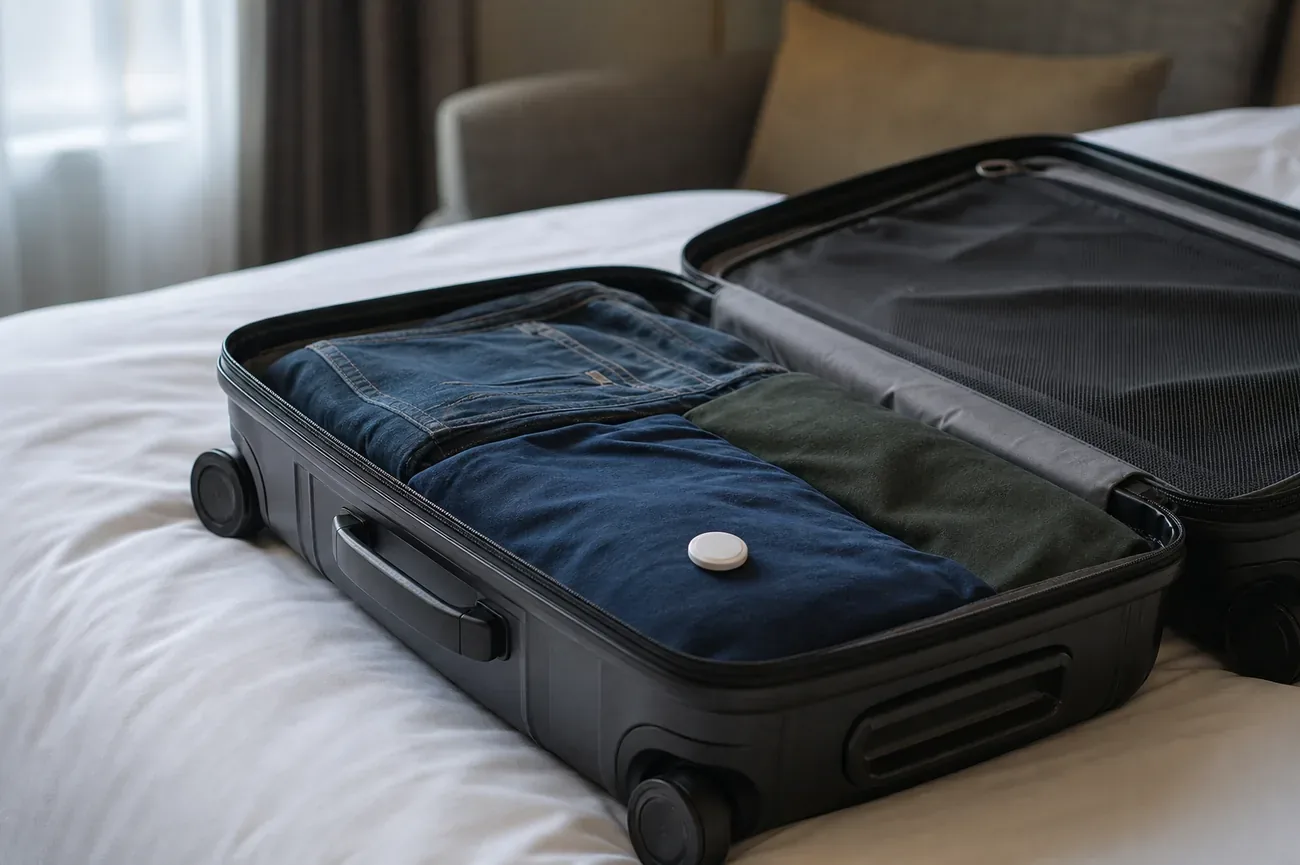
For an iPhone owner, AirTag is the natural luggage choice. It lives in Find My, supports Apple’s item-location sharing, and several airlines now accept a shared item location when you file a delayed bag claim. For a Galaxy owner, SmartTag2 fills the same role in SmartThings Find, with the useful built-in loop for zippers.
Neither tag can force an airline to retrieve a delayed bag, and neither creates updates while the plane is in the air. Check the airline’s current battery and tracker policy before flying, then use the last reported location as evidence in the carrier’s process. Our checked-luggage tracker guide covers the rules and the travel workflow step by step.
Verdict
The best tracker is the one your phone and household can actually use. AirTag is the easy choice for iPhone and iPad owners. SmartTag2 is the easy choice for a Samsung Galaxy household, especially if its keyring loop, long rated battery modes, or SmartThings button will earn their keep.
If you own a non-Samsung Android phone, do not buy SmartTag2 just because it is an Android product. Its ownership experience is Galaxy-specific, so pick a Google Find Hub tracker instead.
One final buying tip: register and test the tag before travel day. Confirm the owner can see it in Find My or SmartThings Find, make it ring once, and note which family member controls the account. The first time you need a tracker should not be the first time you learn how its app works.
Frequently asked questions
Which is better, AirTag or Samsung SmartTag2?
The better tracker is the one your phone can own. AirTag suits an iPhone or iPad owner who uses Apple Find My, while SmartTag2 suits a Samsung Galaxy owner who uses SmartThings Find. Hardware differences such as the keyring loop or battery rating matter less than this compatibility line, because neither tag offers normal setup outside its own ecosystem.
Does Galaxy SmartTag2 work with all Android phones?
No. SmartTag2 needs a Samsung Galaxy phone or tablet running Android 9 or later, and it is managed in SmartThings Find. A Pixel, OnePlus, Motorola, or iPhone cannot pair with it or manage it as the owner. If you use a non-Samsung Android phone, choose a tracker built for Google Find Hub instead.
Does SmartTag2 have GPS?
No. SmartTag2 is a Bluetooth item finder, just like AirTag. It broadcasts a short-range Bluetooth signal that nearby Galaxy phones can relay through SmartThings Find to show the owner a location. It has no cellular modem, no SIM, and no subscription-backed GPS connection, so it cannot report from places with no compatible phones nearby.
Does SmartTag2 have better battery life than AirTag?
On paper, yes. Samsung rates SmartTag2 for up to 500 days in normal mode and up to 700 days in Power Saving Mode, while Apple rates the current AirTag for more than one year. Both use a user-replaceable CR2032 coin battery with no subscription. Real battery life still depends on temperature, usage, and how often the tag is located, so treat both figures as manufacturer ratings.
Which tracker is better for luggage?
For an iPhone owner, AirTag is the natural luggage tag because it lives in Find My and several airlines now accept shared item locations with delayed bag claims. For a Galaxy owner, SmartTag2 plays the same role in SmartThings Find and its built-in loop clips straight to a zipper. Neither tag updates during a flight, so use the last reported location as evidence, not as a live feed.
Can I use AirTag or SmartTag2 to track a person?
No. Both are object finders with anti-stalking protections, not people trackers. Modern iPhones and Android phones can warn someone when an unknown compatible tracker travels with them, and neither tag sends reliable live updates. Never attach a tracker to a person, their car, or their belongings without their informed consent.