Start here: Yes, you can put an AirTag in checked luggage. Regulators treat its coin-cell battery as installed in a device, which is permitted in the hold, and no major airline currently bans trackers in checked bags. The tag goes quiet during the flight and resumes updating once the bag is back around phones on the ground.
Table of contents
Yes, you can put an AirTag in your checked bag. The TSA allows tracking devices in both carry-on and checked luggage, the FAA and ICAO position treats the coin-cell battery as installed in a device rather than a spare pack, and no major airline currently bans trackers in the hold. The one exception travelers still ask about, a Lufthansa directive from late 2022, lasted only days before regulators clarified the rules and the airline withdrew it.
This guide covers what the rules actually say, what happens to the signal once your bag disappears on the belt, and how to turn a Find My location into a recovered suitcase. If your bag is already missing, start with our lost luggage recovery walkthrough and come back here for the rules detail.
What the regulators say about trackers in the hold
Three layers of rules matter, and they all point the same way.
Security screening (TSA). The TSA permits tracking devices in both carry-on and checked bags. Its lithium battery restrictions target spare packs and high-capacity power banks, not a coin cell sealed inside a small tracker. Travel coverage of the TSA position consistently confirms this, with the practical advice to place the tag where it is easy to reach during scans.
Flight safety (FAA and ICAO). Aviation safety rules distinguish between spare lithium batteries, which are restricted in the hold, and small batteries installed in devices, which are permitted. An AirTag falls in the second group: a single CR2032 coin cell that tracker-industry reporting places at a fraction of a watt-hour, far below the capacity limits written for laptop packs. The FAA clarified this publicly during the 2022 Lufthansa episode, and nothing since has changed the outcome.
Airline policy. As of 2026, no major airline bans AirTags or similar trackers in checked bags. The direction of travel is the opposite: an industry roundup published this year counts dozens of carriers, including large US and European airlines, that now accept a Find My location as supporting detail in a lost-bag claim. Apple has added a Share Item Location feature that generates a time-limited link to a tag, built for exactly this handoff to airline staff.
You do not need to declare the tag at check-in, and there is no special packaging requirement. Pack it and fly.
Why Lufthansa briefly banned AirTags in 2022
In late October 2022, Lufthansa issued an internal directive telling staff to treat AirTags in checked bags as non-compliant dangerous goods. The airline never fully explained its reasoning in public, but the move looked like a confusion between the well-known “no spare batteries in the hold” passenger rule and the separate exemption for batteries installed in devices, which is the category AirTags belong to.
The reversal came within days. After the FAA publicly confirmed that trackers with installed coin cells comply with hazardous materials rules, Lufthansa withdrew the directive in early November 2022. No Lufthansa subsidiary or partner airline has attempted a similar ban since, and Lufthansa now appears on the lists of carriers that accept tracker locations in baggage claims.
The episode still matters for one practical reason: outdated information lingers. If a check-in agent ever questions your tag, calmly asking for the refusal in writing and mentioning the regulator clarification usually ends the discussion. In practice, this confrontation has not recurred for years.
What happens to the signal inside the cargo hold
An AirTag has no GPS chip and no cellular radio. It broadcasts short Bluetooth signals, and any nearby Apple device with Find My enabled silently relays the tag position to Apple servers. Your Find My app then shows an approximate location with a last-seen timestamp.
This design has a direct consequence for luggage: the tag only updates when a compatible phone passes within Bluetooth range. On a busy ramp with handlers carrying phones, that happens often. Inside a cargo hold at cruising altitude, it does not happen at all. Expect the following pattern on a typical trip:
- Fresh pings at the check-in hall and during loading, when ground staff phones are near the bag.
- Silence during each flight leg, sometimes for hours on long-haul routes.
- New updates after landing, as the bag moves through unloading, sorting, and the carousel area.
None of this indicates a fault. A tag that goes quiet mid-flight and reappears at the destination behaved exactly as designed. Judge the situation by the last-seen timestamp and location together, not by the gap alone.
Where tracking gets thin
Because every update depends on a passing phone, coverage follows phone density. Major hubs with constant foot traffic around the bag halls produce frequent pings. Small regional airports, remote stands, and closed sorting rooms can leave a bag silent for hours even though nothing is wrong.
International routings add another variable. In countries and cities where Apple devices are less common, updates arrive less often, and a bag sitting in a transit warehouse may show a stale location for a long stretch. Treat a frozen last-seen time as “no phone has passed near the bag yet” rather than proof of where the bag is right now. The relay works the same away from dense areas, only with longer gaps between updates.
Which tracker suits your phone
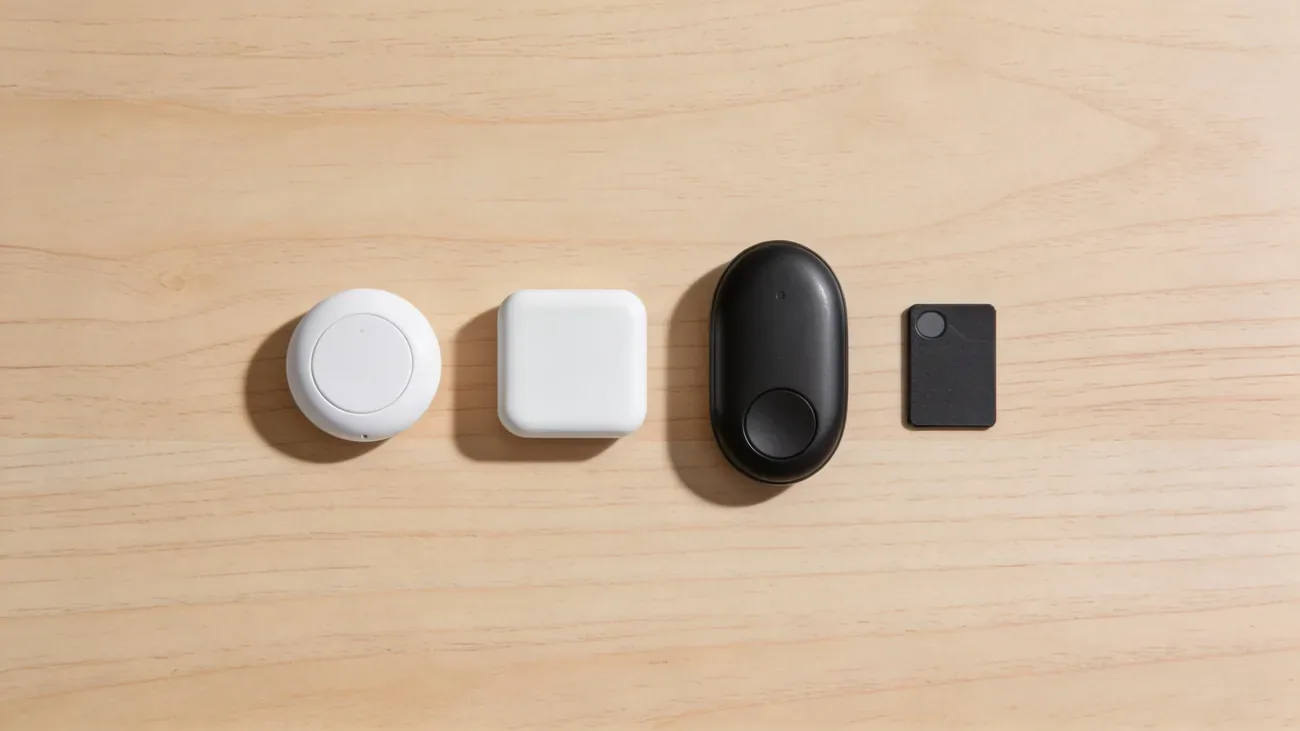
Any coin-cell tracker follows the same hold rules as an AirTag, so the choice comes down to which finder network matches your phone.
| Tracker | Finder network | Battery | Phone setup |
|---|---|---|---|
| Apple AirTag | Find My (Apple devices) | CR2032, about a year per Apple | iPhone or iPad |
| Tile Mate | Tile network | Coin cell, multi-year per maker | iPhone or Android app |
| Chipolo ONE Point | Google Find My Device | Coin cell per maker | Android-first |
| Samsung SmartTag2 | SmartThings Find | Coin cell per maker | Galaxy-first |
For iPhone owners flying routes through North America, Western Europe, and other regions with dense Apple device coverage, the AirTag relay is the natural pick. Android households get better integration from a Tile, a Chipolo model tied to Google Find My Device, or a SmartTag2 on Samsung phones. Our full Bluetooth tracker comparison breaks down the networks in detail.
How to pack the tracker for a flight
A few minutes of preparation before departure makes the tag far more useful if the bag goes astray.
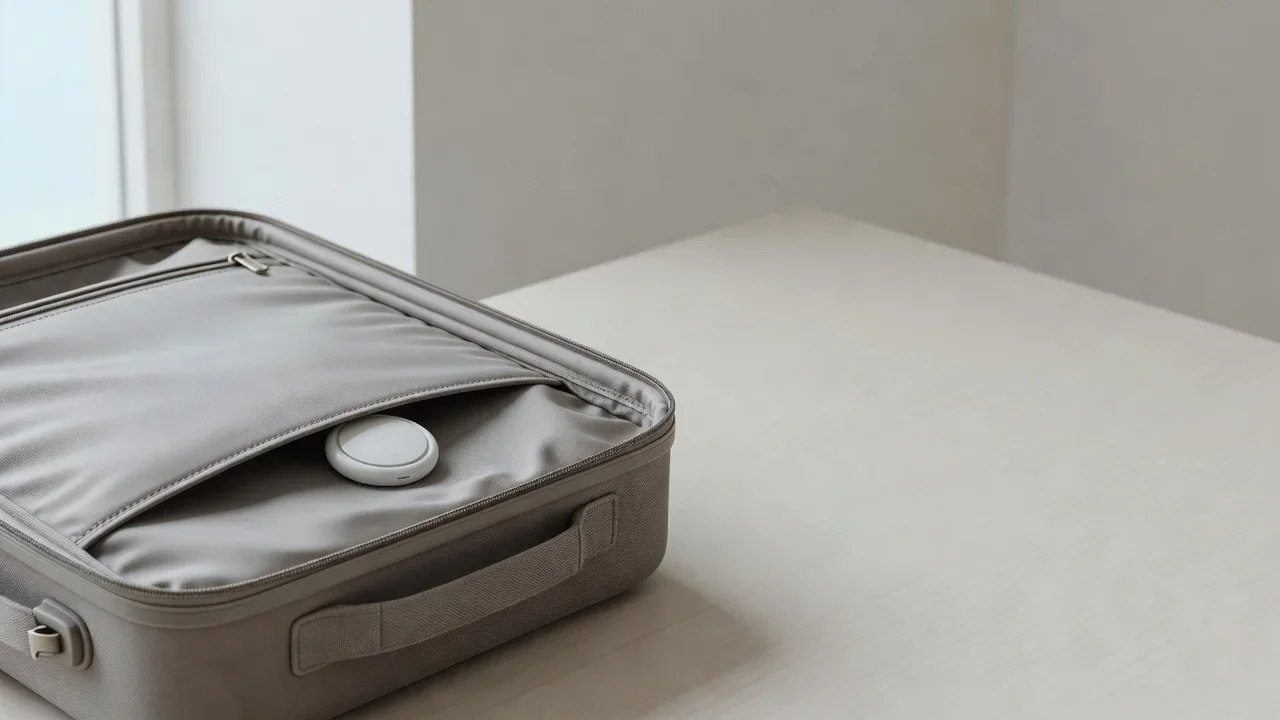
Place it in an inside zip pocket. A pocket in the lining keeps the tag with the bag during inspections and avoids blocking the signal behind dense contents. Travel press also notes that an easy-to-reach spot helps during security scans. Avoid taping a tag to the outside shell, where handling can knock it off.
Name the tag after the bag. “Blue checked Samsonite” beats “AirTag 3” when you are stressed at a baggage desk with two tagged bags. Clear names also help if a fellow traveler ever receives an unwanted-tracker notice triggered by your suitcase in close quarters.
Turn on Lost Mode before check-in. In Find My, open the tag and enable Lost Mode with a phone number. Anyone who finds the bag and holds an NFC-capable phone to the tag sees your message and contact details without needing an Apple account. This is the cheapest recovery upgrade available.
Screenshot the location at the airport. Capture the Find My view at check-in as a baseline with a timestamp. If the bag later appears in the wrong city, that first screenshot plus later ones form a simple timeline for the claim.
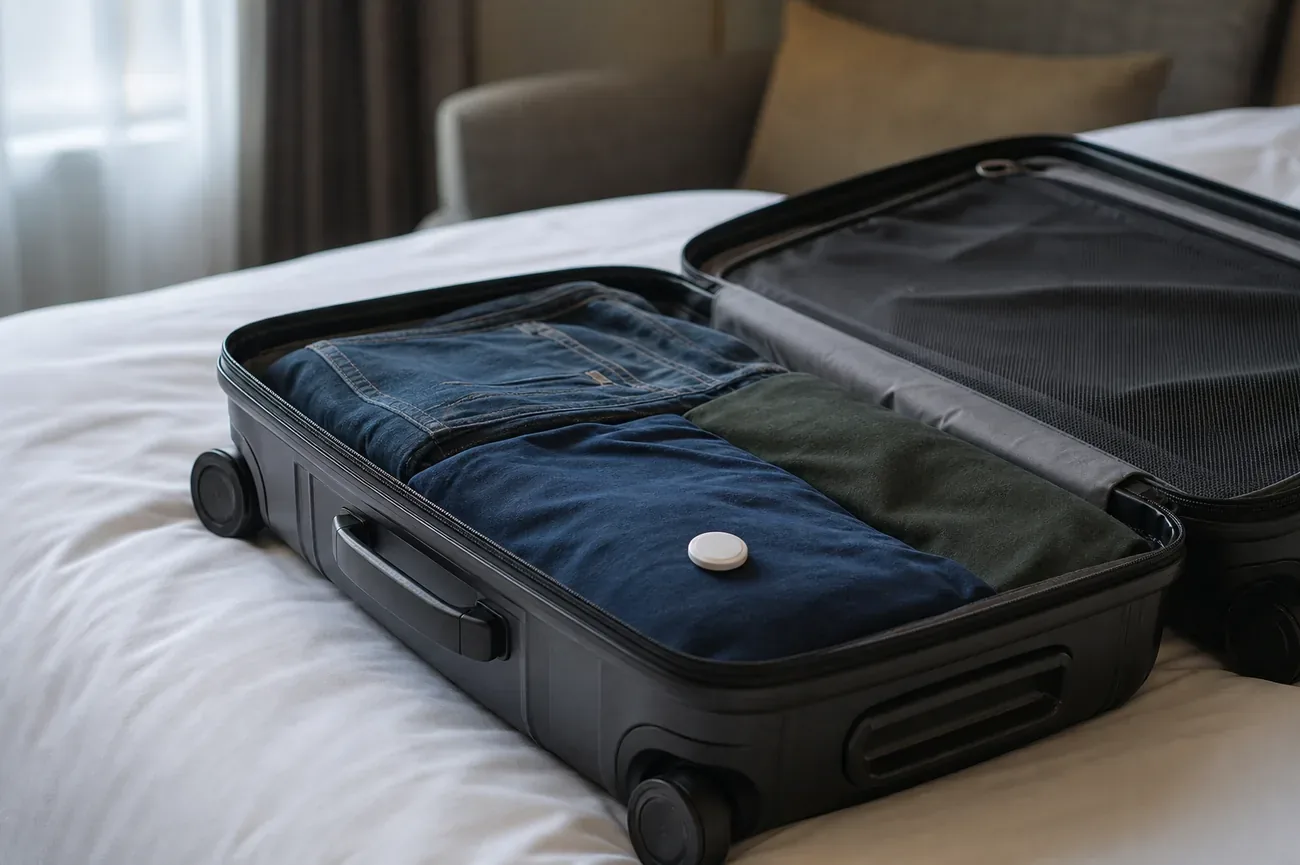
Consider a second tag for valuable bags. One tag in the main compartment and another in a jacket inside the bag protects against a single dead spot or a tag that gets separated during inspection. Check both batteries in Find My first, as described in our AirTag battery guide.
Keep the physical luggage tag. A tracker helps you find the bag, but only a visible tag with your name and phone number helps a stranger return it quickly. Use both.
How to use the location in a lost-bag claim
A tracker does not stop an airline from misrouting a bag. Its value starts the moment something goes wrong.
Check Find My before joining the carousel crowd. If the bag shows at your terminal, wait for it. If it shows in another city, go straight to the baggage desk instead of watching an empty belt.
File the irregularity report before leaving the hall. The Property Irregularity Report, filed at the airline baggage desk, opens your claim file and is referenced by the global tracing systems airlines use. Filing before you leave keeps everything on the same-day record.
Share the location, not just a story. Show the agent the Find My map with timestamps, and use Apple Share Item Location to send a time-limited link the baggage team can open. Airlines increasingly accept these links, and a precise location such as “your storeroom at Terminal 2” is harder to dismiss than “I think it is here.”
Document every update. Screenshot each new ping with its timestamp and email the images to yourself the same day. A dated trail of locations supports follow-up calls and any later insurance paperwork.
Know the liability backdrop. International treaties cap what airlines owe for checked bags, which is why travel insurance and the baggage benefits on some travel cards exist. Confirm your coverage before departure rather than discovering the gap at the claim desk.
If your bag triggers a stranger tracker alert
Modern phones warn their owners about unknown trackers traveling with them, and a tagged suitcase in an overhead bin or a shared shuttle can set one off. This is the anti-stalking protection working as designed, and since the Apple-Google joint standard, alerts work across both phone platforms.
If a fellow traveler asks about it, a clear tag name and Lost Mode contact resolve the confusion fast. If you are the one receiving an unknown AirTag alert, our guide explains what the notice means and which steps come next.
Pack the tag inside the bag, enable Lost Mode, screenshot the baseline, and file the report before leaving the hall if the bag fails to appear. Those four habits turn a small tracker into genuine leverage the next time an airline has to find your suitcase.
Frequently asked questions
Are AirTags allowed in checked luggage?
Yes. The TSA allows tracking devices in both carry-on and checked bags, and the FAA and ICAO position treats the AirTag coin cell as a battery installed in a device, which is permitted in the hold. No major airline currently bans trackers in checked bags. You do not need to declare the tag or use special packaging.
Can an airline confiscate my AirTag at check-in?
No major airline has a current rule that would support confiscating an AirTag from a checked bag. The only known attempt, a short-lived Lufthansa directive in late 2022, was withdrawn within days after regulators clarified that installed coin cells are permitted. If staff ever question the tag, ask for the refusal in writing and note the regulator guidance.
Does an AirTag work inside a plane cargo hold?
Not during the flight itself. An AirTag has no GPS and no cellular radio. It sends short Bluetooth signals that nearby Apple devices relay to the Find My network, so it only updates when a compatible phone passes within range. Expect silence during flight legs and fresh updates once the bag is handled on the ground.
Where should I put the AirTag inside my suitcase?
Put the tag in an inside zip pocket rather than loose in the main compartment. Travel press recommends a spot that is easy to reach during security scans and does not block the signal entirely. A second tag in a jacket inside the bag gives you a backup if one tag sits in a dead spot. Always keep a physical luggage tag on the outside as well.
Will my AirTag track my bag in every country?
It works anywhere the Find My network has compatible devices nearby, but update frequency varies a lot. Major hubs with dense foot traffic produce frequent pings, while regional airports and areas with fewer Apple devices can leave gaps of many hours. A stale last-seen timestamp usually means no phone passed near the bag, not a broken tag.
How long does the AirTag battery last in luggage?
Apple rates AirTag battery life at about a year on one CR2032 coin cell, and passive travel use does not drain it noticeably faster. A tag that shows a healthy battery before departure will easily survive a long trip. Check the battery indicator in Find My before you pack and replace the cell if the app flags it as low.