My phone slipped out of my hand and vanished under the waves
One wet moment on a boat rail and your whole digital life is sinking in salt water.
A phone dropped in the ocean is usually past saving, because salt water corrodes the electronics within hours even if it dries. Your real goal in the first minutes is to secure accounts, lock the device remotely, and mark where it sank. Find My iPhone or Find My Device will show the last known position, and offline finding on recent iPhones can report a position for up to 24 hours if the phone is still above water and near other devices.
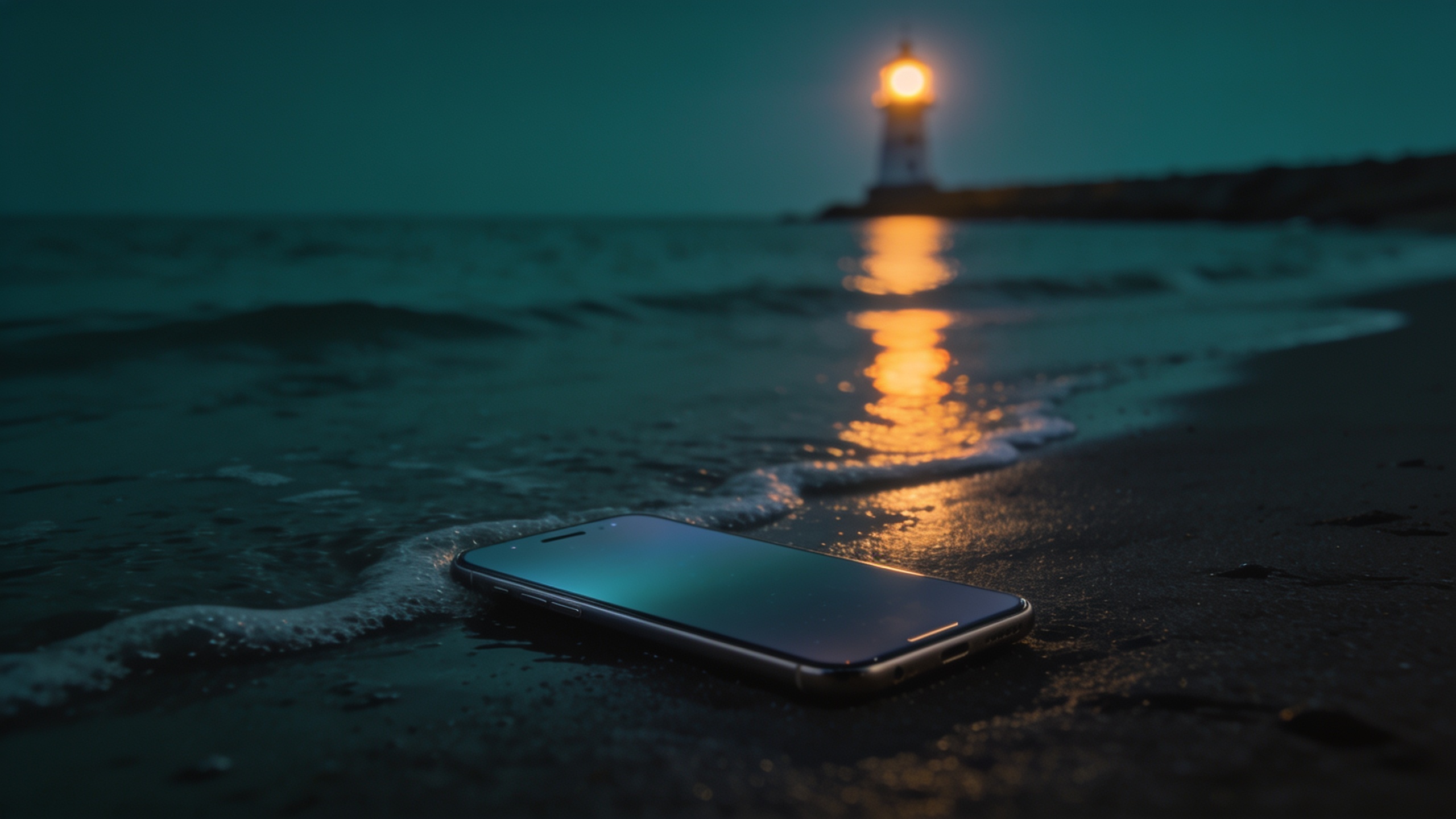
One second the phone is in your hand, the next it is gone. You were leaning over a boat rail, a wave hit the rocks you stood on, you fumbled it getting out of an inflatable. Nobody drops their phone in the ocean on purpose. It happens in under a second and the stomach drop is instant.
Before you start swimming, here is the honest framing: the phone is very likely gone as a device. But the next 20 minutes still decide whether your accounts and money stay safe, whether you get an accurate pin of where it sank, and whether a diver or a low tide can bring it back. Panic makes people skip account security and chase swimming. Do it in the right order.
What just happened
Physically, almost nothing dramatic. The phone sank at roughly one to two metres per second depending on the case, and is now somewhere on the bottom, on a ledge, or wedged in rocks. Electrically, a lot is happening. If it was on when it went under, the water is shorting circuits right now. Modern phones are sealed to an IP67 or IP68 rating, tested against fresh water at a stated depth for about 30 minutes. That rating assumes a factory seal on a new device; it does not cover salt water or worn seals on a two-year-old phone. Salt water is the worst case on top of that: it conducts electricity, corrodes connectors and the charging port, and keeps eating the phone even after it dries.
So the mental model is this: treat the phone as lost, protect the data, and treat the location as a recoverable asset. In that order.
The first 10 minutes
Get a device in front of you. A friend’s phone, a laptop in the cabin, anything with a browser. Then work this list top to bottom.
- Note the exact spot before anything else. Look at the shoreline, the boat’s position, buoys, rocks. Take a photo of the scene with someone else’s phone. Memory collapses fast under stress, and this is the raw data every later step depends on.
- Open Find My iPhone or Find My Device and read the last known location. From a friend’s iPhone use the Find My app or icloud.com/find; on Android use google.com/android/find. The pin is your best estimate of where the phone went under, often accurate to a few metres if GPS had a clear sky view. Screenshot it with the timestamp. The full workflow is in the Find My iPhone complete guide; Android users should follow the Google Find My Device guide.
- Mark the phone as lost. Lost Mode on iPhone, or the lock in Find My Device on Android, locks the screen, displays your message and a contact number, and suspends payment cards registered to Apple Pay or Google Wallet. If it surfaces in someone’s hands, the lock screen does the talking.
- Change the password on your primary email account, then your Apple ID or Google account. Email is the master key to everything else. Do not gamble on your passcode being strong enough.
- Contact your carrier and freeze the SIM. Ask them to suspend the line so nobody can receive your 2FA codes. This matters more abroad, where a foreign SIM can rack up roaming charges. The carrier-side steps, including IMEI blocking, are in the lost phone overseas guide.
- Only then go back for the phone. If the water is shallow and safe, a mask and a ten-minute search around the pin is reasonable. If it is deep, cold, has any current, or you are alone, stop. Electronics are replaceable; people drown retrieving phones from water, and none of them were worth it.
What does not work
Two myths eat the critical minutes. Skip both.
The rice myth. Do not buy rice and do not spend your first ten minutes hunting for it in a beach bar. Independent testing repeatedly shows rice performs no better than plain airflow, and Apple’s support documentation advises against it. Rice grains and starch dust can work into the charging port and jam against the pins.
Chasing signal boosters and tracking apps. Once the phone is two metres under salt water, no app, booster, or “deep signal amplifier” will reach it. Radio signals barely penetrate water; any site promising to point a signal into the ocean and find your phone is selling fiction. Skip “call the phone and listen for it” too: a vibrating phone two metres down is silent to a human ear.
What does work is boring: a good last-known pin, a patient grid search, and the tide.
Finding where it sank
The phone will not report a live location from underwater, so your search is built from three sources of data from before the drop.
The last known pin. Open Find My or Find My Device and read the timestamp on the location, not just the dot. If it says “now” or “1 minute ago”, the GPS fix is nearly as good as the moment of the drop, and a 5 to 10 metre accuracy circle is realistic. If it says “30 minutes ago”, the fix may have been Wi-Fi based; widen the search. Read the pin against landmarks: the third mooring buoy, the rock with the white paint, the lifeguard tower.
Offline finding, with realistic expectations. Recent iPhones (iPhone 11 and later) keep broadcasting a low-power Bluetooth beacon for up to 24 hours even when powered off, and any passing Apple device relays it back to your account anonymously. Android offers similar network-based offline finding on recent Pixel and Samsung models. The catch: a phone on the seabed cannot reach that network, because water blocks the signal. It only helps in the edge cases where the phone never truly sank: the tender, under a towel on the beach, a wet bag on the dock. Check those places before assuming the sea took it. The mechanics are explained in the Find My offline network guide.
The tide line. If the phone went in from a beach or rocks, the tide is your variable, not your enemy. Low tide exposes metres of seabed that were under water at the moment of the drop. Check a tide table for your exact location, then search at the lowest tide within the next two days. Walk the exposed zone in a slow grid around the pin, with Find My open on a friend’s phone in case a beacon appears as you get closer. Snorkelers in clear, calm, shallow water have a real chance; some resort dive shops do retrievals for a fee.
After the water: can it be saved?
A phone recovered from salt water has survived a lottery, and the odds are worse the longer it stayed under. If it comes up, do this and nothing else: keep it off, do not charge it, do not press buttons hoping for signs of life, rinse external salt off with fresh water, and let it dry in airflow for days. Charging a wet, salt-contaminated phone is the fastest way to finish it off.
Even a phone that appears to work the next day is not in the clear. Salt corrosion is slow; the charging port, speaker mesh, and connectors can fail over the following weeks. If it boots, back up your data immediately and treat every further day as borrowed time.
On replacing it: the phone is probably a write-off, and insurance or AppleCare+ with Theft and Loss is the straightforward path. But resist the same-day upgrade. A replacement phone set up in a hurry on a beach trip is where the next loss happens, with half the security settings skipped. And there is a real chance the phone is recovered in the coming days, which beats a duplicate purchase. Give it a week. Note that no manufacturer warranty covers liquid damage; the IP rating is a lab spec, not a promise about seawater.
Prevention for next time
The prevention here is cheap, and it is worth 15 minutes of setup.
- A floating strap or buoyant case. A floating wrist strap keeps the phone on the surface long enough to grab it, for a few euros. It is the highest-value item on this list.
- A lanyard on boat days. On charters and dock days, a cheap neck lanyard means the phone physically cannot leave your body. Boaters’ phones are lost at rails and during dinghy transfers.
- eSIM as a backup line. Add a cheap second eSIM from another carrier before travel. If the primary SIM dies with the phone, the eSIM on your replacement device still receives codes and data.
- Verify the finding toggles before you travel: Find My (or Find My Device) on, Find My network on, Send Last Location on. It takes 60 seconds at home and is what made steps 2 and 3 possible at all.
The bottom line
A phone dropped in the ocean is usually gone as hardware, but the recovery play is real and time-boxed. Secure accounts and the SIM first, lock the device remotely, and capture the last known pin before the tide argues with your memory. Check whether the phone ever truly sank before writing it off, search the tide line at low water, and give a recovered phone days of drying, not a bag of rice. The full platform-by-platform procedures are in the Find My iPhone complete guide and the lost phone overseas guide. A floating strap costs less than a coffee and prevents the entire scenario.
Questions & answers