I keep getting alerts that an AirTag is moving with me
Your phone says a tracker is travelling with you. You did not put it there. Now what?
An unknown tracker alert means a Bluetooth tag separated from its owner is travelling with you, and your phone detected it across multiple locations and times. Scan with Precision Finding on iPhone or Tracker Detect and AirGuard on Android, then do a physical sweep of the car: bumper gaps, wheel wells, under the seats, the OBD port. Screenshot every alert with its timestamp before you touch anything, because that record is what the police will actually want.
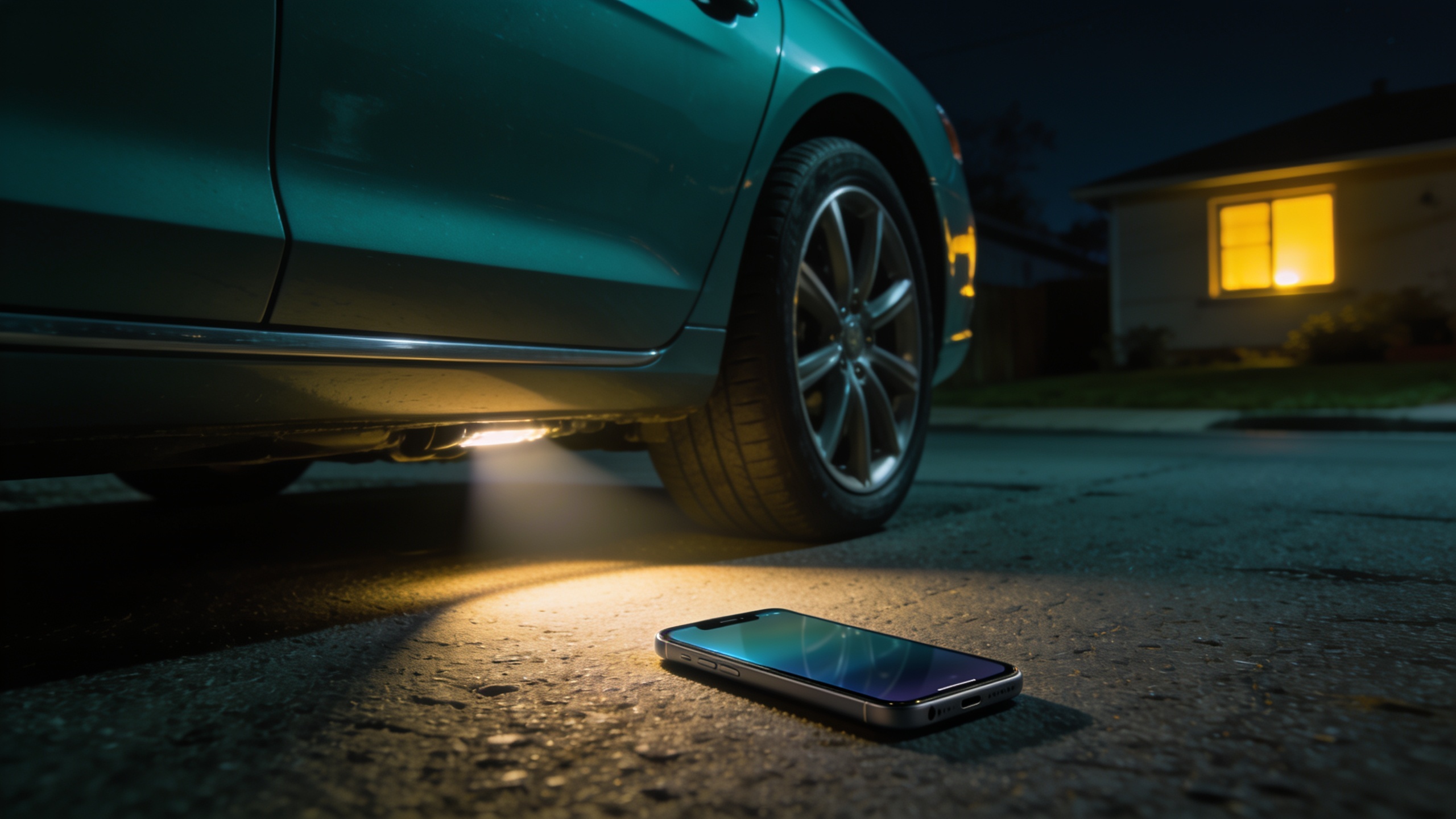
The alert arrives as a notification you almost swipe away: “AirTag Detected Near You” or “Tracker detected.” Then it arrives again the next day, and again on the drive home. You did not put a tracker anywhere. Your car did not come with one, as far as you know. The feeling this produces is specific and unpleasant: someone, somewhere, knows where your car is, and by extension where you are.
Take a breath, because this is a situation with a procedure. The alerts are genuinely useful: Apple, Google, and Samsung built this detection precisely for this scenario, and a person being tracked by a tag has a real technical head start today that did not exist a few years ago. What matters is the order: understand what the alert is telling you, scan, sweep the car, document everything, and only then decide about the police.
What the alert means
On iPhone, the notification says an AirTag or Find My network accessory has been detected moving with you, and tapping it shows a map of where the tag was seen with you, over time. On Android, Google Play services and Samsung One UI push similar “tracker detected” notifications with their own detail screens.
The key fact: these alerts are deliberately hard to trigger by accident. The system requires the tag to be seen with you across multiple locations and a stretch of time. An AirTag in the trolley next to yours, a colleague’s keys in the next desk, a neighbour’s bag in the shared lift: none of these should fire it. A tag in your car that rides home with you every evening absolutely will.
Also read what the alert is not. It does not tell you who placed the tag, and for safety reasons it does not notify the tag’s owner that you have been alerted. That silence is intentional: it gives you time to find the device before whoever placed it knows the game is up. Use that silence. Do not post about it on social media and do not confront anyone yet.
One caveat belongs here: alerts can occasionally be a false positive or the result of a genuinely lost tag that happens to overlap your routine. The scan and sweep below settle that question with evidence instead of guesswork.
Scan now
Start with the electronic scan, because it narrows a whole car down to centimetres in the best case.
On iPhone: tap the alert, then Play Sound. A hidden AirTag chirps, which makes it findable by ear in a quiet garage. On iPhone 11 and newer, Precision Finding goes further and shows an arrow with distance and direction to the exact tag. Do this outdoors or with the car doors open, away from your own AirTags, headphones, and laptop, which otherwise pollute the scan.
On Android: install two apps and use both. Apple’s Tracker Detect scans for AirTags on demand. AirGuard, from the Technical University of Darmstadt, scans for AirTags and other tags, and keeps a history of sightings so you can show a pattern rather than a single reading. Samsung phones have a built-in scanner under Settings, Security and privacy.
Scan in a quiet place, walk a slow loop around the car, then scan inside with the doors closed. If you get a distance reading, take a step and read it again: numbers falling mean you are closing in. If the tag is silent and findable only by scan, move the car to a different location and scan again; the change helps you separate a signal in the car from one in your bag or jacket.
The physical sweep
Scanners can be defeated by a tag placed to sleep or out of battery, so follow the electronics with hands and a torch. Work the outside first, then inside.
Outside: the bumper gaps at both front and rear, where a slim magnetic case slides in and disappears. The wheel wells, feeling behind the plastic liners. The trailer hitch receiver, a favourite because a tube-shaped magnet box fits perfectly. Behind the grille, along the underbody seams, and anywhere a flat magnet could sit against metal.
Inside: under both front seats and along their rails, seat-back pockets, the centre console and cup holders, the glovebox, door pockets, the boot including the spare-wheel well with its foam insert lifted out, and the first-aid kit or child-seat creases where something flat hides well. Then the OBD port under the driver’s side dashboard. This deserves special attention because cheap real-time GPS trackers plug straight into it for power, and a device there is a different problem from a coin-sized tag: it reports continuously and costs its owner nothing in effort.
If the sweep finds nothing but the alerts keep coming, repeat everything after dark with a torch and, ideally, a second person. Persistence on their side means patience on yours has to be longer.
It is not always an AirTag
The word AirTag is doing too much work in these alerts. The iPhone notification also covers third-party trackers that joined the Find My network, such as Chipolo and certain Pebblebee models. On Android, the alert can come from a Samsung SmartTag, a Tile, a Chipolo, or any tag following the cross-platform unknown-tracker standards now rolling out between Apple, Google, and the tracker makers.
Two practical consequences. First, if no AirTag turns up, keep looking for anything small, plastic, and tag-shaped; the comparison of what these devices actually look like is in the tracker comparison guide. Second, and more important for the creeped-out feeling: the difference between tag types changes the threat model. A Bluetooth AirTag needs to piggyback on nearby Apple devices to report, while a plugged-in GPS tracker reports continuously over mobile networks and can run for months. Finding nothing with an AirTag scanner does not clear the car; the car GPS tracker detection guide covers wired and network-based devices that a Bluetooth scan will never see.
Document before you act
This is the step people skip and regret. Before you touch, remove, or destroy anything, build the record.
Screenshot every alert with the date and time visible, not just the most recent one. Save the map view showing where the tag travelled with you. Note the tag’s serial number or identifier if the detail screen shows one. When you find a physical device, photograph it exactly where it sits, in place, before picking it up, then photograph it from all sides after. Write down where you were each time an alert fired, even roughly: home, the office car park, the gym.
The reason is that the police question in these cases is almost never “is there a tag”; it is “has someone tracked your movements over time, and who benefits from knowing where you are.” Your alert history answers the first half. Your notes on the second half, who has access to your car, who knew your routine, who has reacted to places only a tracker could have revealed, give an officer the pattern that turns a gadget into a case. Deleting the evidence by throwing the tag in a river feels satisfying and weakens everything that comes after. If police want the device, it is evidence.
Police, and what if you know who it is
With alerts, scans, and photos in hand, file a police report. Bring the screenshots, the device if found, and your notes. In many countries, covertly tracking a person’s movements sits within stalking or harassment law, and a hidden tag in a car is a clean, physical piece of evidence for it. Reporting also matters beyond your own case: these reports are how the pattern of tag-based stalking stays visible to law enforcement.
Now the harder paragraph. In the overwhelming majority of cases where a tracker is found and someone is identified, that someone is a current or former partner, sometimes a family member, occasionally an employer. If a name is already forming in your mind, resist the confrontation instinct. Confronting first hands over your one advantage: they do not know you found the device, and the moment they know, evidence changes and behaviour escalates. Document, report, and let the process carry it.
Alongside the formal route, take the practical ones seriously. Tell at least one trusted person what is happening. Vary routines that were predictable. Audit the easy digital leaks you may have forgotten: shared location in Find My or Google Maps, family plans, a shared calendar, an old device still signed into your accounts, a carrier family locator still active. The guide to what an unknown AirTag alert means covers the alert mechanics, and the first-30-minutes playbook for finding a tracker on you is the version of this page for your person rather than your car. And if you ever feel in immediate danger, skip the procedure entirely and contact your local emergency number.
The bottom line
Repeated unknown tracker alerts are a signal to act on, not to dismiss. Scan with Precision Finding, Tracker Detect, and AirGuard, sweep the car from bumper gaps to the OBD port, and remember the tag in your car may not be an AirTag at all. Document everything with timestamps before touching the device, then take the record to the police. And if a name comes to mind, let the evidence speak instead of your anger.
Questions & answers