What matters here: On iPhone, drop a pin in Apple Maps and swipe up the card to see latitude and longitude. On Android, long-press your location in Google Maps and read the coordinates in the info card. On desktop, right-click any point in Google Maps and click the coordinates to copy them.
Table of contents
Your GPS coordinates are two numbers: latitude, how far north or south you are, and longitude, how far east or west. Together they pin your position to a few metres. Every phone can show them with built-in apps, and no extra download is needed.
This guide covers the fastest method on iPhone, Android, and desktop, explains the formats you will meet, and notes the accuracy limits worth knowing before you share the numbers.
The one-click option
If you only need the numbers right now, use our my-coordinates tool. One press reads latitude, longitude, altitude when your device reports it, and the accuracy radius, with copy buttons and links to open the point in Google or Apple Maps. Nothing is stored or sent anywhere, and the page never asks for your location until you press the button.
Prefer to do it inside your maps app? The steps below take under a minute on each platform.
iPhone: Apple Maps, Google Maps, and Compass
Apple Maps is the most direct path on iOS:
- Open Apple Maps and tap the location arrow (top right) to centre the map on yourself.
- Tap and hold the map near your position until a red Dropped Pin marker appears.
- Swipe up the bottom card. Below the address, if one exists, you will see the exact latitude and longitude.
To mark the spot without touching the map, tap and hold the Maps icon on your home screen and choose Mark My Location. The pin interface is identical from there.
Google Maps on iPhone works too: tap the location button, long-press near the blue dot to drop a pin, then read the coordinates from the place card at the bottom. This is the better choice when you plan to share with Android or Windows users, since an Apple Maps share opens as a limited web view outside Apple devices.
A third option is the built-in Compass app, which shows your current coordinates at the bottom of the screen. It is quick but offers no copy button, so it suits a glance rather than sharing.
Android: Google Maps in three taps
- Open Google Maps and tap the location button (the crosshair icon) so the blue dot centres.
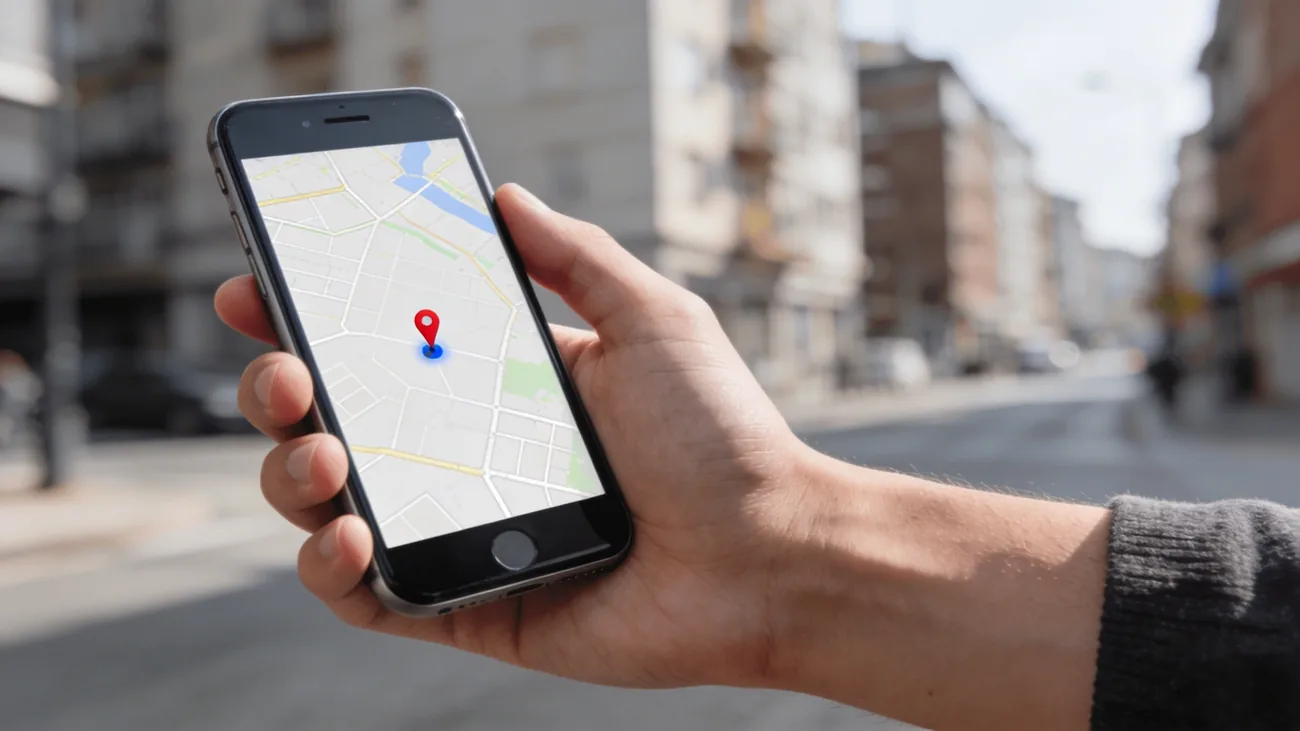
- Long-press the map close to your position. A red pin drops.
- Swipe up the info card. The coordinates appear as decimal numbers, typically to five or six places, with a copy option.
If you need altitude as well, Google Maps does not show it for your live position. Use the my-coordinates tool linked above, which reports altitude whenever the device provides it. Samsung phones with the Galaxy Store can also find coordinates in Samsung’s own location widgets, but Google Maps remains the consistent method across brands.
Desktop: right-click in Google Maps
Desktops have no GPS chip, so the browser estimates position from Wi-Fi networks and IP data. The reading is rougher, often within tens of metres in a city and far worse elsewhere, but the copy trick is the fastest on any platform:
- Open Google Maps in your browser.
- Right-click the place or area you want. A popup appears with latitude and longitude in decimal format at the top.
- Click the coordinates to copy them to your clipboard.
You can paste those numbers straight back into the Maps search box later, send them to someone, or plug them into the radius map tool to plan an area around the point. To measure the gap to a second point, see how far apart two GPS coordinates are.
Understanding the formats
Most apps display decimal degrees: 48.14860, 17.10775. Latitude always comes first, ranges from -90 to 90, and positive means north. Longitude ranges from -180 to 180, with positive meaning east. Use a dot as the decimal separator, never a comma, or Maps will misread the input.
Older devices and hiking GPS units often show degrees, minutes, and seconds: 48°08'55.0"N 17°06'27.9"E. A third variant, degrees with decimal minutes (48 08.9167, 17 06.4650), appears in marine and aviation contexts. Google Maps accepts all three, so convert only when a specific form or device demands one format.
Six decimal places give roughly 10 cm of precision on paper, far beyond what consumer GPS delivers. In practice, four to five places capture everything your phone actually knows.
Accuracy and privacy notes
Treat every reading as an estimate with a known error, not a fact. Outdoors with a clear sky, phones typically land within 3 to 5 metres. Indoors, the fix falls back to Wi-Fi and cell signals and can drift by tens of metres. Tall buildings, dense forest, and being inside a vehicle all degrade the signal. If two apps disagree by a few metres, both are probably telling the truth about an uncertain fix. If an iPhone disagrees with reality by far more, see why an iPhone shows the wrong location.
On privacy: a web page can only read the location of the device it runs on, only over HTTPS, and only after you grant permission. No site can derive your coordinates from your phone number, name, or IP address with GPS precision. When an app or site asks for location on load without explanation, that is a reason for caution, not convenience. Our tool inverts that pattern deliberately: nothing is requested until you press the button, and the numbers never leave your browser unless you copy or share them.
If your coordinates matter for safety, such as meeting a stranger or posting a public listing, share a rounded or nearby point rather than your exact fix, and prefer a short-lived live location link you can stop over a permanent screenshot.
Frequently asked questions
How do I find my current GPS coordinates on iPhone?
Open Apple Maps, tap the location arrow to centre on yourself, then tap and hold nearby to drop a pin. Swipe up the bottom card to see the exact latitude and longitude. Alternatively, open Google Maps, tap the location button, long-press the blue dot area, and read the coordinates in the place card.
How do I see my coordinates on Android?
Open Google Maps and tap the location button so the blue dot centres. Long-press the map near your position to drop a red pin, then swipe up the info card: the coordinates appear as decimal numbers you can copy. The fastest path is our one-click my-coordinates tool, which reads them straight from your browser.
What format are GPS coordinates in?
Most apps show decimal degrees, such as 48.14860, 17.10775, with latitude first and longitude second. You may also meet degrees-minutes-seconds (48°08'55.0"N 17°06'27.9"E). Google Maps accepts both, plus degrees with decimal minutes.
Why do my coordinates keep changing slightly?
Consumer GPS is accurate to a few metres outdoors, not to the centimetre. The reading jitters as satellites move and signals bounce off buildings. If you need a stable reference, note the accuracy radius and average a few readings instead of trusting the last digits.
Can a website read my coordinates without asking?
No. Browsers require your explicit permission before any site can use the Geolocation API, and the page must run over HTTPS. A legitimate tool asks once, after you press a button, and never requests location on page load.