This tool
Location reveal link
Plays a fictional browser animation and reveals the joke. It does not change or read device GPS data.

Pick a fictional point on the map, choose the reveal and send the link to a friend. They see a map sequence followed by the joke.
The location is made up. No phone or person is tracked.
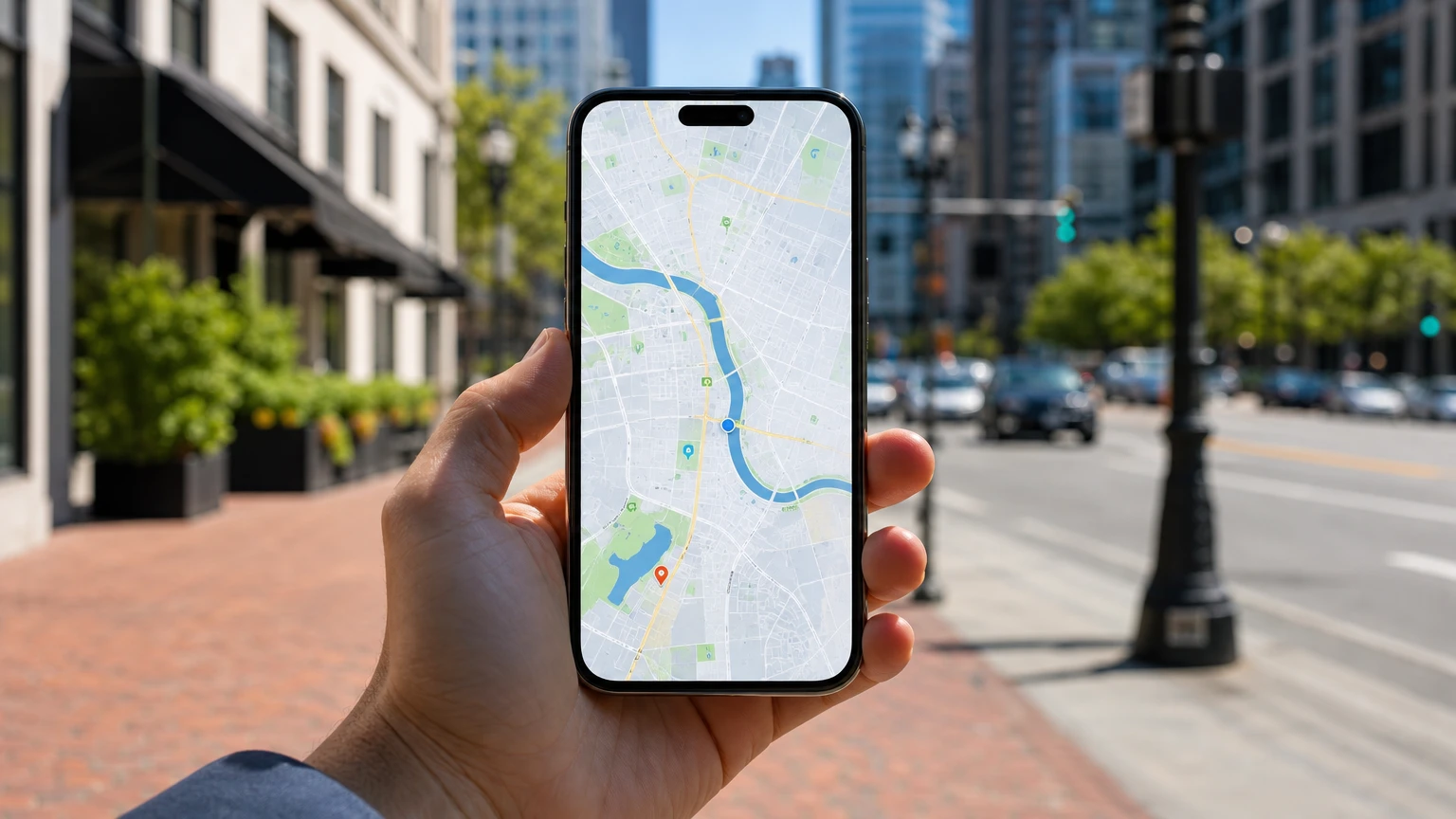
What the recipient sees: a fictional scan, a map lock and then an explicit reveal.
The builder creates the shareable experience. It never asks for the recipient's real location.
Search for an address or click on the map
The joke looks dramatic, but the data flow stays simple and transparent.
Search an address or place a marker anywhere on the map. This is the point used by the animation.
Select a reveal image, add a short message and decide whether the friend enters a number before the animation.
Send it through a normal chat. The sequence ends by stating that no phone was tracked and the location was made up.
This tool
Plays a fictional browser animation and reveals the joke. It does not change or read device GPS data.
Different method
A person manually shares coordinates for another place. The map pin is real, but it does not prove where the sender is.
Real option
Apple Find My, Google Maps and similar tools need account access or explicit permission from the device owner.
Need the technical distinction? Read how to tell if your phone is being tracked. If your own phone is missing, use the official recovery guides for a lost iPhone or Android.
A harmless location prank creates a brief surprise and then makes the truth obvious. It should never make someone fear that they are being stalked or that an emergency is underway.
No. LocateKit plays a fictional tracking animation and then reveals the joke. It does not read the recipient's GPS position or locate a phone from its number.
No. The builder runs in a browser and does not require an account. Pick the fictional location, choose the reveal and copy the generated link.
Yes. Copy the generated URL and paste it into WhatsApp, iMessage, Telegram or another chat that supports web links.
Yes. You can choose a fictional point on the map, select a reveal image, add a short message and decide how the animation starts.
Do not use it during an emergency, to threaten someone, to impersonate authorities or to make a person fear for their safety. Keep it between friends who will understand the reveal.