Buying guide
Bluetooth Trackers: AirTag, Tile, SmartTag, Chipolo
Reviews and comparisons of the coin-sized Bluetooth trackers riding on Find My and Find My Device. What works, what does not, what each costs.
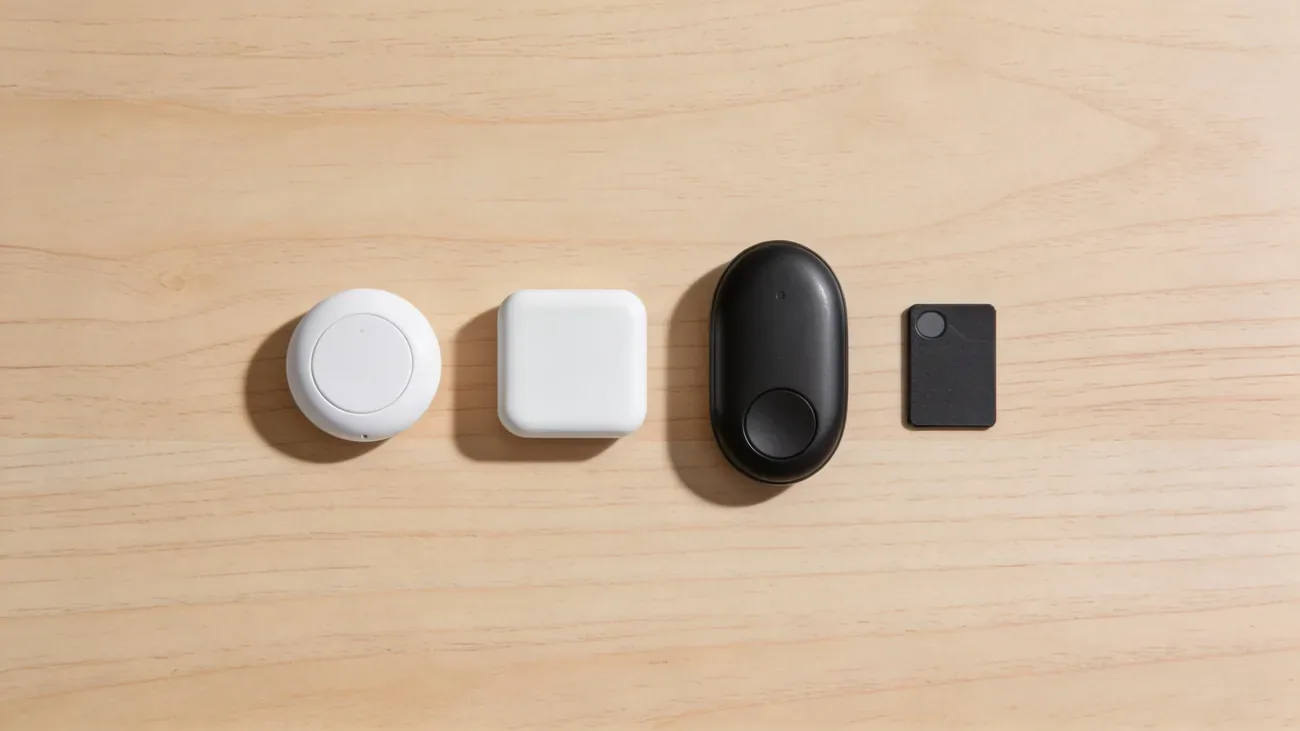
A Bluetooth tracker is a coin-sized disc that piggybacks on a finding network. Apple AirTag uses the Find My network, more than a billion iPhones strong. Samsung SmartTag2 uses SmartThings Find, roughly 300 million Galaxy devices. Tile runs its own network of 40 million users. Chipolo ONE Spot plugs into both Apple’s Find My and Google’s Find My Device, depending on the model. Pebblebee does the same.
That single sentence is most of what matters. The right pick depends on which phone is in your pocket, not on the specs of the tracker itself.
This category covers two distinct uses: finding the things you own (keys, luggage, the car in the parking lot, the dog) and detecting the trackers you do not own (the unknown AirTag in your bag, a tracker dropped into a coat pocket at a coffee shop). Both live here because the hardware is the same; only the intent changes.
The comparison that drives most purchase decisions is in AirTag vs Tile vs SmartTag vs Chipolo. The short version: on iPhone, buy AirTag. On Galaxy, buy SmartTag2. On any other Android, buy Chipolo ONE Point. Pebblebee is a near-tie with Chipolo. Tile is the legacy pick that still has the broadest cross-platform support but is losing the network-density race.
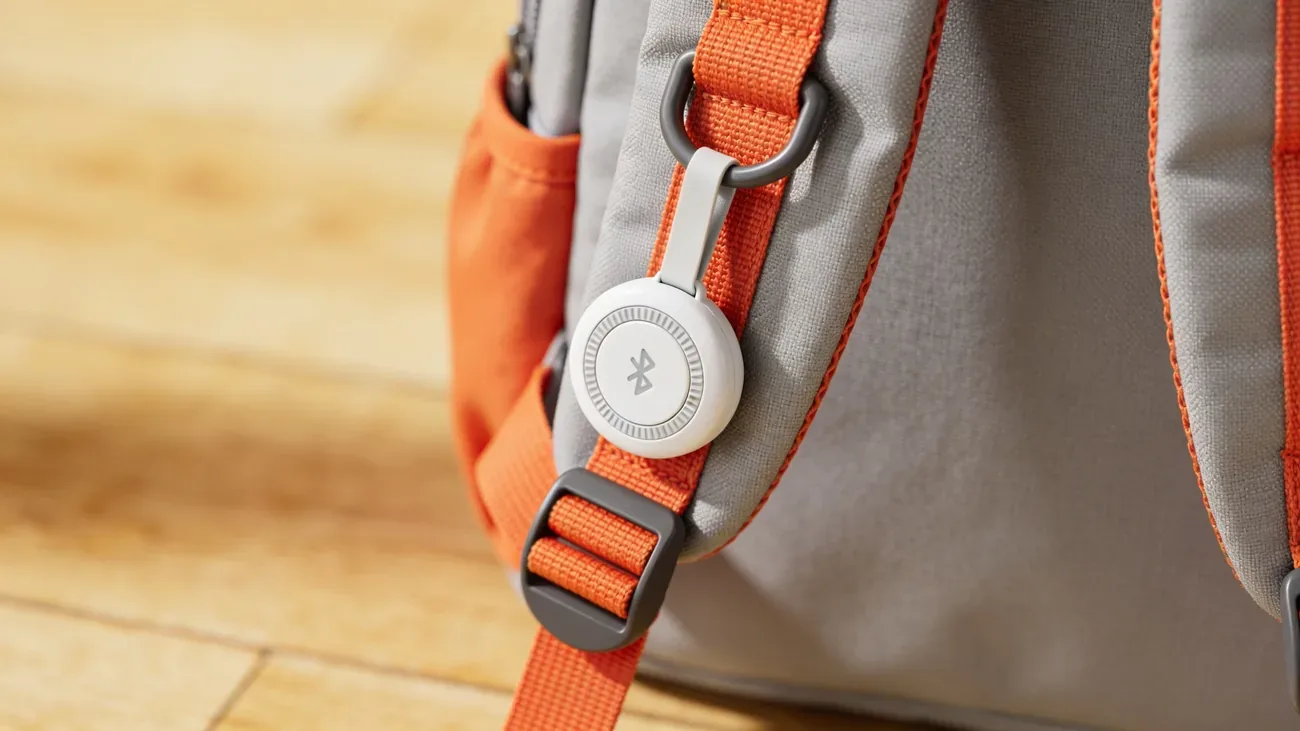
Once a tracker is in hand, the question becomes what to tag. The honest answers are luggage, keys, a backpack, a wallet, and a bike. The honest non-answers are people, pets that roam more than 100 meters from the network, and anything that needs real-time tracking. AirTag for tracking people is a hard read on why Apple, Tile, and Samsung all build their trackers around safety alerts that fire when a tag follows someone for hours. It is the opposite of what the marketing implies.
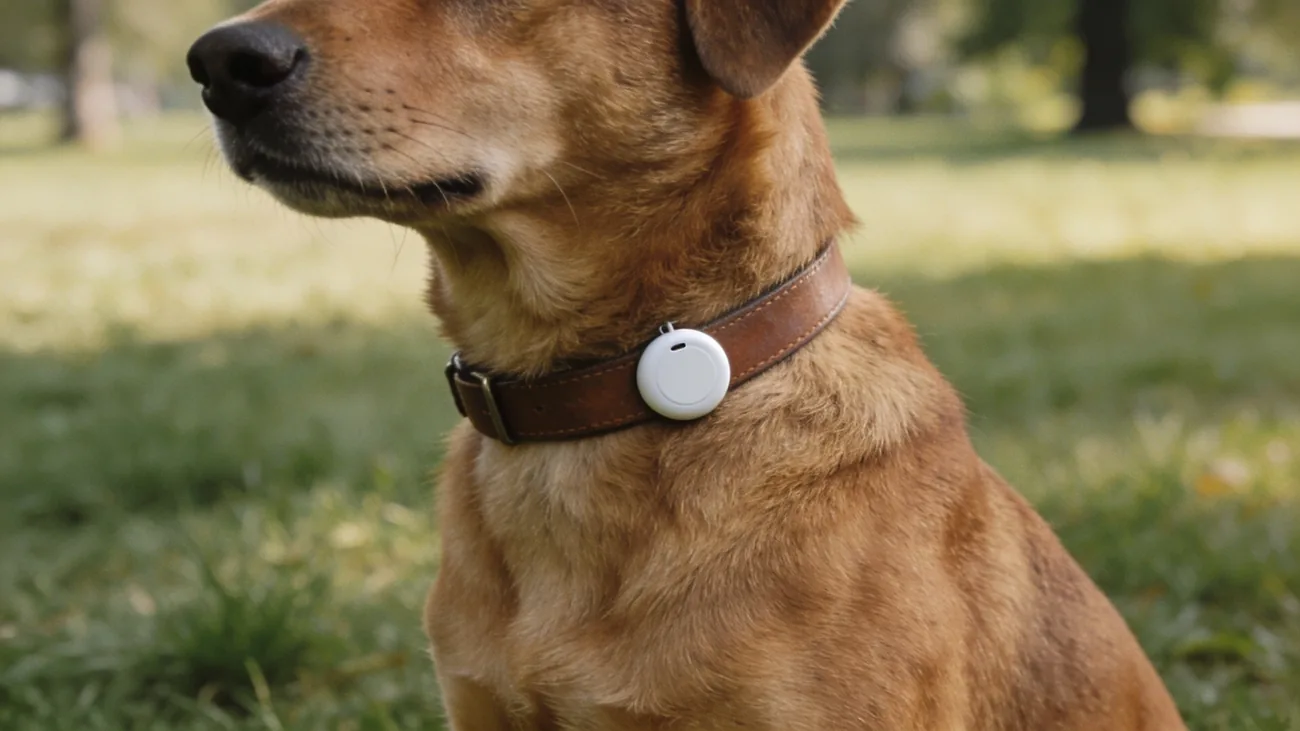
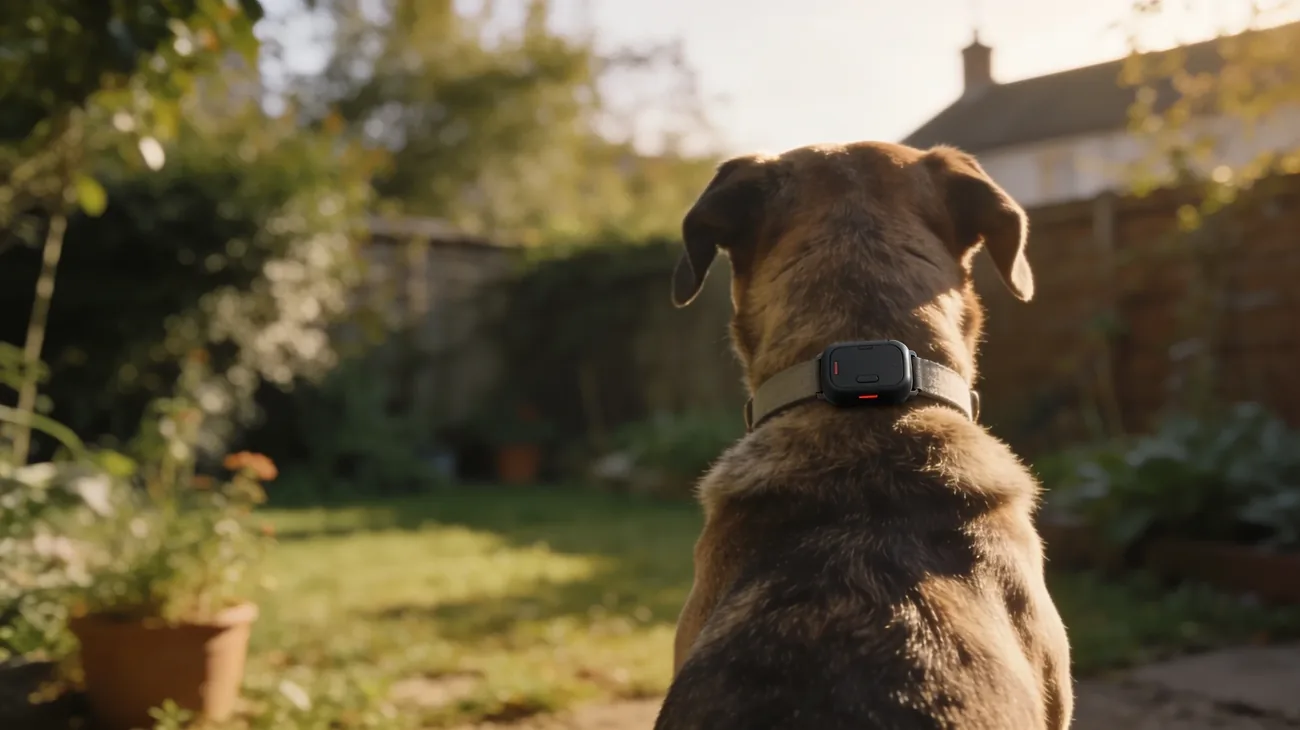
Pets are the most asked-about edge case. AirTag on a dog collar works for the dog that gets out of the yard but does not work for the dog that wanders three streets over into a dense suburb with few iPhones. AirTag on a dog collar: works for these dogs, fails for those draws the line based on neighborhood density and dog behavior, not on marketing copy.
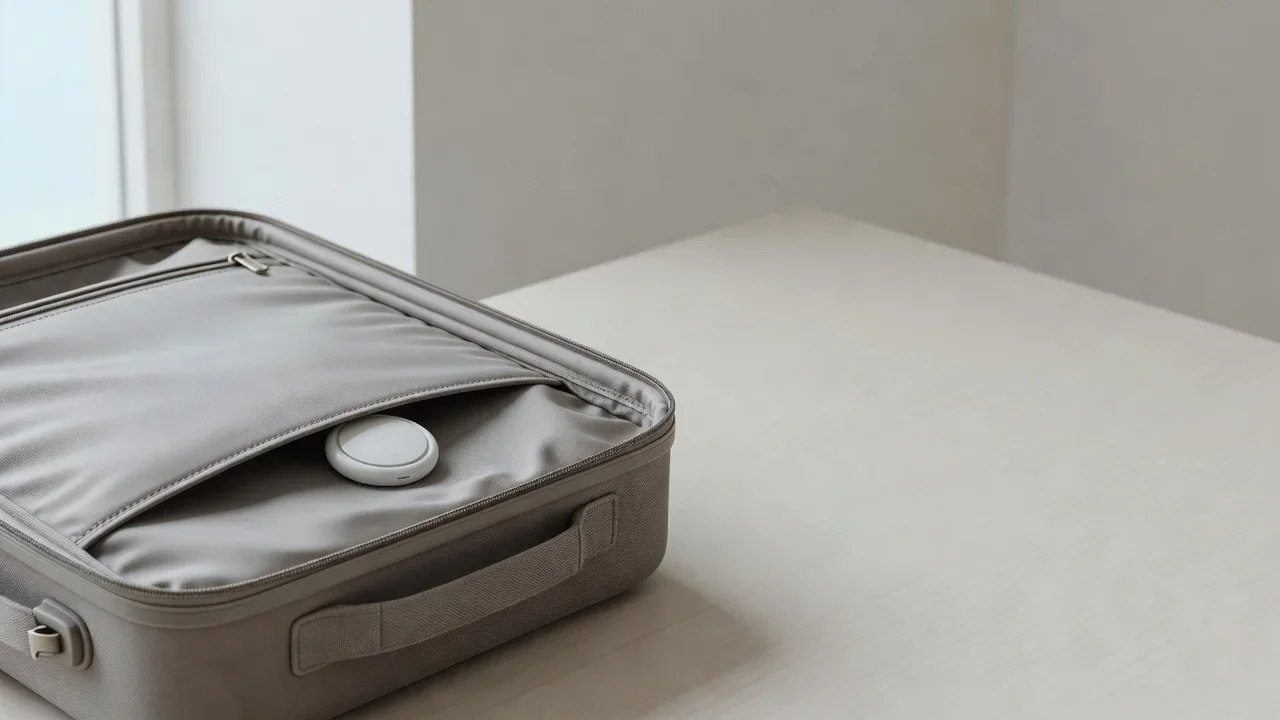
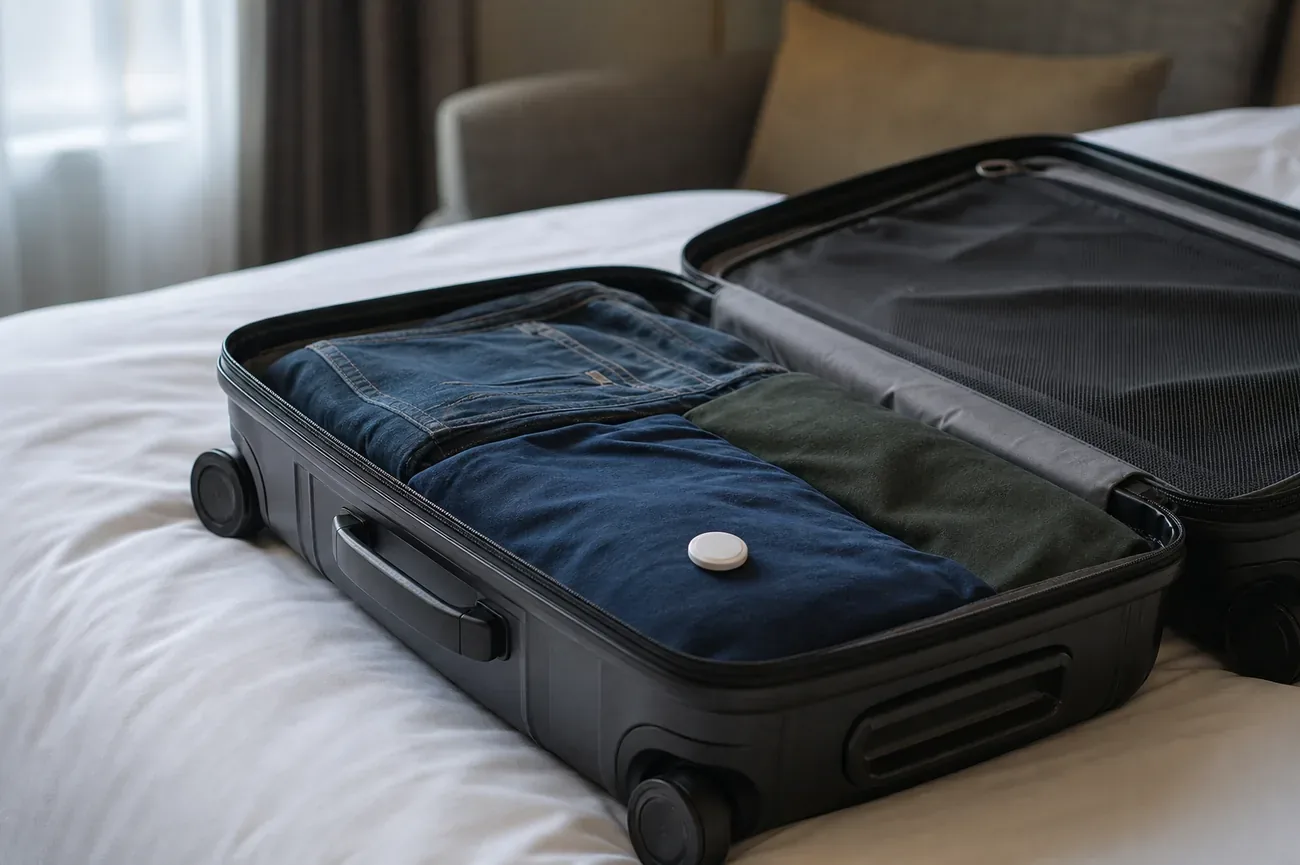
Travel is the other clean use case. AirTag in checked luggage is allowed on every major airline. Some early reports claimed otherwise; the FAA, IATA, and every major US carrier issued guidance in 2023 confirming the tag is safe to fly. AirTag in checked luggage: airline-by-airline rules covers Delta, United, American, Lufthansa, Air France, and 20 others including the carry-on rules for international routes.
The dark side of the category is unwanted tracking. If a stranger drops an AirTag into a coat pocket or under a car bumper, both iOS and Android now show an alert within a few hours. Unknown AirTag alert: what it really means translates the cryptic system message into the right actions, and I found a tracker on me, the first 30 minutes is the step-by-step for the immediate response. Stalking via tracker is now a felony in most US states under updated 2024-2026 stalking statutes; the legal piece is covered there.
Below is every guide in this category, grouped by what you are trying to do.
Start here
AirTag vs Tile vs SmartTag vs Chipolo: Which Is Best?AirTag, Tile, SmartTag2, or Chipolo? Compare finder networks, Precision Finding, batteries, and prices, then match the right tracker to your phone.
Which tracker should you buy
The comparisons that matter, from the big four-way test to single-ecosystem picks.
- AirTag Review: Best Uses, Limits, and What Changed in 2026
The 2026 AirTag is easier to find and louder. See where it excels, where it fails, and whether an iPhone owner should still buy one.
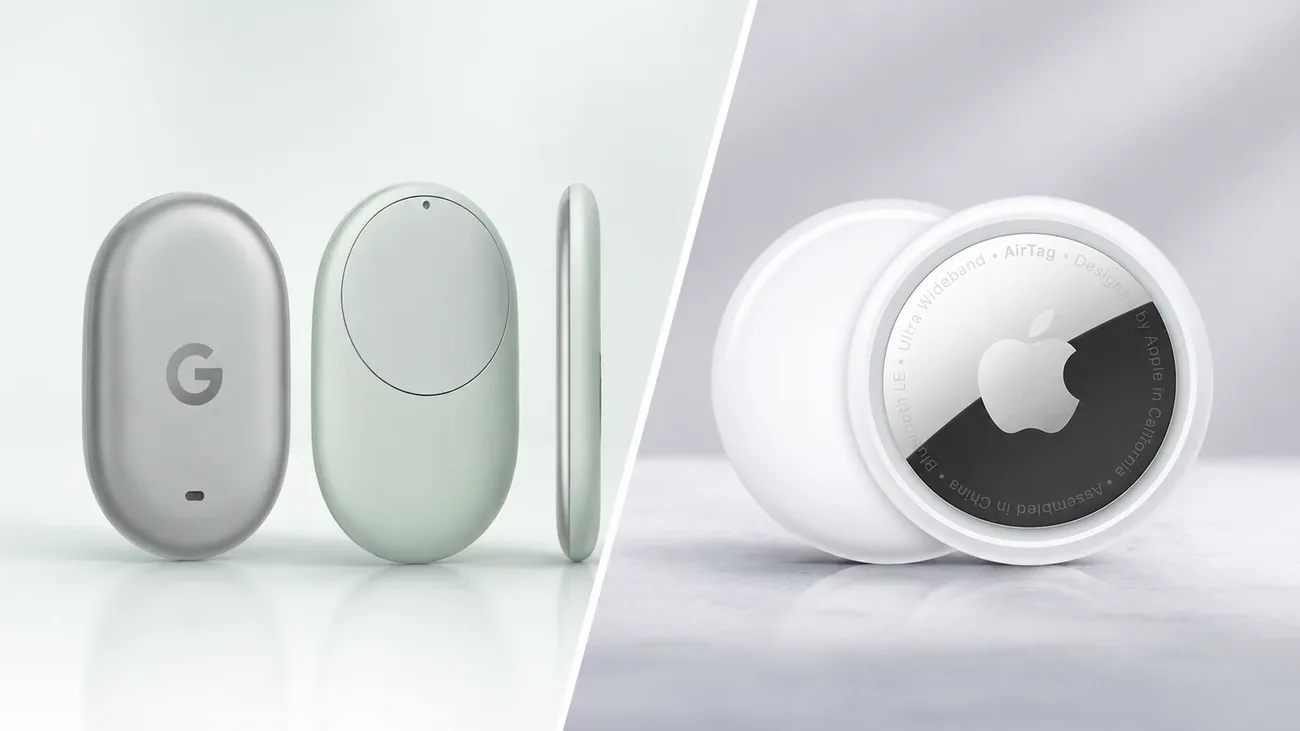
- AirTag vs Pixel Tag: Same $29 Price, Different Phone
Both cost $29, but AirTag needs an iPhone and Pixel Tag needs Android. Compare Find My vs Find Hub, precision finding, sharing and the November launch.
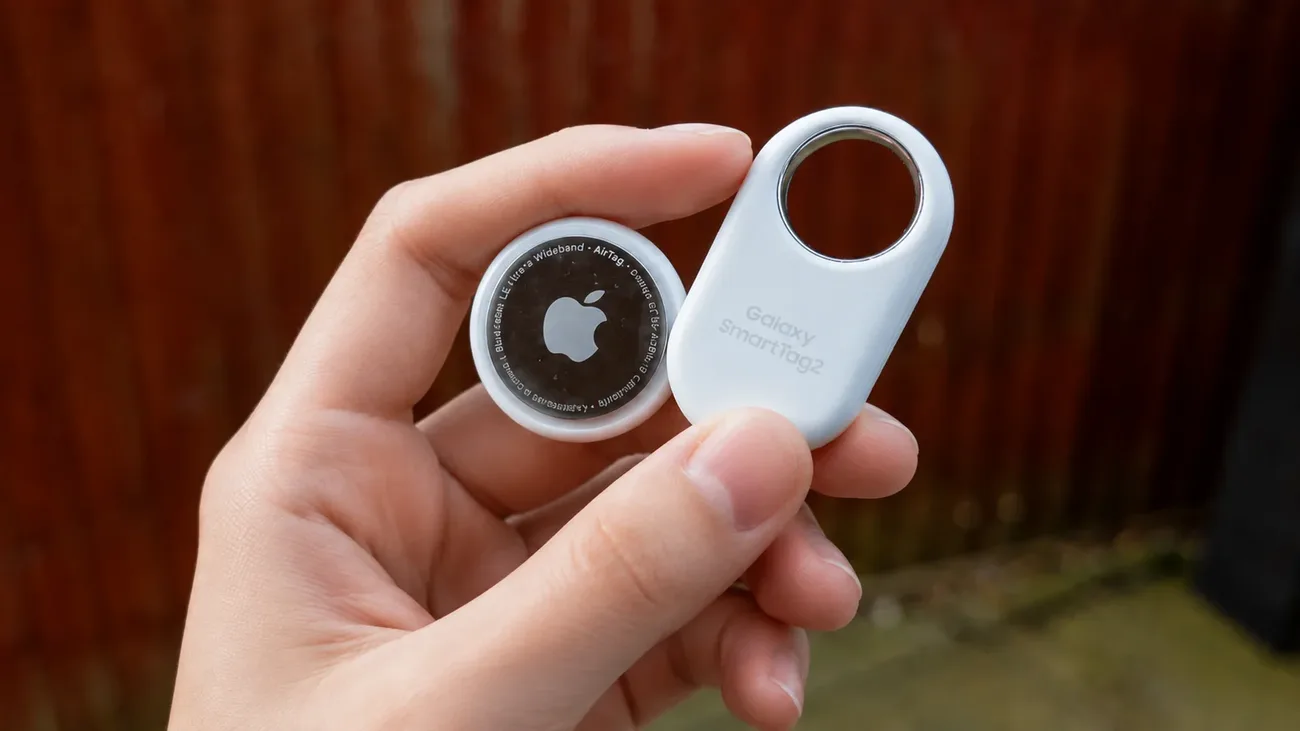
- AirTag vs Samsung SmartTag2: Pick by Phone, Not by Specs
AirTag needs an iPhone, SmartTag2 needs a Galaxy. Compare networks, UWB finding, battery ratings, design and price to pick the tracker your phone can own.
- AirTag vs Tile vs SmartTag vs Chipolo: Which Is Best?
AirTag, Tile, SmartTag2, or Chipolo? Compare finder networks, Precision Finding, batteries, and prices, then match the right tracker to your phone.
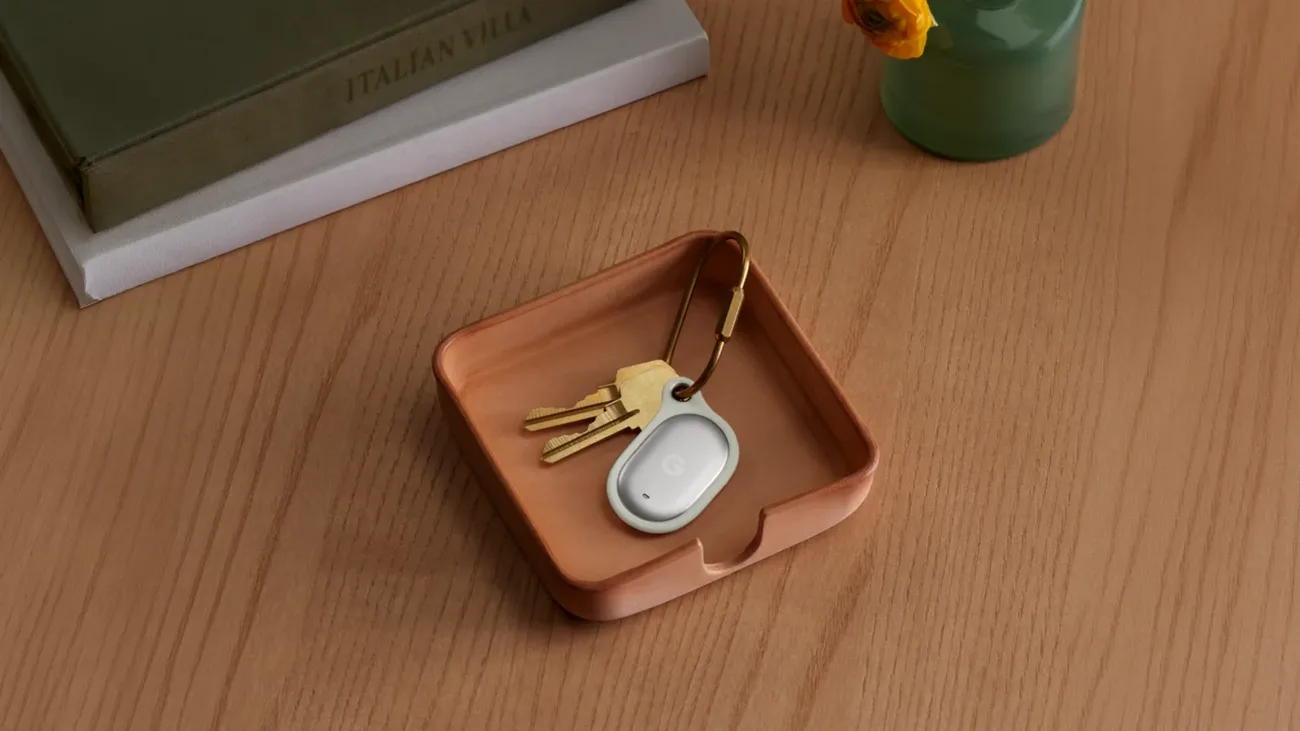
- Google Pixel Tag Preview: Price, Specs, and Who Should Wait
Google's first tracker goes on sale November 11 at $29. What Pixel Tag does with Find Hub, UWB and Channel Sounding, and which Android phones fit.
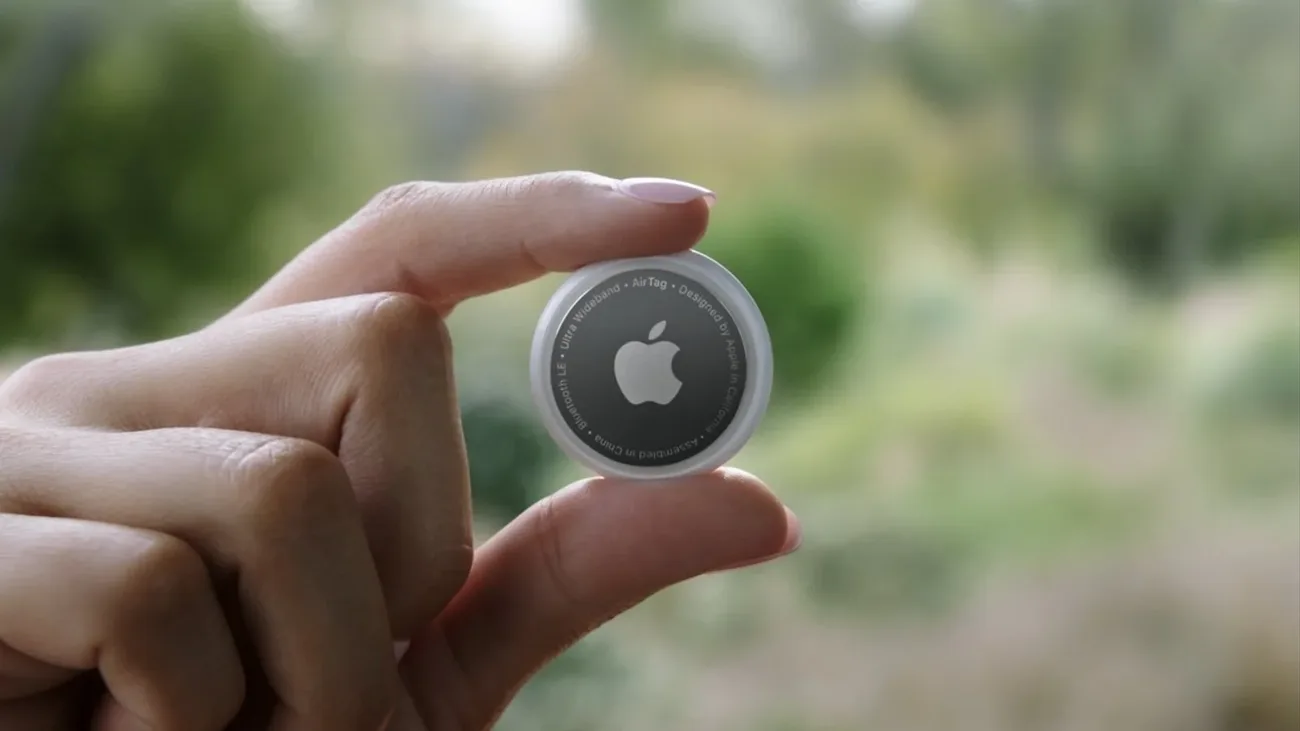
Pets and animals
Where Bluetooth trackers work on collars, where they fail, and when only GPS will do.
- AirTag vs GPS Dog Tracker: Which Finds a Lost Dog?
AirTag costs $29 once, GPS trackers add a subscription. Which one actually finds a lost dog depends on where your dog escapes and how far they run.
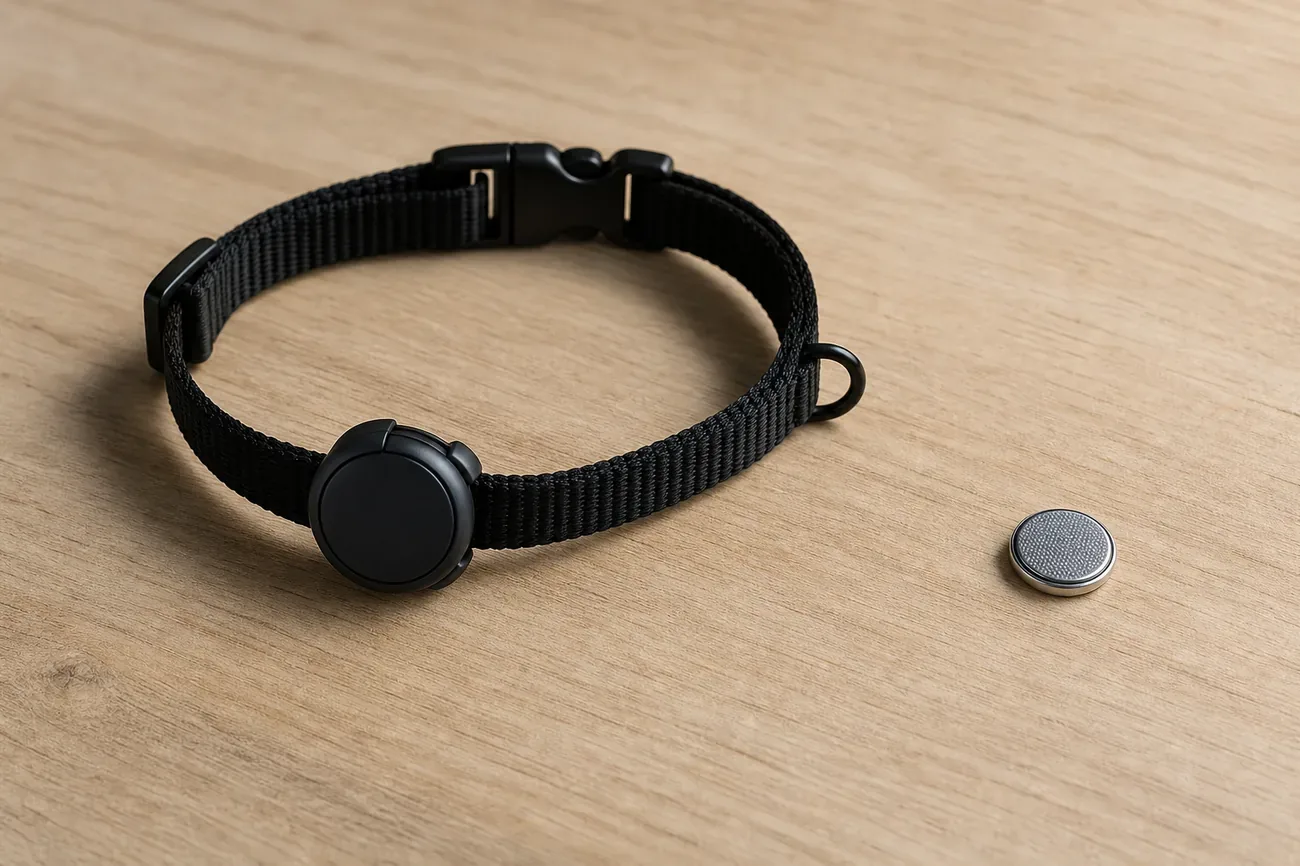
- Best Bluetooth Tracker for a Cat Collar: 3 Picks That Beat AirTag
AirTag is heavy and loud for a cat. Three lighter Bluetooth and RF trackers that fit a breakaway collar better, plus when only GPS will do.
- Can You Put an AirTag on a Dog Collar? The Honest Answer
AirTag has no GPS and Apple says it is not for pets. How it behaves on a dog collar, the swallow and water risks, and when a GPS tracker is the right call.
- Dog Microchip vs GPS Tracker: Why a Chip Can't Find Your Dog
A microchip has no battery and no GPS. It only works after someone scans your dog. Here's what actually finds a lost dog, and when you need both.

Travel, luggage and recovery
Airline rules, lost-bag scripts, and getting stolen gear back.
- Airline Lost Your Bag? Share Your AirTag Location to Get It Back
Airlines now accept Apple Share Item Location links for delayed bags. How to send yours, what to do if the agent ignores it, and your DOT and EU compensation rights.
- AirTag in Checked Luggage: Airline Rules That Actually Apply
AirTags are allowed in checked bags under TSA, FAA and ICAO rules, and no major airline bans them. How the tag behaves in the hold and how to use its location in a claim.
- Stolen Bike With an AirTag: How EU Recovery Really Works
An AirTag hidden on your bike can give police an address they can act on, even across EU borders. Hiding spots, the first-hour checklist, and how reports move.


People, safety and alerts
The hard limits: tracking people, unwanted-tracking alerts, and the law.
- AirTag for Tracking People: What Works, What Fails, and the Law
Can an AirTag track a kid or a parent with dementia? How the Find My relay works, where alerts break legit setups, and the consent law in the US, UK, and EU.
- Unknown AirTag Alert: What It Means and What to Do
Your iPhone says an unknown AirTag is moving with you. Learn what triggers the alert, how to find the tag, disable it safely, and when to call police.